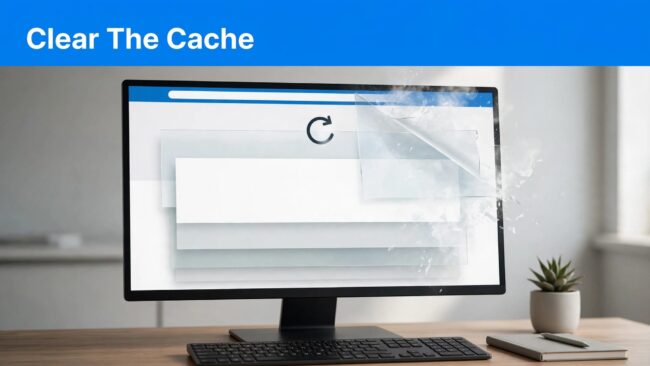

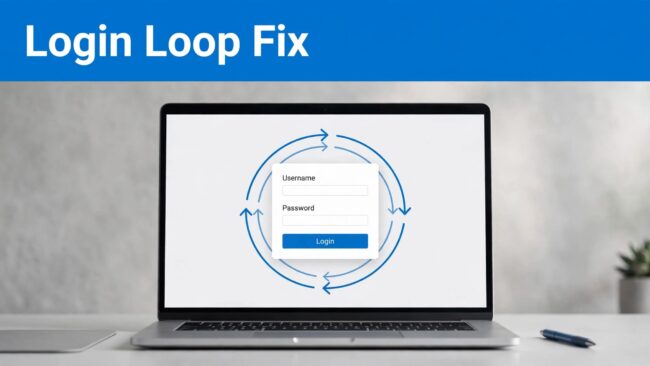
A laptop login screen is surrounded by a circular arrow beneath a blue headline.

WordPress Login Redirect Loops: Causes and Fixes

A WordPress login redirect loop usually means your browser and website disagree about the login address, cookie, or HTTPS connection. I recommend testing a private browser window first, then identifying the repeating URL before changing files. Your public website may still work while /wp-admin/ remains inaccessible. Before editing anything, back up your files and database,…
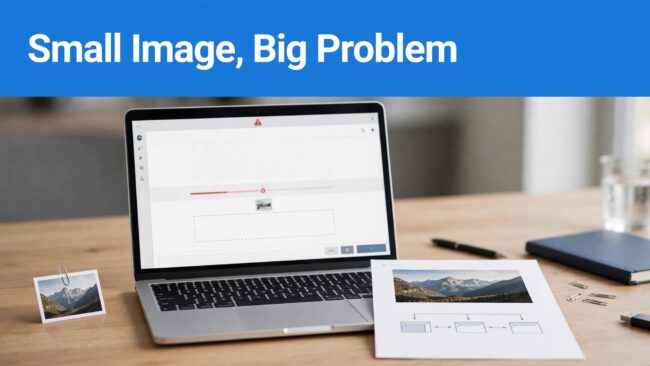
WordPress image upload failed

Why Small WordPress Images Fail to Upload

A “WordPress image upload failed” error can happen because your server can’t process the image, even when its file size looks small. Compressed kilobytes don’t reveal the memory needed to decode a photograph and generate thumbnails. I start with the exact error message, then separate transfer failures from processing failures. That keeps you from changing…

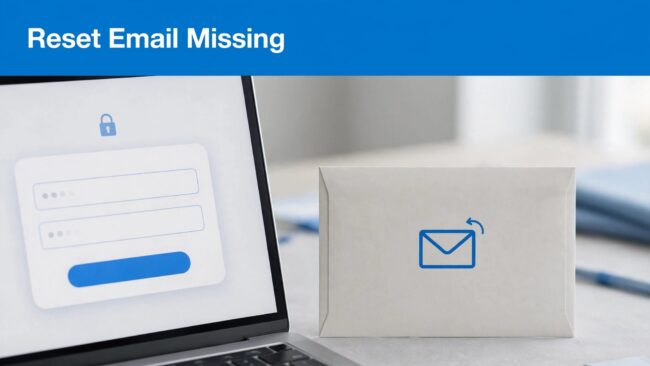
WordPress password reset email

Why WordPress Password Reset Emails Never Arrive

A missing WordPress password reset email usually means the message went to the wrong address, failed during sending, or hit a mailbox filter. I recommend separating account recovery from email troubleshooting so you can regain access without waiting for delivery. For a business website, the same sending problem may also affect customer inquiries and order…

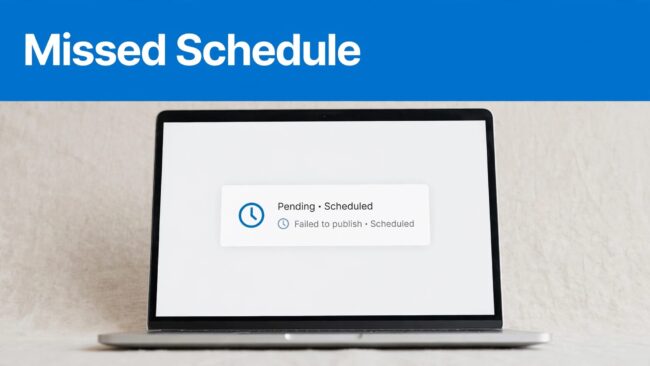
A laptop shows a pending post beside a clock icon under a blue banner.

WordPress Missed Schedule: Causes and Fixes

A WordPress missed schedule error leaves scheduled posts unpublished after their scheduled time, usually because WP-Cron didn’t run successfully. WordPress displays Missed Schedule, but doesn’t send a built-in notification. If a missed schedule affects urgent content, publish it manually, then diagnose the scheduling failure. Start with the trigger and timezone before installing a recovery plugin.…

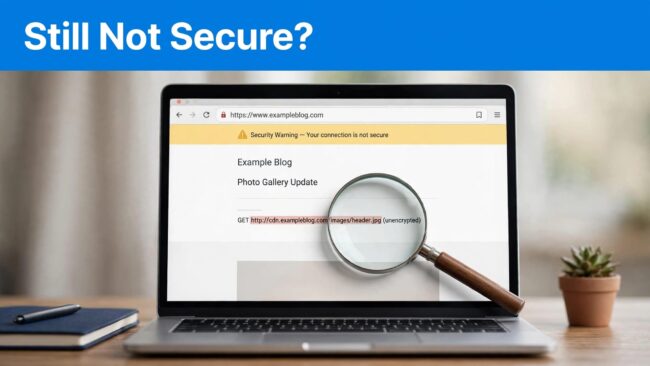
A laptop displays a security warning and a magnifying glass over an insecure image request.

WordPress SSL Installed but Still “Not Secure”? Fix It

A WordPress site can still show a security warning after SSL installation because some requests remain unencrypted. Other causes include incorrect redirects, TLS configuration errors, or cached pages. I recommend identifying the warning before changing settings. A valid TLS configuration protects the connection, but it doesn’t automatically repair every insecure resource inside your website. Start…

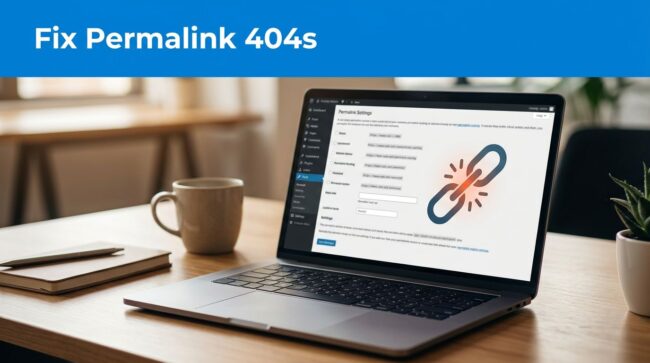
A laptop showing a website sits beside a broken-link symbol and settings panel.

WordPress Permalinks: Fix Pages Returning 404 Errors

WordPress permalinks can return 404 errors when rewrite rules no longer match a page address or an address changes without a redirect. My first recommendation is to save the existing routing configuration without selecting a different structure, then test an affected page. A broken service page can interrupt inquiries even while your homepage works normally.…

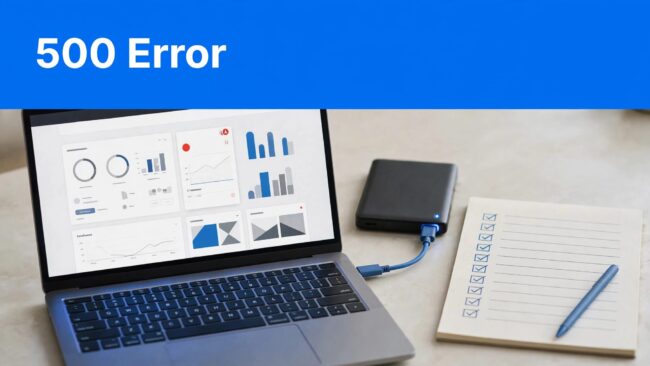
Laptop with a red server error indicator beside a backup drive and checklist, under a blue 500 Error banner.

WordPress 500 Error: Causes and Safe Fixes

A 500 internal server error means the server couldn’t complete a request, but the message doesn’t identify the cause. Start with logs, a backup, and one reversible change at a time. If your website handles orders or bookings, a rushed database restore can cause more damage than the outage. Protect current records first, then follow…

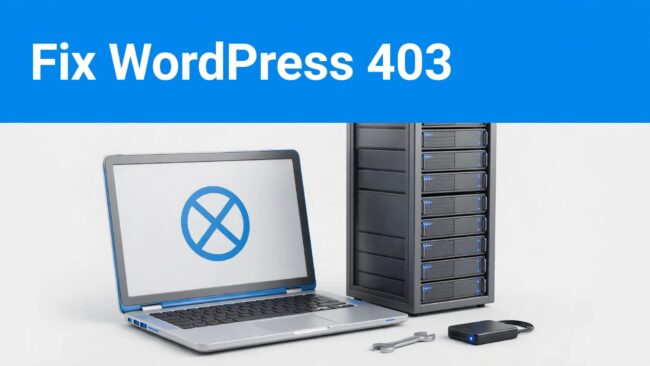
A laptop showing an access-denied symbol beside a server rack, wrench, and backup drive.

WordPress 403 Error: Causes and Safe Fixes

A WordPress 403 error means a server or access control refused your request. Common causes include security rules, incorrect file permissions, and plugin restrictions, so the safest fix starts with identifying what was blocked. I recommend one reversible change at a time, with a site backup before editing files. First, separate a site-wide outage from…

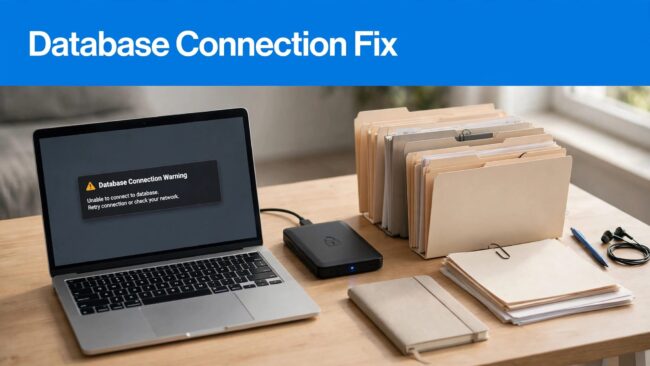
A laptop shows a database warning beside a backup drive and organized files.

WordPress Database Connection Error: Safe Fixes

An error establishing a database connection usually means incorrect settings in wp-config.php or an unavailable server. I recommend checking those two causes before repairing tables or disabling plugins. Because your database holds orders, inquiries, and website settings, troubleshooting should protect business data first. A current recovery copy can restore service quickly, but an unnecessary rollback…