

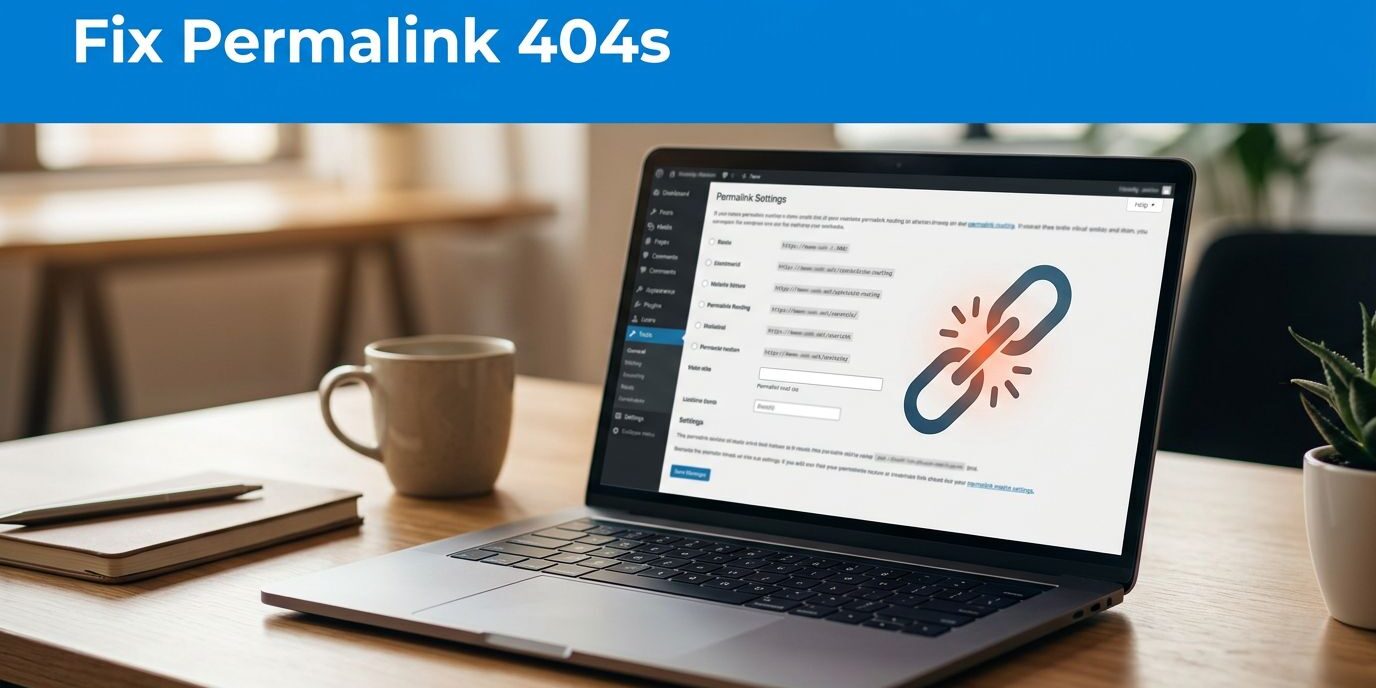
WordPress permalinks can return 404 errors when rewrite rules no longer match a page address or an address changes without a redirect. My first recommendation is to save the existing routing configuration without selecting a different structure, then test an affected page.
A broken service page can interrupt inquiries even while your homepage works normally. However, changing every address to fix one error creates unnecessary risk. Start by separating a routing problem from a page that has genuinely moved or disappeared.
Key Takeaways
- Saving your existing permalink settings refreshes routing rules without changing your chosen address structure.
- Post name is a sensible choice for most business blogs, but working addresses shouldn’t change solely for cosmetic SEO improvements.
- Permanently moved pages need direct 301 redirects to relevant replacements, followed by testing the old addresses and customer-facing pages.
Understand What WordPress Permalinks Control
Plain URLs and descriptive addresses
A permalink is the URL of a WordPress blog post or page. The Plain format identifies content through a query parameter, such as ?p=811, where 811 is the post ID. Check which structure your site currently uses instead of assuming it still has the default permalink.
A descriptive address includes a readable slug, such as /big-blue-airplanes/. That wording helps visitors and search engines understand the page’s subject before they open it.
Plain URLs aren’t automatically unindexable or incapable of ranking. I prefer descriptive addresses because they’re easier to interpret, share, and maintain.
Post structures differ from page addresses
The selected structure controls blog post URLs. Ordinary WordPress Pages generally use their own slugs and, when applicable, parent-page paths.
Therefore, selecting a dated structure for blog posts doesn’t automatically add dates to your About or Contact page.
Both posts and pages can still depend on functioning rewrite rules. Those rules translate a readable address into the WordPress content request behind it.
Choose a Suitable Permalink Structure
For most business blogs, I’d narrow the decision to Post name or a dated structure. WordPress labels the dated option Day and name, although some tutorials call it “day and time.”
These are the main choices you’ll encounter.
| Setting | URL pattern | Practical fit |
|---|---|---|
| Plain | /?p=811 | ID-based addressing |
| Day and name | /2026/11/01/post-title/ | News and date-sensitive publishing |
| Month and name | /2026/11/post-title/ | Month-based archives |
| Numeric | /archives/811 | Number-based addressing |
| Post name | /post-title/ | Most business blogs |
| Custom Structure | Selected structure tags | Established site-specific requirements |
Post name is my strongest general-purpose recommendation for a business blog. It keeps the address concise and lets the topic or keyword appear without preceding date directories.
Keyword proximity to the domain isn’t a guaranteed ranking advantage. Clear wording and a stable address matter more than removing a directory just to move a keyword forward.
Day and name suits a news site whose readers need publication dates in addresses. For an established site, preserving a working structure can be safer than changing it for a small readability benefit.
Change WordPress Permalink Settings Safely
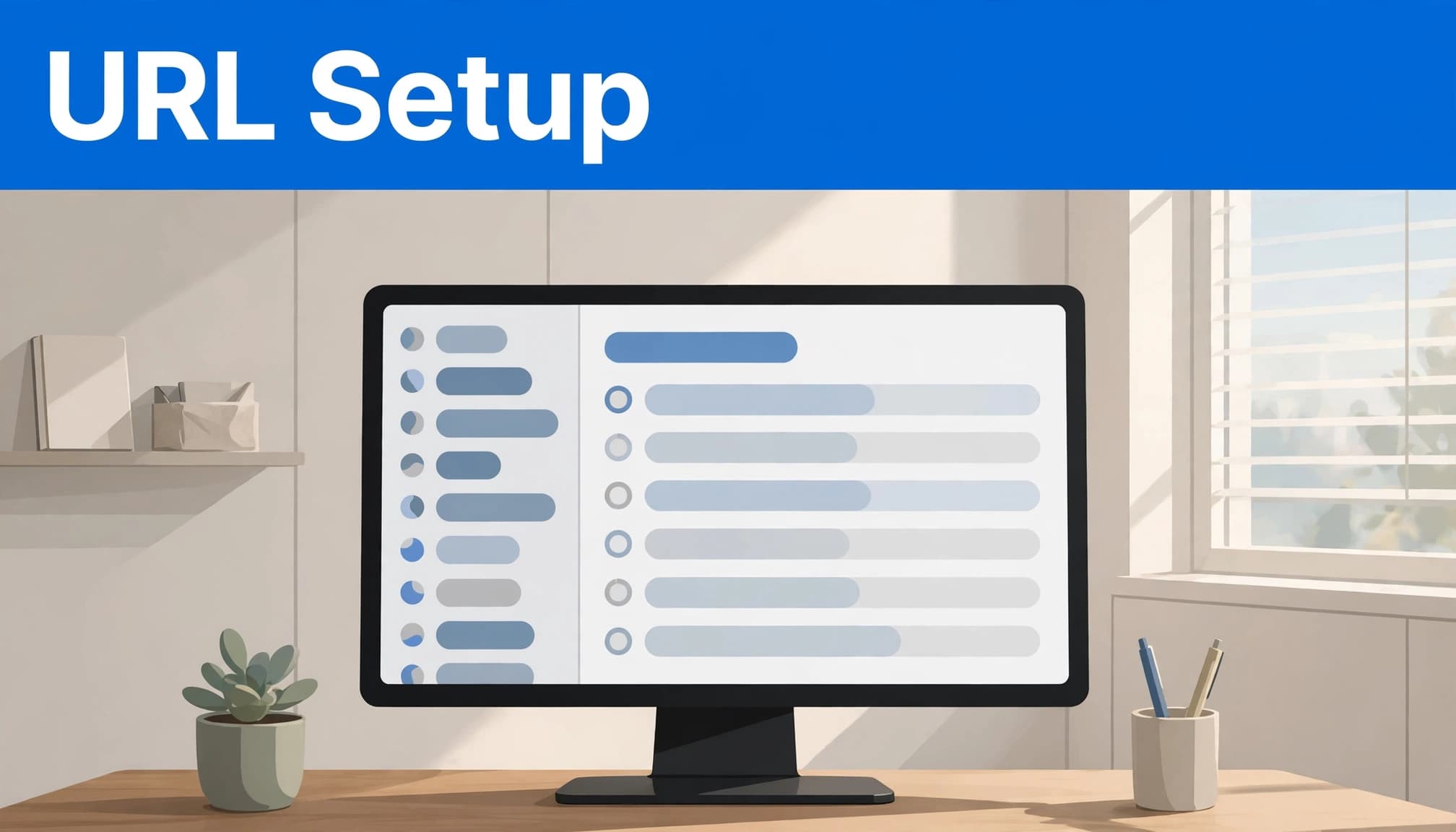
Before changing the structure, take a current backup and record important existing addresses. Include service pages, articles with backlinks, and landing pages used in advertising or printed materials.
Follow this sequence:
- Sign in to the WordPress dashboard with an administrator account.
- Hover over Settings in the left-hand menu, then click Permalinks.
- Record the selected structure before making any changes.
- For troubleshooting, leave that selection unchanged. For a planned address change, choose the intended structure.
- Click Save Changes, then open a published article from the public website.
For the supplied article example, switching from Plain to Post name changes /?p=811 into an address such as /big-blue-airplanes/.
After you save changes, the new structure applies, but that doesn’t prove every previous address still reaches its content. Test old links separately.
If you’re only repairing a sudden 404, I recommend refreshing WordPress permalink settings before considering a sitewide address change. This refresh can resolve stale rules while preserving the addresses customers already use.
Handle Category Archives and Store URLs Separately
Optional category and tag bases
The Optional area includes Category base and Tag base fields. A category base is the directory prefix before a category slug.
WordPress uses the category slug, not its numeric ID, in the archive path. This shared prefix appears on category pages, so don’t enter an individual category name in the field.
I generally leave these fields blank unless the site needs a deliberate archive naming convention. Blank fields retain WordPress defaults, including /category/ for category archives; they don’t remove that directory.
Avoid adding a generic prefix solely for SEO. It adds length without necessarily helping readers understand the archive.
E-commerce plugins have additional controls
Store plugins can introduce separate product permalink patterns and directories. Those routes may differ from a blog article’s structure.
An e-commerce store may have product and product-category routes separate from its blog routes. A working blog doesn’t prove those routes or checkout paths work correctly.
Treat e-commerce address changes as a separate task, and test purchasing functions afterward. For e-commerce sites, check the checkout path as well as product pages.
I’d avoid changing established store directories just to make every address resemble a blog article.
Diagnose Why Pages Still Return 404 Errors
Distinguish a broken route from missing content
A 404 means the requested address wasn’t found. First, open the homepage, an affected internal page, and another published article.
If the homepage works but many internal URLs fail, rewrite configuration is a likely cause. If only one address fails, check whether the page was renamed, moved to Trash, unpublished, or replaced.
Next, open the affected item in the dashboard. Confirm it’s published and use its current public link.
If the current link works but the old link doesn’t, a redirect may be missing. Failures across otherwise published content suggest a broader routing problem.
Respect Apache and Nginx differences
If saving permalinks doesn’t help, the server may not be applying the required rules.
On Apache, .htaccess can contain WordPress routing alongside redirects and security restrictions. Save a copy before editing it. WordPress can regenerate its rules only when the relevant configuration permits writing.
My guidance on preserving existing server rules explains why removing that file carelessly can cause more failures.
Nginx doesn’t read .htaccess, so copying Apache instructions won’t repair an Nginx configuration. Server-level routing needs attention at the correct layer.
For suspected plug-in conflicts, use a staging copy and test likely plugins one at a time. Restore each plugin before testing another.
Re-saving permalinks refreshes routing rules. It doesn’t recreate deleted content or establish every redirect needed after a URL change.
Redirect Old URLs to Their Relevant Replacements
Preserve existing redirects before editing
Before adding or removing rules, export or document the existing redirects. An older address may still receive visits through a brochure, bookmark, backlink, or paid campaign.
For a larger change, keep a spreadsheet recording the source address, intended destination, redirect type, page purpose, and test status.
Use a 301 redirect when a page has moved permanently. A 302 communicates a temporary move and shouldn’t substitute for a permanent migration.
The Redirection plugin offers a dashboard-based approach for individual URLs without editing server files. WP Marmite’s Redirection plugin walkthrough covers managing redirects and reviewing recorded 404 activity.
Remove unnecessary intermediate hops
Suppose /old-services/ redirects to /services/, which then redirects to /home-services/. Update the first rule so /old-services/ reaches /home-services/ directly.
However, retain the /services/ rule if external links or other legitimate sources still depend on it. Removing one chain doesn’t justify deleting every intermediate address.
My approach to fixing WordPress redirect chains prioritizes a direct route to the closest relevant destination.
Avoid sending every missing URL to the homepage. If content has disappeared without a useful replacement, an accurate 404 or 410 response can be appropriate.
Redirects help visitors reach moved content, but they don’t guarantee preservation of every ranking signal.
Test the Fix Across Real Customer Paths
After changing rules, clear relevant site and CDN caches, then test in a private browser window. Repeat the checks on a phone because device-specific rules can behave differently.
For a moved page, the old address should redirect to the intended replacement. The destination should load successfully, normally with an HTTP 200 response. Browser developer tools can show the response codes.
Also test the contact form and any tracked campaign version of the URL. Required URL parameters should survive a redirect, or the page may disrupt your business process.
Next, update internal links, navigation, canonical tags, and XML sitemap entries to use the final address directly.
Don’t judge success only by the page’s appearance. A missing-page message can return HTTP 200, which may create a soft 404 error.
Finally, review Google Search Console’s indexing reports after recrawling to identify remaining affected URLs.
Frequently Asked Questions
How can you find a published article’s current address?
Open the published article using View Post from the dashboard or editor, then copy the address from the browser.
For a published Page, use View Page. This gives you the current public address rather than the dashboard editing address.
If you need to inspect redirects, also record the original address you entered. The browser’s final address may show only the destination.
Will changing the structure improve SEO immediately?
A clearer structure can improve readability, but changing published addresses in WordPress doesn’t guarantee better rankings. Existing addresses may already have backlinks, search visibility, and customer traffic.
I recommend changing them only when the benefit justifies the redirect work. Preserve relevant content, map old addresses carefully, and keep internal links consistent with the new structure.
Keep Working URLs Stable
The safest repair starts with diagnosis. Refresh existing settings for a routing problem, and use direct permanent redirects when content has moved.
Keep established addresses whenever they still serve your business. A shorter URL isn’t worth broken customer paths.
Acts 17:11 in the Amplified Bible describes the Bereans examining the Scriptures carefully. As you check your site’s routes, pray for patience and discernment before changing a working address.
If routing errors or redirect rules need attention, Contact Us for a free consultation about your website and SEO needs.