

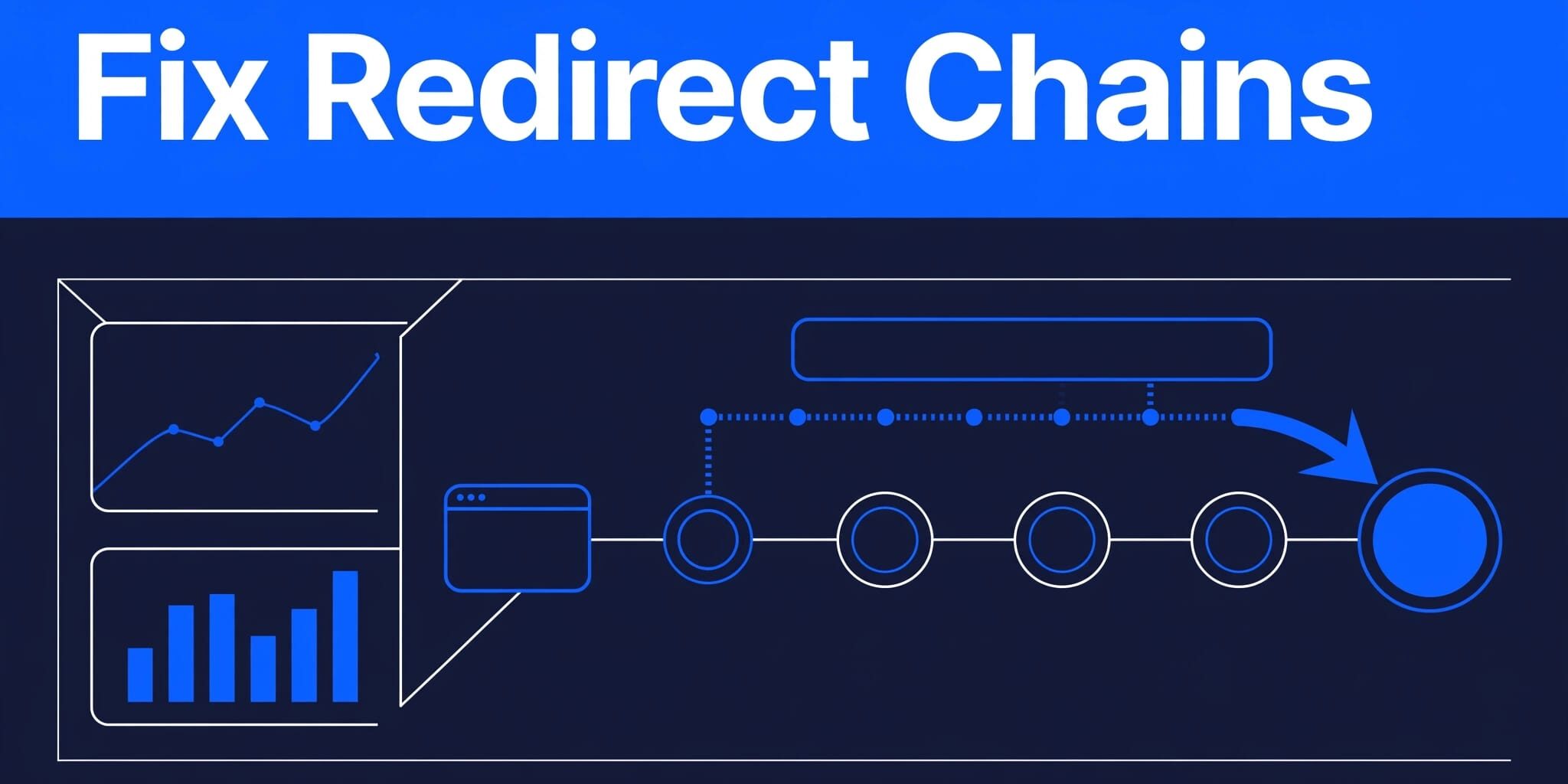
A redirect can work correctly yet still slow your website and make it harder for search engines to process. I often find redirect chains WordPress sites have accumulated after redesigns, plugin changes, HTTPS updates, or migrations.
The practical fix is straightforward: identify the source URL, remove unnecessary hops, and send visitors directly to the final destination. Most have a clear source and a manageable solution.
Key Takeaways
- Redirect chains send visitors through two or more URLs before reaching the intended page.
- Use a 301 redirect for a permanent move and a 302 redirect for a genuinely temporary one.
- Update internal links, XML sitemaps, and canonical tags to point directly to the final URL. Redirection handles common WordPress redirects, while Apache and Nginx rules require server-level care.
- Test desktop and mobile behavior after every change, especially following plugin, CDN, DNS, or hosting updates.
What Redirect Chains in WordPress Look Like
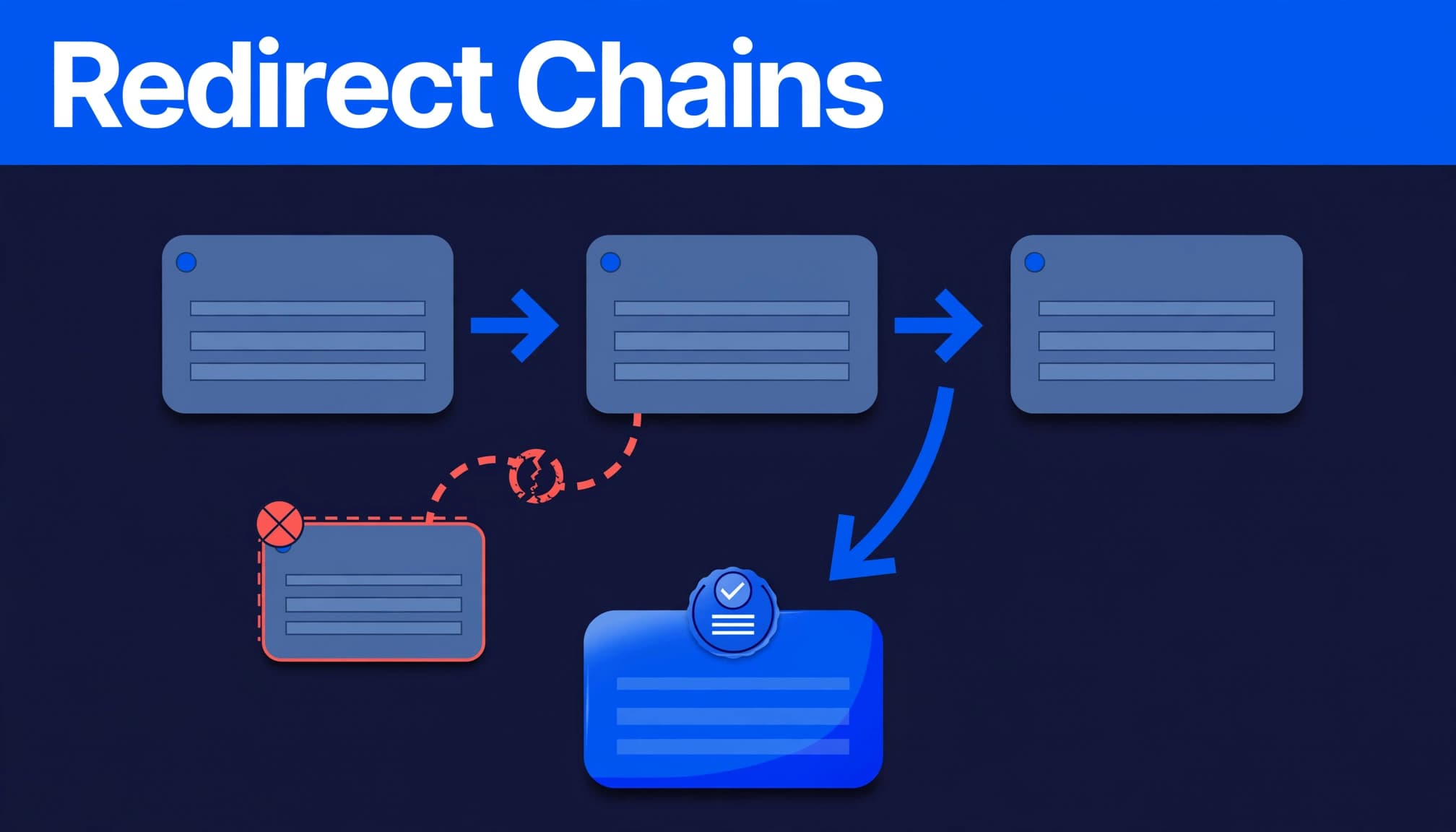
Redirect chains happen when an old URL points to an intermediate address, which then redirects again. For example, http://example.com/old-page/ may redirect to the HTTPS version, then to a www hostname, then to a newer page path.
One redirect can be appropriate. Several consecutive redirects create avoidable work for browsers and crawlers as they follow each request.
Redirect chains and redirect loops are different
A chain has an endpoint. Visitors eventually reach a page that returns a successful response, usually HTTP 200.
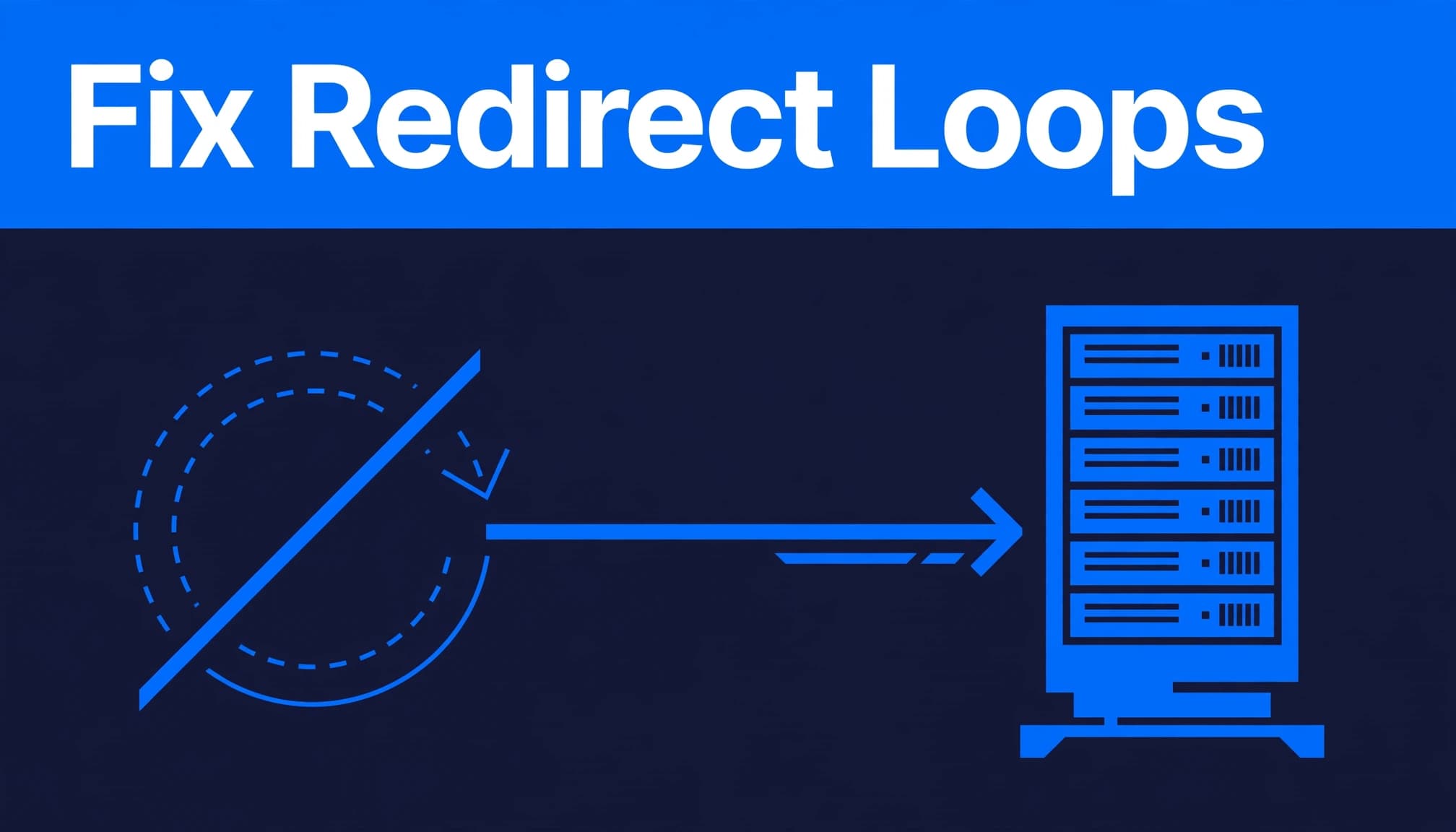
A redirect loop has no successful destination. URL A points to URL B, and URL B sends users back to URL A. Browsers often show an “too many redirects” error message, while customers may never reach your content or contact form.
A direct route is the goal
Each retired URL should point directly to its closest live replacement. If an old plumbing service page now belongs on a revised plumbing service page, create one 301 redirect from the old URL to that destination page.
Redirects should preserve a visitor’s original purpose. Sending every retired page to the homepage hides gaps and often harms the user experience with an irrelevant result.
Why Redirect Chains Affect SEO and Speed
Long chains add HTTP requests before a browser can load the content a visitor requested. On a mobile connection, those extra round trips can increase page loading times and make a site feel noticeably slower.
Google can follow redirects, but Google Search Central advises site owners to keep chains short and point URLs to their final destinations. Its redirect guidance also recommends updating references to moved pages, helping consolidate signals from old URLs and external references, including link equity, without guaranteeing SEO rankings.
Extra hops consume resources
Every redirect requires another URL fetch. On larger sites, this can consume more crawl budget across many old products, location pages, PDFs, or filtered URLs.
Google’s explanation of crawl budget does not set a fixed penalty for a certain number of hops. Still, a clean redirect structure reduces wasted requests and makes important pages easier to discover.
301 and 302 redirects communicate different intent
Use a 301 redirect when the old URL has moved for good. A 301 is a permanent redirect for a redesigned service page, retired product, or domain migration.
A 302 redirect says the move is temporary. It fits a short promotion, maintenance window, or temporary testing situation. I don’t use a 302 as a shortcut for a permanent migration, because the old URL may still be treated as the preferred address.
Internal links, canonical tags, and sitemap entries should all use the same final URL. That consistency is more useful than leaving old paths scattered across the site.
How to Find Redirect Chains Before They Spread
Begin with the pages that matter to your business: service pages, location pages, contact pages, high-traffic blog posts, and URLs with valuable external links. Then check old URLs after any redesign or platform change.
A browser alone can reveal an obvious redirect loop, but it may show an error message without listing every response. To diagnose redirect chains, record the source URL, each intermediate URL, the final target URL, and the response code at every step.
Run a small, focused audit first
I start with a short list rather than changing rules sitewide. This keeps the cause visible and reduces the risk of fixing one issue while creating another.
- Test each old URL with an HTTP status checker or browser developer tools.
- Record whether each hop returns a 301, 302, 307, or another response.
- Confirm the final destination loads as the preferred HTTPS and hostname version.
- Check internal links, menus, page-builder buttons, canonicals, and the XML sitemap for outdated paths. Review retired URLs for a 404 error.
- Retest the exact source URL after the correction.
If plugin behavior seems involved, check the Redirection plugin from the WordPress dashboard before changing rules.
GTmetrix may flag “Remove the following redirect chain if possible” when it detects a sequence of redirects. Treat it as a performance warning that deserves investigation, not proof that the page is broken.
Check Search Console and real visitor paths
In Google Search Console, review indexing reports, crawl issues, and crawl budget signals. Compare unexpected changes in SEO rankings or traffic with analytics, server logs, and customer reports.
Mobile-only redirects deserve extra attention. If phone visitors land on unrelated ads or unfamiliar domains while desktop visitors see the correct page, pause the investigation and check for compromised plugins, unknown administrator accounts, or altered server rules. Suspicious redirects can be a security issue, not only a configuration mistake.
Fix Redirect Chains With the Redirection Plugin
For many WordPress sites, the Redirection plugin provides a practical place to manage redirects and review 404 activity. It can also help correct redirect chains. It’s especially useful when a business owner needs to fix individual URLs without editing server files.
Before changing anything, export or document existing redirects. An old rule may still receive traffic from external links, a printed brochure, a saved bookmark, a paid campaign, or a backlink. Document those sources before editing, especially when they carry link equity.
Replace multiple rules with one direct 301 redirect
Suppose /old-services/ redirects to /services/, and /services/ now redirects to /home-services/. In the WordPress dashboard, open the Redirection plugin and send /old-services/ directly to /home-services/, the destination page.
This 301 redirect bypasses the intermediate address. Update the second rule only if it still serves a legitimate purpose. Don’t remove an intermediate address until you know what else relies on it.
For large migrations, maintain a redirect spreadsheet with the source URL, target URL, final URL, redirect type, page purpose, backlink value, and test status. A careful website migration redirect strategy prevents rushed, blanket rules after launch.
Look for conflicting rules and conditions
Rules in the Redirection plugin can conflict with a server rule, CDN settings, a caching layer, or another plugin’s plugin settings. Conditional redirects based on login status, referrer, country, device, or query parameters can also send users down unexpected routes.
Purge caches after changes, then test in a private browser window. If the redirect behaves differently on mobile, repeat the test on a real phone.
Use a redirect testing tool guide when you need to compare several URLs or verify campaign parameters. Test both the clean page URL and any tracked version used in email or advertising.
Repair Apache and Nginx Redirect Rules
Plugin-based redirects aren’t always the right place to solve hostname, HTTPS, or domain-wide changes. An Apache web server may process its rules before WordPress loads, creating a chain before the plugin runs.
Back up the active configuration, including the htaccess file, before editing it. An incorrect rule can take the site offline or create a loop. Unnecessary server-side hops also increase processing work and server load.
Use .htaccess carefully on Apache
On an Apache web server with overrides enabled, use a 301 redirect only for a permanent move. A basic rule can look like Redirect 301 /old-service/ /new-service/. Apache documents the available syntax in its Redirect directive reference.
More complex pattern matching may require RewriteRule directives. Keep the logic narrow, and avoid separate rules that force HTTPS, then www, then a new page path. Make every HTTP, HTTPS, www, non-www, and path variation resolve directly to the preferred URL.
Nginx uses server configuration files
Nginx doesn’t use .htaccess. Its redirects belong in the relevant server block, often through a direct instruction such as return 301 https://www.example.com$request_uri;.
The official Nginx return directive explains the available response behavior. Ask your host or developer to review the active configuration if you don’t have server access.
Prevent New Chains During Routine Website Changes
Redirect chains WordPress sites develop over time when each update adds a new rule without reviewing the old one. Each extra hop can consume crawl budget, increase page loading times, and eventually hurt SEO rankings. A monthly technical check catches these redirect chains before they affect key pages.
Keep URL changes intentional
Before deleting or renaming a page, decide whether a relevant replacement exists. Map the old page to that page with a direct 301 redirect. If no useful replacement exists, a genuine 404 error or 410 response can be more accurate than a homepage redirect.
After a redesign or site migration, test service pages, PDFs, images, contact forms, login paths, paid campaign landing pages, and external links. Also confirm production canonicals, robots directives, and sitemap URLs before reopening the site to crawlers.
Review plugins, caching, and access controls
Plugin updates can change redirect behavior through plugin settings, especially with security, multilingual, caching, image optimization, or ecommerce features. Review WordPress plugin update risks before postponing updates to optimization plugins for months.
I also recommend reviewing redirect behavior after changes to your CDN, SSL certificate, domain, or hosting, including CDN settings. Regular website maintenance and hosting support gives businesses a repeatable process for monitoring changes instead of discovering errors through lost leads.
Frequently Asked Questions
How many redirects will Google follow?
Googlebot can follow redirect chains, but Google doesn’t publish a dependable maximum for every situation. Don’t treat a certain hop count as safe. One direct 301 redirect is the cleanest setup when a page has permanently moved.
Why does GTmetrix report a redirect chain?
GTmetrix identifies multiple sequential redirects before a page loads. A common example is HTTP redirecting to HTTPS, then a non-www domain redirecting to www, followed by an old page path redirecting to a new page. Correct the rules so the first request reaches the final canonical page in one hop.
How can I tell which plugin caused a redirect?
First, reproduce the issue on a staging copy if possible. Clear all caching, then deactivate likely redirect-related plugins one at a time and retest the same source URL. Check security, caching, SSL, multilingual, affiliate-link, and ecommerce plugins first. Compare any indexing symptoms with Google Search Console to confirm they match the redirect behavior.
When should I ask for help?
Get experienced support when the issue involves server files, CDN rules, unknown mobile redirects, a hacked site, checkout paths, or a large migration. If your redirects, SEO, or WordPress configuration need a review, Contact Us for a free website and SEO consultation.
Keep Every URL Pointing With Purpose
A clean redirect is simple: one old URL, one relevant final destination, and no unnecessary stops. A direct route protects the user experience and keeps your site’s technical signals consistent.
I treat redirect reviews as ongoing website care, especially after updates and migrations. Direct paths make it easier for customers and search engines to reach the pages your business depends on. Acts 20:28 in the Amplified Bible prompts a simple prayer: help me faithfully care for what I’ve been entrusted with.