

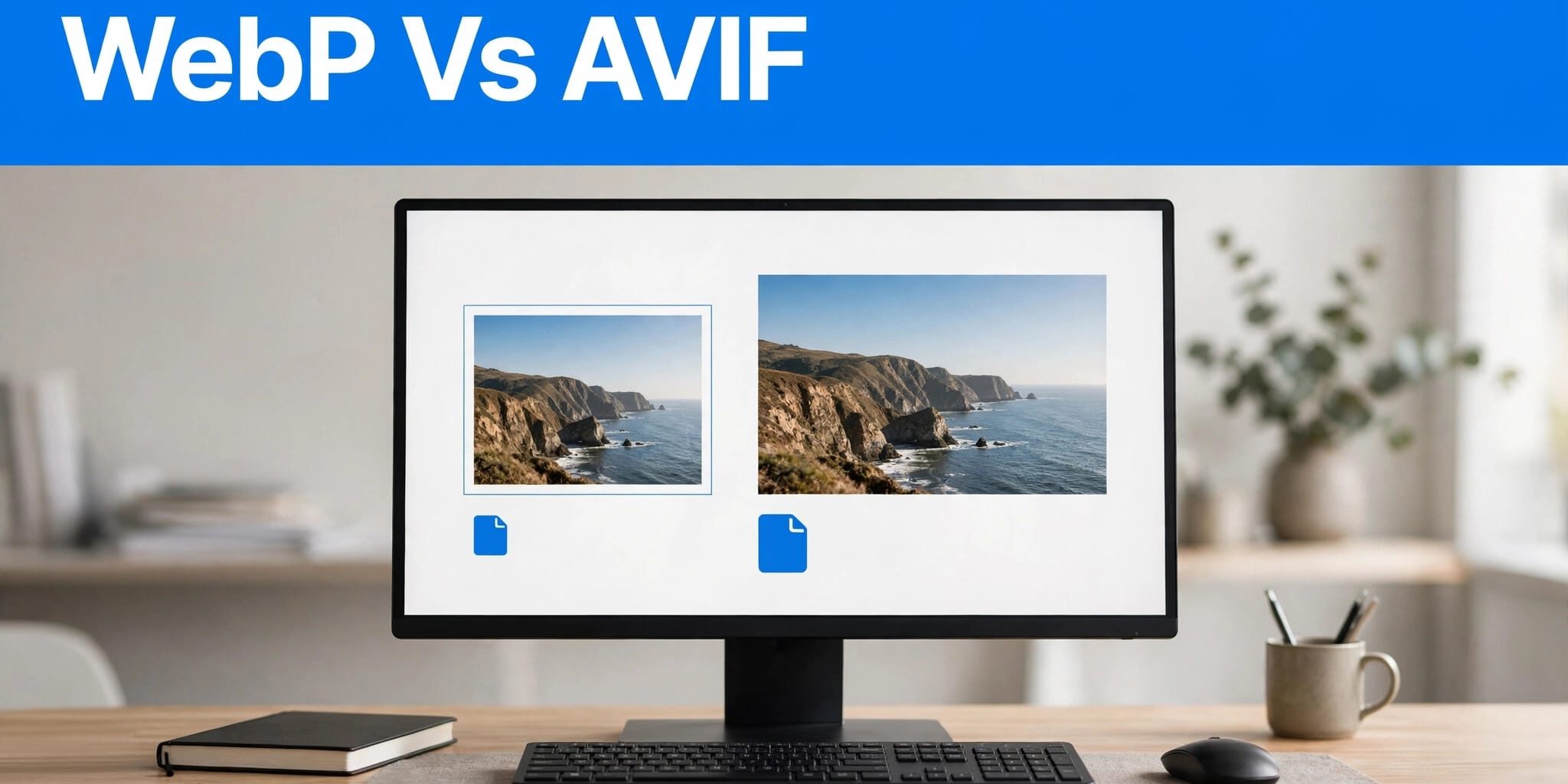
When I compare image formats for a WordPress business site, I start with mobile performance, image quality, and reliable delivery. Next-generation image formats can also affect site performance and page loading speed.
AVIF can often reduce file sizes for photographic images, while WebP remains a dependable choice with broad browser support. However, the right format also depends on your hosting and how WordPress serves each image.
I recommend choosing a format through testing, starting with the images customers see first.
Key Takeaways
- AVIF generally reduces file size more efficiently for photographic images, but savings depend on the image and conversion settings.
- WordPress supports both formats, although your server must also support processing them.
- Smaller files help only when your site delivers them correctly, preserves visual quality, and loads important images promptly.
For most business websites, I favor automated delivery that uses AVIF where it performs well and keeps a compatible fallback.
WebP vs AVIF: Image Quality and File Size
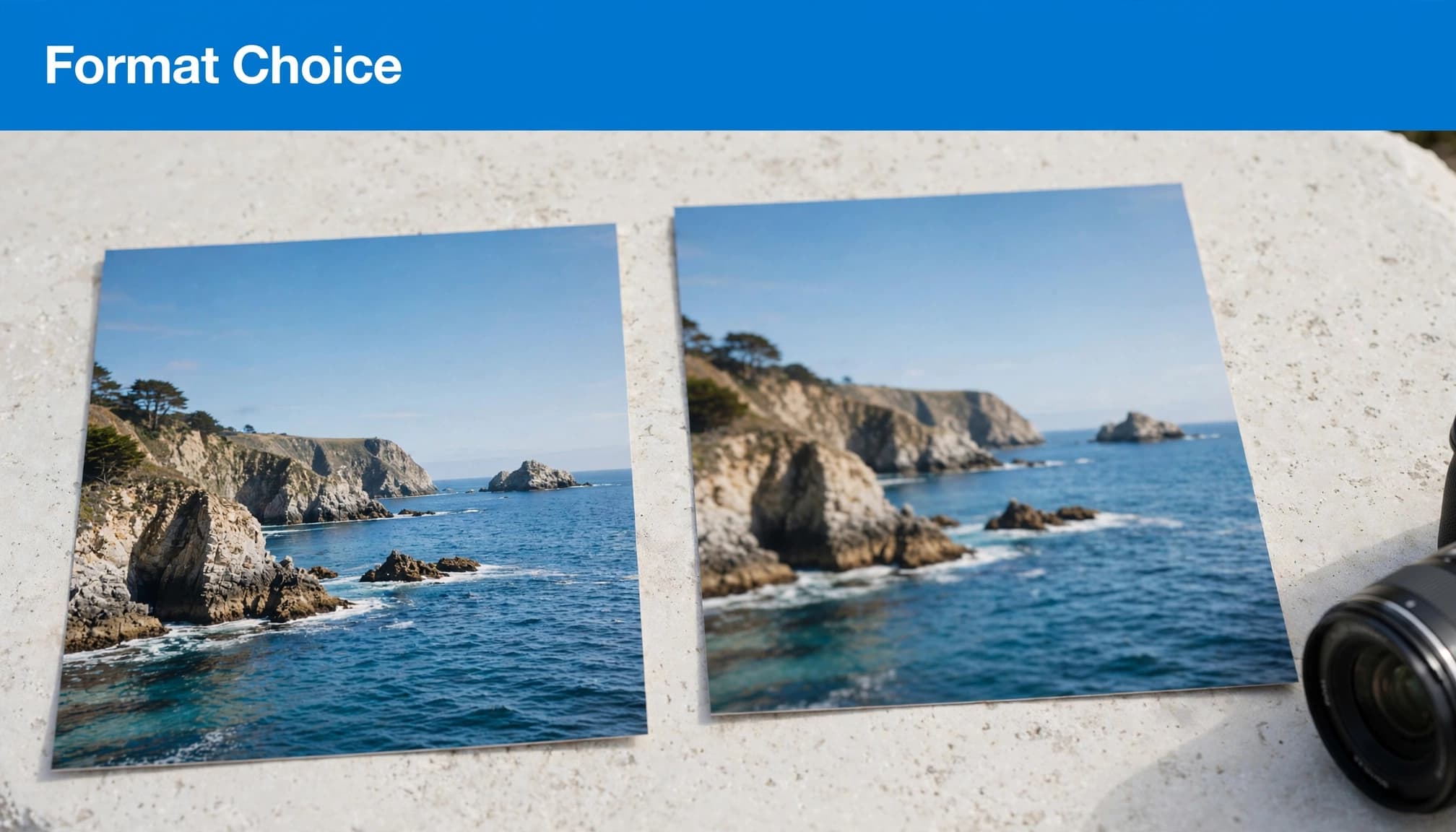
Compare compression at matching quality
Both formats can reduce image weight compared with legacy formats such as JPEG and PNG. The WebP image format and AVIF can both work well for photographic images.
The AVIF image format uses technology from the AV1 video codec. The Alliance for Open Media developed AVIF, but this technology alone doesn’t guarantee smaller files.
AVIF generally delivers stronger compression efficiency than WebP, particularly for photographic images with complex detail. I don’t promise a fixed percentage reduction, since a landscape, product close-up, and screenshot can respond differently to the same encoder.
I compare WebP vs AVIF at identical dimensions and visually comparable quality. Matching the numeric quality setting isn’t enough because different encoders interpret those settings differently.
Tools such as Squoosh let you inspect versions side by side. Check fine texture, shadows, faces, and lettering to judge visual quality before accepting the smaller file size. For large batches, also consider conversion efficiency, since encoding time can affect your workflow.
Account for transparency and color
Both formats offer transparency support, so either can replace some PNG assets. Both also support lossy compression and lossless compression.
AVIF supports higher color depth, HDR, and wide color gamuts. These features can matter for specialist photography, but most service websites gain more from sensible sizing and compression.
I also check transparent edges against the website’s actual background. A logo that looks clean on white may show artifacts on a dark navigation bar.
For a business owner, recognizable products and trustworthy project photos matter more than winning a file-size comparison.
Match the Format to Your Website Images
I choose formats by image type rather than converting everything automatically.
This is the starting point I use before testing.
| Image type | Starting choice | What to inspect |
|---|---|---|
| Large photographic images | AVIF with fallback | Texture, faces, shadows |
| Small raster graphics | WebP, then compare AVIF | Sharp edges and lettering |
| Transparent assets | Compare WebP and AVIF | Edge quality on the real background |
| Vector logos and icons | Keep suitable SVG assets | Safe handling and crisp scaling |
The table gives you candidates, not guaranteed winners. A small graphic may gain little from conversion. Keep a new format only if it measurably reduces file size without hurting image quality.
For a contractor’s project gallery or product catalog filled with photographic images, I’d test AVIF early. For compact interface graphics, WebP may already meet the performance budget.
I prioritize the homepage’s main photograph because it can affect the first impression. MDN’s image LCP guidance connects image optimization with faster rendering, including delivery and sizing considerations.
Finally, keep original files. Repeatedly recompressing an already compressed image can damage detail without producing worthwhile savings.
Check WordPress Support Before Converting
Confirm core and hosting compatibility
WordPress introduced WebP support in version 5.8, released in July 2021. AVIF support arrived in WordPress 6.5.
However, WordPress version alone doesn’t settle compatibility. AVIF processing also requires support in server image libraries, such as Imagick or LibGD. Browser support only confirms that a browser can display the format, not that WordPress can process it.
I check the Media Handling information under Site Health and confirm capabilities with my hosting provider. Then I upload a test image and verify that WordPress generates usable thumbnails for representative photographic images.
A browser may display AVIF even when your WordPress server can’t generate AVIF thumbnails.
Your WordPress hosting configuration therefore matters alongside the format choice.
Automate conversion without losing originals
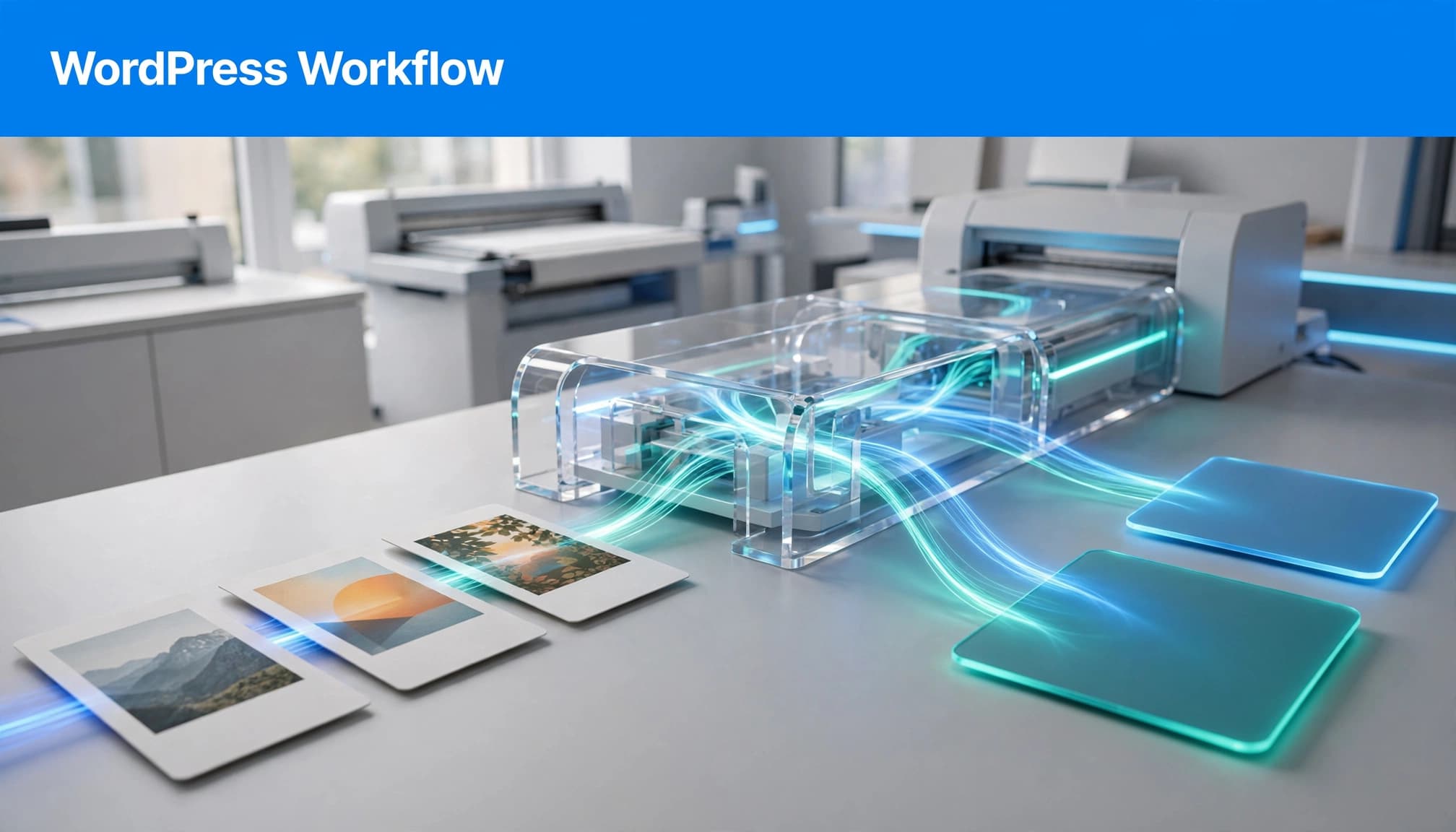
Core support doesn’t automatically convert your existing JPEG and PNG library. You need a suitable plugin, hosting feature, or image CDN for conversion and delivery.
I treat WordPress image optimization as an upload-and-delivery workflow. It should generate the formats and thumbnail sizes you need, preserve originals, and serve the right version.
Before bulk conversion, I back up the site and test on staging. Check featured images, galleries, product pages, and page-builder backgrounds.
Also confirm what happens after replacing an image. Old derivatives and cached files shouldn’t keep an outdated photograph visible to customers.
Keep Browser Fallbacks and Caches Reliable
Use ordered sources for browser fallback
Browser support for WebP is broad across modern Chrome, Firefox, Safari, and Edge. AVIF also works in most current browsers, but older browsers and embedded webviews still deserve attention.
The picture element gives browsers an ordered choice. As a fallback strategy, place an AVIF source first, a WebP source second, and a required image element with a JPEG or PNG fallback.
Declare the source types as image/avif and image/webp. Browsers can then skip unsupported formats. Each source should also have appropriate responsive candidates.
However, format fallback won’t repair a missing selected file. I check that every generated image URL works, rather than assuming the browser will recover from a broken AVIF version.
Make server negotiation cache-aware
Another approach lets the server or CDN choose the format using the request’s Accept header. The page can keep one image URL while the delivery system selects an appropriate response.
When responses vary by that header, use Vary: Accept and configure the cache to distinguish supported format variants.
Otherwise, a cached response could deliver AVIF to a browser expecting JPEG. The response’s Content-Type must also match the actual image.
I prefer managed negotiation when the provider documents its cache behavior. Avoid combining overlapping plugin, server, and CDN rules without a clear owner.
Finally, test both warmed and empty caches. A setup that works only immediately after a purge isn’t ready for production.
Measure Mobile Speed, Not Just Image Bytes
Protect the largest opening-screen image
A smaller main image can improve page loading speed and Largest Contentful Paint (LCP), which measures when the largest visible content element appears. The good threshold is 2.5 seconds or less, assessed at the 75th percentile of visits.
However, compression won’t fix slow server responses or an image discovered late in the loading process.
I avoid lazy-loading the main opening-screen image. Google’s browser-level lazy-loading guidance explains how loading behavior affects when images are requested.
Below-the-fold galleries are better candidates for lazy loading. Also specify image dimensions or reserve the correct aspect ratio to prevent layout movement.
The wider Core Web Vitals guide covers responsiveness and visual stability alongside loading speed.
Compare complete pages on real devices
Encoding happens on your server or conversion service. Decoding happens on the visitor’s device, so a smaller file size doesn’t establish which format renders faster.
I test representative photographic images at equal dimensions, then compare their complete pages to assess site performance. Keep the theme, scripts, and network conditions consistent.
Use PageSpeed Insights for lab diagnostics and available field data. Repeat tests because one run can reflect temporary network variation.
Then inspect the page on a lower-powered Android phone and an iPhone. Check image appearance, menus, call buttons, and form submission.
Our website QA checklist helps keep those checks organized. Record each file size alongside page results; don’t infer a decoding advantage from downloaded bytes alone.
Budget for Ongoing Image Maintenance
I wouldn’t buy an image service based on format support alone. Check how the plan counts originals, thumbnails, conversions, storage, and CDN traffic.
A large media library can contain many generated sizes for each uploaded photograph. Ask whether bulk processing and future uploads fit your allowance.
Conversion also needs a recovery plan. You should know how to restore originals, regenerate derivatives, clear caches, and disable rewriting safely.
Keep descriptions intact during migration. Useful image alt text still matters for accessibility; a format change doesn’t replace it.
I review performance quarterly and after substantial changes to plugins, themes, tracking scripts, or image-heavy pages. New uploads can undo earlier improvements if nobody follows the same process.
Start with revenue-producing pages rather than spending the entire budget converting rarely visited archive images. That keeps the work focused on customers trying to call, book, or request a quote.
Frequently Asked Questions
Should every WordPress image become AVIF?
I wouldn’t require AVIF for every asset. Large photographic images are sensible candidates, but small graphics may offer little benefit after conversion.
Keep a fallback when your audience includes older devices or browsers. Also retain suitable vector assets rather than rasterizing them solely to standardize formats.
My decision depends on image quality, file size, and measured page performance. An image that already loads quickly doesn’t need conversion merely because another format is newer.
Will switching to WebP or AVIF improve SEO?
Image optimization can support a better page experience, but it doesn’t guarantee stronger rankings. Search visibility also depends on useful content, crawlability, relevance, and other signals.
I also separate loading problems from interaction problems. Smaller images won’t automatically fix slow JavaScript, broken forms, or delayed menu responses.
For a business website, the practical goal is to help customers see your work and contact you without unnecessary waiting. Rankings alone don’t measure whether that experience works.
Choose the Format That Earns Its Place
I use WebP as a dependable baseline and test AVIF where it delivers worthwhile file size savings at acceptable quality. I preserve reliable fallbacks and use mobile testing to check page loading speed and overall site performance.
Start with your largest opening-screen image, confirm WordPress processing support, and measure the page before converting the full library. Keep monitoring after launch so new content doesn’t reverse the improvement.
As you maintain your site, reflect on Acts 2:42 in the Amplified Bible: how can consistent care and service shape your work? For a free consultation about your website’s performance and SEO needs, Contact Us at DMNet Solutions.