

A slow website costs more than patience. It can cost calls, form fills, bookings, and trust before a visitor even reads a word.
I talk with business owners who assume website speed is a minor technical side issue. In reality, these metrics are a foundational component of technical seo that impacts your site performance. Core web vitals are a simple way to measure the user experience and how your site feels to real people, and that feeling directly affects whether they stay, buy, or leave. Once you see these metrics in plain English, the topic becomes much less intimidating and far easier to manage.
Key Takeaways
- User experience is the priority: Core Web Vitals are not just technical benchmarks; they are a direct measurement of how your site feels to real visitors, which significantly influences trust and conversion rates.
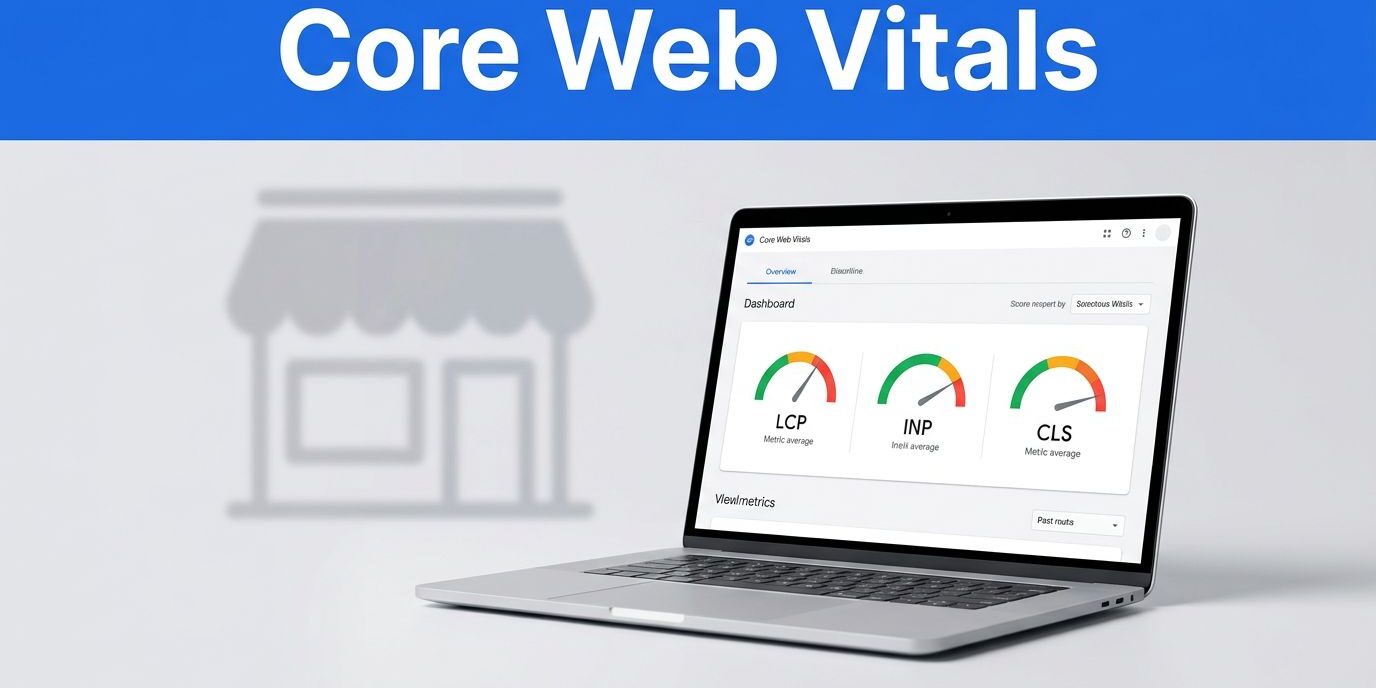
- The three core metrics: Your site performance is judged by LCP (loading speed), INP (responsiveness to clicks), and CLS (visual stability), each playing a distinct role in keeping users engaged.
- Focus on mobile first: Since the majority of local business traffic arrives via smartphones, mobile performance is the primary factor that dictates whether a user stays on your site or clicks away.
- Performance requires maintenance: A website is not a “one-and-done” project; plugins, new scripts, and changing content can degrade your scores over time, making ongoing monitoring essential for success.
What core web vitals actually measure
When I explain core web vitals to small business owners, I strip away the jargon. These scores answer three basic questions: How fast does the page look ready? How fast does it react? Does anything jump around while it loads?
These metrics are measured at the 75th percentile of your visitors. This means Google ensures that the vast majority of your users have a quality experience. To get this data, Google looks at two distinct sources. Lab data provides a controlled environment to diagnose issues during development, while field data is collected from the Chrome User Experience Report to show how real people actually experience your site in the wild.
Before looking at the main metrics, it is helpful to note that before the page fully loads, you might monitor the first contentful paint to see when the very first piece of content hits the screen. However, the core metrics go deeper.
Google uses these scores as part of page experience in 2026. They are not the only thing that affects rankings, but they can help when your content is already close to a competitor. Google’s own web.dev guide for business decision makers also ties better page experience to stronger engagement and conversion rates.
Here is the quick reference I keep in mind:
| Metric | What it means | Good in 2026 |
|---|---|---|
| LCP | Largest contentful paint: the main content appears quickly | 2.5 seconds or less |
| INP | Interaction to next paint: the page reacts quickly to clicks and taps | 200 ms or less |
| CLS | The layout stays steady while loading | 0.1 or less |
One important update still trips people up. Interaction to next paint replaced the older first input delay in 2024, and it remains the primary interaction metric to watch in 2026.
Core web vitals matter most when people can feel the problem, even before they can name it.
If you remember only one thing, remember this: these scores are not about pleasing a machine first. They are about reducing friction for real visitors.
Why these scores affect leads, trust, and rankings
Small businesses often compete on thin margins. Because of that, losing even a small share of visitors hurts. If your site loads slowly on mobile devices, some people simply will not wait for it to appear. If a booking button lags, some people will not tap it again. If the layout jumps, visitors may click the wrong thing and leave, which directly increases your bounce rates and hurts your bottom line.
I see this most with service businesses. A law firm, roofer, med spa, or local contractor might only need a handful of good leads each month from the website. That means every visit counts more. A poor experience wastes traffic you have already earned through search, referrals, or ads.
There is also a trust issue. People read speed as competence. Fair or not, a site that feels clunky can make a business feel disorganized. Meanwhile, a page that appears fast and responds well feels cared for. That first impression happens in seconds.
Search visibility fits into the same picture. Core web vitals are an important ranking signal, but they will not rescue thin content or weak local signals. Still, when two businesses are otherwise similar, a better user experience can help improve your search rankings and tip the balance in your favor. That is why I prefer integrated SEO and maintenance plans over one-time fixes. Performance is not a one and done task. Plugins change, images pile up, scripts get added, and scores can drift if nobody watches them.
The three metrics in plain English
I do not expect most owners to memorize technical acronyms. I do want them to understand what each one feels like in terms of the actual user experience.

Largest Contentful Paint is about the first strong impression
Largest Contentful Paint measures how long it takes for the main visible content to appear. This metric is a vital indicator of your site’s overall loading performance. Usually, the metric tracks your hero image, headline, or the large content block near the top of the screen.
If that main section takes too long, visitors feel stranded. They landed on your page, but the part they came to see still isn’t there. On a small business site, slow LCP often comes from oversized images, weak hosting, render-blocking resources, or poor server response times. I pay extra attention to homepages, location pages, and high-intent service pages. Those are often the first pages people see, so they need to show useful content fast.
Interaction to Next Paint is about responsiveness
Interaction to Next Paint measures how quickly the page reacts after someone clicks, taps, or types. This is the one many sites struggle with today.
A slow INP feels like a dead button. The visitor clicks “Call Now,” “Get Quote,” or “Schedule,” and nothing seems to happen right away. Then frustration sets in. On mobile, that feeling gets worse because people expect instant feedback. This lag is often caused by heavy javascript execution that overwhelms the main thread of the browser. Bulky popups, chat tools, review widgets, and bloated themes force the browser to do too much work before it can respond to a user.
Cumulative Layout Shift is about keeping the page steady
Cumulative Layout Shift tracks unexpected movement on the page while it loads. If text shifts down, buttons slide, or images pop into place late, your site suffers from poor visual stability.
That sounds minor until you picture someone trying to tap your phone number and hitting a different link instead. I see this on sites with missing image dimensions, late-loading banners, embedded videos with no reserved space, and sticky bars that appear suddenly.

Among the three, CLS is often the easiest fix. That is good news, because a stable page instantly feels more professional and polished.
What slows down small business websites
When I audit smaller business sites, I rarely find one giant mistake. I usually find a stack of ordinary choices that built up over time. You can often identify these specific performance hurdles by running a report through PageSpeed Insights, which helps pinpoint issues like a high speed index or a lag in your time to interactive.
Large image files are near the top of the list. A homepage slider with three full-width photos can look nice in theory, but it often drags down load time. The same goes for background videos, oversized logos, and galleries that load before the user scrolls.
After that, I look at scripts. Chat widgets, heatmaps, social feeds, review plugins, cookie tools, booking systems, and tracking tags all add weight. Each tool may sound harmless on its own, but together, they can slow the whole page, hurt INP, and degrade the overall user experience. You can use Lighthouse to see exactly which of these scripts are dragging your site down the most.
Cheap hosting can also hold a site back, especially during traffic spikes. So can old themes, outdated plugins, and cluttered page builders. I run into these issues most often on sites that were launched quickly and never tuned later. That is one reason I like starting with professional responsive website design and then keeping the site maintained. A strong base makes every later improvement easier.
One more point matters here: mobile performance should drive the conversation. Most local business traffic now comes from mobile devices, and phone users are far less forgiving of slow load times.
What I would fix first on a small business site
If your scores are poor, I would not start by chasing every technical detail at once. Instead, I would focus on the pages that bring in revenue and work from the top down to improve your Core Web Vitals.
- Check real-user data first. In Google Search Console, look at the pages flagged for a poor mobile experience. Group these by URL groups with similar performance issues to identify patterns. You should also check the CrUX report to see how your site performance compares to your direct competitors.
- Compress and resize major images. Your hero image is often the fastest win for your Largest Contentful Paint score.
- Cut back on scripts. Remove tools you do not use, delay non-essential ones, and question every popup. To improve your site responsiveness, use Lighthouse to monitor Total Blocking Time, as this helps identify which scripts are causing the most delays.
- Reserve space for images, videos, and banners. That reduces layout shift fast and keeps your page steady while loading.
After that, I would test the most important actions on the page. Tap the call button, open the menu, and submit the form. If anything feels slow, awkward, or jumpy, your visitors feel it too.
You also do not need a full rebuild to get results. Sometimes a careful cleanup, better hosting, image optimization, and script control are enough. If you want a second opinion on where your site is losing speed or trust, Contact Us for a free consultation.
Frequently Asked Questions
Do I need to be a developer to fix my Core Web Vitals?
No, you do not need to write code to make significant improvements. Many common issues, such as oversized images, unnecessary plugins, or lack of defined image dimensions, can be addressed through basic content management or simple performance settings in your website dashboard.
Why does Google focus on these specific metrics?
Google uses these metrics because they represent the most common friction points that cause visitors to abandon a website. By prioritizing pages that load fast, react instantly, and remain stable, Google ensures that users are directed to sites that provide a high-quality experience.
Will fixing my Core Web Vitals guarantee a top ranking?
While Core Web Vitals are a recognized ranking factor, they are just one piece of the puzzle. They work best when paired with high-quality content and strong local SEO signals, acting as a tie-breaker when your site is competing against similar businesses.
How often should I check my scores?
It is wise to check your performance reports quarterly or whenever you add major updates to your site, such as new plugins or tracking scripts. Regular maintenance helps you catch “score drift” before it becomes a noticeable problem for your visitors.
Conclusion
A website does not have to be perfect to perform well. It does, however, need to feel fast, responsive, and steady where it matters most.
That is why core web vitals are worth your attention. They turn vague complaints about a site feeling off into specific problems you can spot and fix. When a page loads quickly, reacts instantly, and remains stable during interaction, your overall user experience improves significantly. By prioritizing these metrics as part of your broader technical seo strategy, you ensure that visitors have fewer reasons to leave and more reasons to convert into loyal customers.