

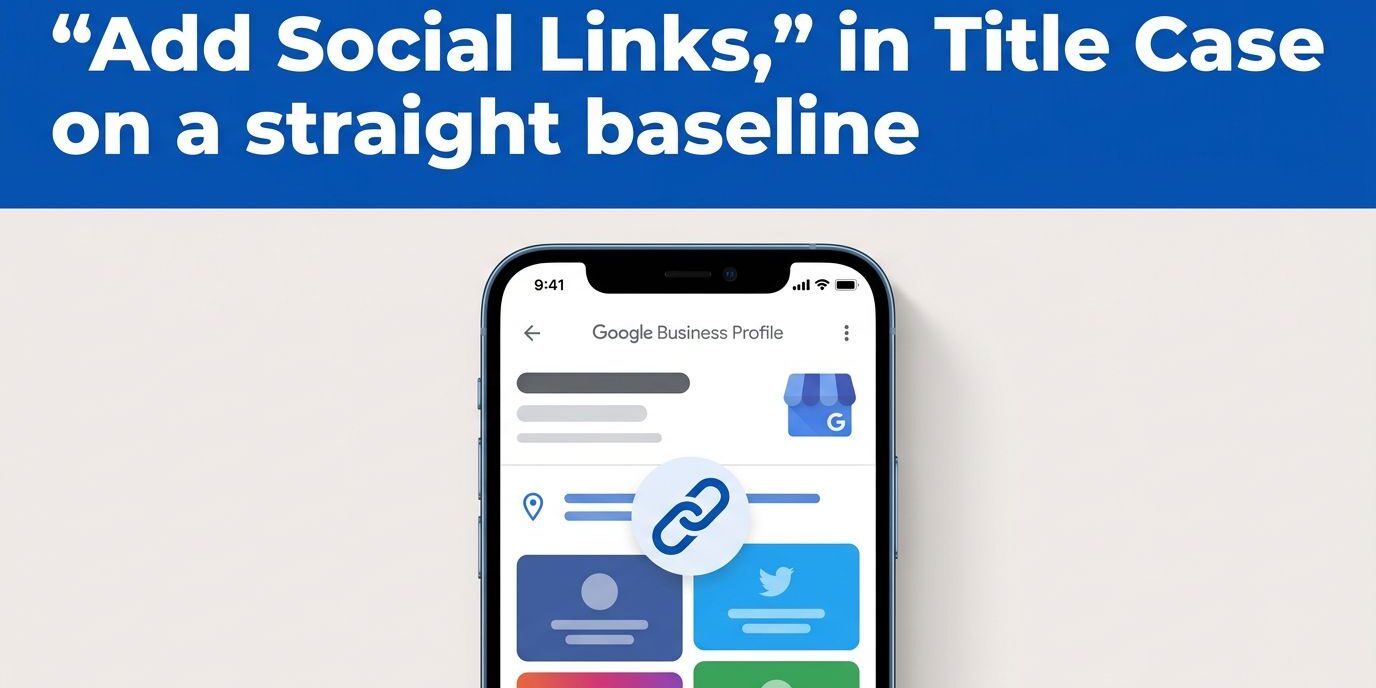
A social profile can answer questions your business listing cannot. Customers may want to see your recent work, customer conversations, videos, or company updates before they call. I treat these links as part of a complete local presence, where social profiles, customer reviews, and your online presence support the listing rather than replace it.
Google Business Profile lets eligible businesses connect supported social media channels directly to their profiles. Setup takes only a few minutes, but the URL format and account details must be accurate. Follow the steps below, then check how your website and connected accounts reinforce the same business identity.

Key Takeaways
- Google Business Profile lets eligible businesses add one social media link for each supported platform, including Facebook, Instagram, LinkedIn, Pinterest, TikTok, X, and YouTube.
- Use the platform’s main public profile URL rather than a link to an individual post, shortened URL, login page, or campaign page.
- Keep your business name, contact details, branding, descriptions, and activity consistent across your website, Google Business Profile, and social accounts.
- Google Business Profile does not provide separate click reports for social links, so use native platform analytics and website analytics to measure visits, engagement, leads, and bookings.
- Review social links regularly because account changes, listing access, inactive profiles, or platform migrations can cause links to disappear or become outdated.
How to Add Social Profiles to a Google Business Profile
I recommend making sure the social profiles are public, active, and owned by the business before adding them. Use the account’s main profile URL, not a website link or a link to an individual post, photo, or campaign page.
- Sign in to the Google Account that manages the Business Profile.
- Search for your business on Google, or open the profile through Google Maps.
- Select edit profile.
- Open business information, then choose Contact.
- Find the social link section and select the social media platform you want to add.
- Paste the profile URL, then select Save.
Google Business Profile may review the change before displaying it publicly. The menu can look slightly different depending on your account or device, but Google’s social media link instructions show the current feature and rules.
To change a link, return to the same edit profile area and replace the existing URL. To remove one, select the platform and delete its saved link. I also check the public profile in Google Search after saving because the dashboard can show an update before the customer-facing listing changes.
Google allows one link per platform. You can add one Facebook page and one YouTube channel, but you can’t add two Facebook pages to the same profile.
Supported Platforms and URL Format
The Google Business Profile supports Facebook, Instagram, LinkedIn, Pinterest, TikTok, X, and YouTube as social media channels. Each social profile must use its platform’s accepted structure.
Choose the accepted structure for each social media platform:
| Platform | Accepted URL format |
|---|---|
https://www.facebook.com/{username} | |
https://www.instagram.com/{username} | |
https://www.linkedin.com/in/{username} or https://www.linkedin.com/company/{username} | |
https://www.pinterest.com/{username} | |
| TikTok | https://www.tiktok.com/{username} |
| X | https://www.twitter.com/{username} |
| YouTube | https://www.youtube.com/channel/{username}, /user/{username}, or /@{username} |
For LinkedIn, choose the /company/ format for a business page. Use /in/ only when the profile represents the business owner or another professional identity that genuinely belongs on the listing.
YouTube has several valid channel formats, including a handle URL. I use the channel’s public home page rather than a specific video because visitors need access to the full account.
Threads, Snapchat, WhatsApp, Reddit, and Bluesky aren’t included in Google’s current supported list. I don’t force unsupported links into another platform field because that can cause the edit to fail or confuse customers.
Make Social Profiles Support local SEO
Adding a link is only the first step. Google and customers should connect the listing, website, and social profiles without finding conflicting information.
I keep the same business information and contact information across the website and social pages. Names, phone details, service areas, and branding should remain consistent. Current descriptions, hours, and account activity make the online presence clear while providing a practical profile optimization check. An abandoned account with outdated hours creates doubt, even when the link itself works.
The website should include a website link to the same social accounts in its footer or contact area. I also add those profiles to the sameAs property in the site’s LocalBusiness schema markup. This structured data helps a search engine connect related profiles to the same organization, although it doesn’t guarantee higher rankings or enhanced search features.
The destination after a customer visits your website matters too. I prefer a relevant page with clear contact details rather than sending every visitor to a generic homepage. A Google Business Profile landing page guide can help you review mobile layout, page speed, calls to action, and the information visitors need after leaving Google.
Google can also surface social media posts in a Social Media Updates carousel connected to a Business Profile. Recent coverage describes posts from supported channels appearing in local search results, but Google hasn’t published a reliable minimum posting frequency or engagement threshold.
I keep posts useful and current as part of a practical social media strategy, rather than publishing keyword-heavy updates. A local service photo, project explanation, seasonal notice, or helpful customer question gives Google and visitors clearer context than repeated sales slogans. Coverage of social media posts on Business Profiles provides additional context about this feature.
Fix Rejected or Missing Social Links
A failed save usually involves the URL, account access, or a mismatch between the listing and connected social profiles. I check these issues in order:
- I confirm that the URL opens in a private browser window and leads to a public profile.
- I remove links to individual posts, shortened URLs, login pages, and pages that require permission to view.
- I compare the username and platform selection with the actual account.
- I check that I haven’t already added another link for the same platform.
- I sign in through Google Search or Maps using an owner or manager account, select edit profile, then try again.
- I wait for Google’s review instead of submitting the same change repeatedly.
Tracking parameters can make the URL format unrecognizable to Google. I keep the canonical social URL and website link clean in the profile, then measure traffic through the social platform or analytics system instead.
If a saved link later disappears, I check who has access to the business listing. Another owner, manager, public suggestion, or connected listing tool may have changed the information. I also review the social account for a username change or page migration.
Keeping the profile description aligned with your website helps reduce confusion. My Google Business Profile description tips cover consistent service language and clearer local messaging.
Track Results Without Expecting Click Reports
Google Business Profile doesn’t provide a dedicated click count for each social media link. Its standard performance data can show actions in search results, including website visits, calls, messages, and direction requests. However, it doesn’t isolate clicks to Facebook, Instagram, YouTube, or other social destinations.
I use native analytics on each platform to review profile visits, link clicks, reach, and engagement metrics. When a social account sends visitors through a website link, I compare referral traffic, landing pages, phone clicks, form submissions, and bookings in analytics. A monthly review suits most small businesses, with a deeper quarterly audit for outdated links and inactive accounts.
Social links alone don’t guarantee stronger rankings. They support local SEO best when paired with accurate information, authentic customer reviews, useful website content, and mobile usability. A digital marketing agency can coordinate a review of your website, profile, and schema markup. For a service-specific assessment, Contact Us for a free consultation.
Frequently Asked Questions
How many social media links can I add to a Google Business Profile?
Google allows one link per supported platform. You can add one Facebook page and one YouTube channel, but you cannot add two Facebook pages to the same profile.
Which social media platforms does Google Business Profile support?
Google currently supports Facebook, Instagram, LinkedIn, Pinterest, TikTok, X, and YouTube. Threads, Snapchat, WhatsApp, Reddit, and Bluesky are not included in the current supported list.
Why was my social media link rejected or not displayed?
Check that the URL leads to a public main profile, uses the correct platform format, and does not include tracking parameters, shortened redirects, or a login page. Google may also review the change before displaying it, so check the public listing after saving and allow time for the update.
Can I track clicks from my Google Business Profile social links?
Google Business Profile does not provide a dedicated click count for each social destination. Use the social platform’s native analytics, referral traffic, landing-page data, phone clicks, form submissions, and bookings to evaluate results.
Do social media links improve local SEO rankings?
Social links alone do not guarantee stronger rankings. They can support a clearer local presence when your social profiles, website, reviews, business information, and schema markup consistently represent the same business.
Keep Every Business Profile Connection Current
Keeping a Google Business Profile current is a practical local SEO task, not a one-time update. Check these social links regularly, use one accurate connection per supported platform, and keep accounts active.
I treat these connections as an identity check, ensuring social profiles match the website and schema markup. Together, they reinforce the same online presence and may give search systems clearer information for AI visibility.