

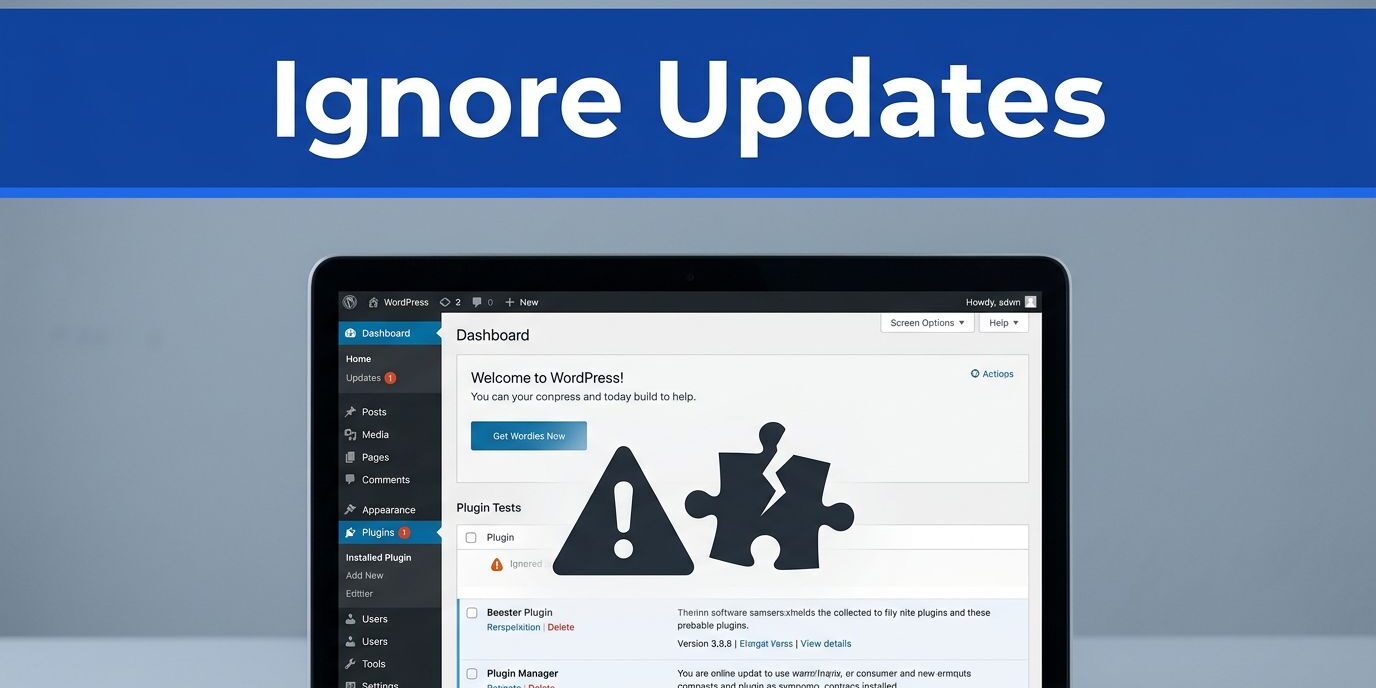
Meta Title: What Happens When You Ignore WordPress Plugin Updates
Meta Description: Ignoring WordPress plugin updates can lead to hacks, slow pages, broken features, and costly fixes. Learn the risks and safer habits.
That red update badge in WordPress looks easy to ignore. If your site still loads, waiting feels harmless.
But plugin updates do more than add features. They patch security holes, keep tools working with newer WordPress versions, and fix bugs before visitors notice them. Leave them alone for too long, and a small delay can turn into a broken form, a slow checkout, or a hacked site.
The trouble starts long before your website goes fully offline, and website uptime monitoring is how you find out before customers do.
Why those plugin updates matter more than they seem
WordPress plugins run a huge part of your site. Contact forms, backups, SEO tools, image compression, booking calendars, payment gateways, and spam filters all depend on outside code.
That code ages fast. Plugin developers release updates to fix bugs, support newer PHP versions, stay compatible with WordPress core, and close known security gaps. When you skip those releases, one part of your site stays stuck while the rest of the platform keeps moving.
Because of that, problems often stay hidden at first. A form may still display, but the emails stop arriving. A slider might look fine on desktop, yet fail on mobile. An SEO plugin can keep showing settings in the dashboard while part of its output breaks behind the scenes.
Unused plugins deserve attention too. If you no longer need one, remove it. Old code sitting on the site is still part of your maintenance load, and it can become a weak point later.
Plugin authors also stop testing against very old releases. Once you fall too far behind, support docs and changelogs stop matching what your site is running. That makes troubleshooting slower, even before anything fully breaks.
Most site owners don’t ignore WordPress plugin updates because they don’t care. They ignore them because the last update caused trouble, or because they plan to do it “next week.” Still, waiting usually doesn’t make the job safer. It makes the catch-up harder.
A neglected update badge is like a warning light on a car dashboard. Covering it doesn’t fix the engine.
Security holes stay open while you wait
Many attacks on WordPress sites are automated. Bots scan the web for known plugin versions with public vulnerabilities. They don’t care whether you run a national store or a five-page local business site.

Once a vulnerable plugin gets found, the outcome can be ugly. Attackers may inject spam pages, redirect visitors, add fake admin users, send phishing emails, or place malware in your files. Then rankings can drop, browsers may show warnings, and some hosts will suspend the account until the site is cleaned.
Security updates matter because they often fix problems that attackers already know about. In this review of WordPress plugin vulnerabilities, the pace of new issues is a reminder that waiting even a few days can matter.
A site doesn’t need to be famous to get attacked. It only needs an exposed weakness.
Cleanup after an intrusion reaches beyond your files. You may need to reset passwords, review user accounts, submit a malware review to search engines, and explain the issue to customers. That takes time, and it chips away at trust.
Backups help, but they don’t replace updates. Restoring a clean copy without fixing the weak plugin only resets the clock. The same hole can get used again.
Fear causes many delays. If an update once broke your site, it’s normal to feel cautious. Yet the safer answer is testing and backups, not silence. Security patches are one part of WordPress maintenance that should stay near the top of your list, because attackers rarely wait for a convenient day.
Old plugins can break compatibility and drag down performance
A WordPress site is a stack of moving parts. Core files, themes, plugins, PHP, caching, and even browser changes all affect how the site behaves.
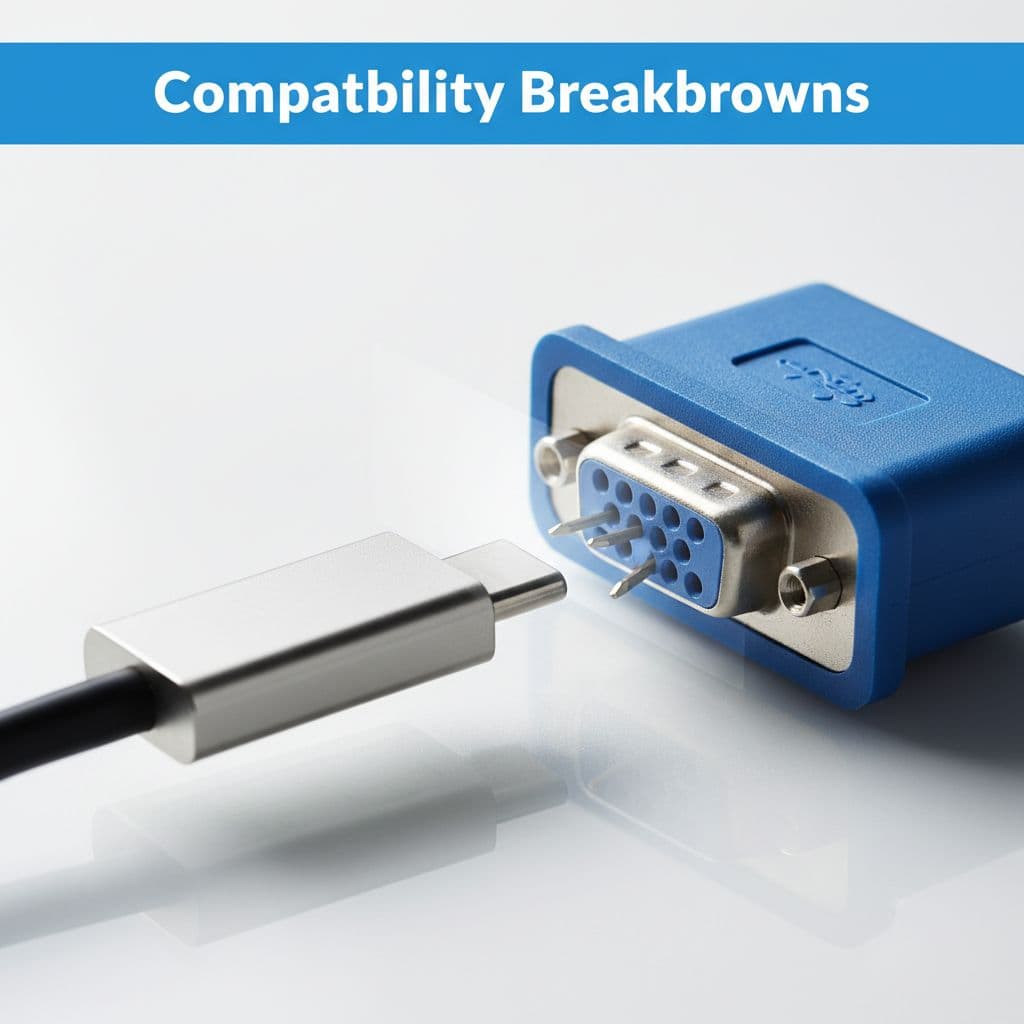
When one plugin falls too far behind, compatibility issues start to spread. Sometimes the failure is obvious, like a white screen or a broken layout. More often, the trouble starts small. Admin pages load slowly. A search filter stops responding. Scheduled posts miss their publish time. Checkout steps fail for certain users. Contact forms submit, but confirmations never send.
Hosts often move to newer PHP versions for speed and security. A plugin that hasn’t been updated to match can trigger warnings or fatal errors after what looked like a routine server change.
E-commerce sites feel this faster because their plugins depend on each other. WooCommerce extensions, tax tools, payment gateways, shipping modules, and email integrations all expect fairly current versions. Miss enough WordPress plugin updates, and one outdated add-on can trip the whole flow.
Performance can suffer too. Old plugins may run heavier database queries, load scripts that newer browsers handle poorly, or conflict with caching. You might blame hosting when the real issue sits in an old plugin that hasn’t kept pace.
Long update gaps also raise the odds of a rough catch-up. The examples in these cases of skipped plugin updates breaking sites show why big version jumps are harder to test than small, regular ones.
Visitors don’t care which plugin caused the issue. They only see a site that feels broken or slow.
The repair bill grows the longer you put updates off
One missed plugin update usually isn’t a crisis. Six months or a year of delay is different.
By that point, you may need more than a quick click. WordPress core might need attention first. Your host may have changed PHP versions. A theme update could be part of the fix. Then each plugin has to be updated in the right order, with testing after every step.
For business sites, the cost isn’t only technical. Missed leads from a broken form, lost sales during checkout errors, staff time spent troubleshooting, and emergency developer fees all add up. A small maintenance task turns into a repair project. That is why the “I’ll do them all later” plan often costs the most.
This side-by-side view shows how the workload changes when updates pile up.
| Update regularly | Wait for months |
|---|---|
| Smaller version jumps | Larger version jumps |
| Faster testing | More failure points |
| Easier rollback | Harder diagnosis |
| Fewer open security holes | Longer exposure |
| Lower support cost | Higher repair cost |
Regular care keeps each step manageable. Delay turns routine work into recovery work.
A safer update routine for busy site owners
If you run a business site, a blog, or a membership platform, you don’t need a complicated process. You need a repeatable one.
For low-change brochure sites, monthly checks may work. For stores, booking sites, and active blogs, weekly is safer. The goal is simple: avoid long gaps that pile several risks into one day.
A basic routine often looks like this:
- Back up the site first, and make sure you can restore it.
- Remove plugins you no longer use, and replace abandoned ones.
- Update trusted low-risk plugins sooner, but test store, login, booking, and custom-function plugins on a staging site first.
- Check your main paths after updates, including forms, checkout, search, logins, and mobile navigation.
Auto-updates can help, but they aren’t perfect for every plugin. They make sense for well-supported tools with a strong track record. On the other hand, sites with custom code or complex store functions usually need a more careful review.
For many owners, the hard part isn’t knowing what to do. It’s finding time to do it well and do it often. That’s where a maintenance plan helps. DMNet Solutions Web Design works with businesses that need steady updates, backups, monitoring, and performance checks without adding another job to the week.
If you want help keeping your site current, professional website maintenance services can take the update workload off your plate. If your site is already behind, Contact Us for a free consultation about your website and SEO needs.
Final thoughts
That little dashboard badge is often the cheapest warning your site will give you. Ignore it long enough, and the cost shifts from a quick update to a security problem, a broken feature, or a repair project.
Small, regular updates are easier to test, safer to roll back, and cheaper to manage. If your site has been waiting for months, start with a backup and a clear plan before the next problem finds you.