

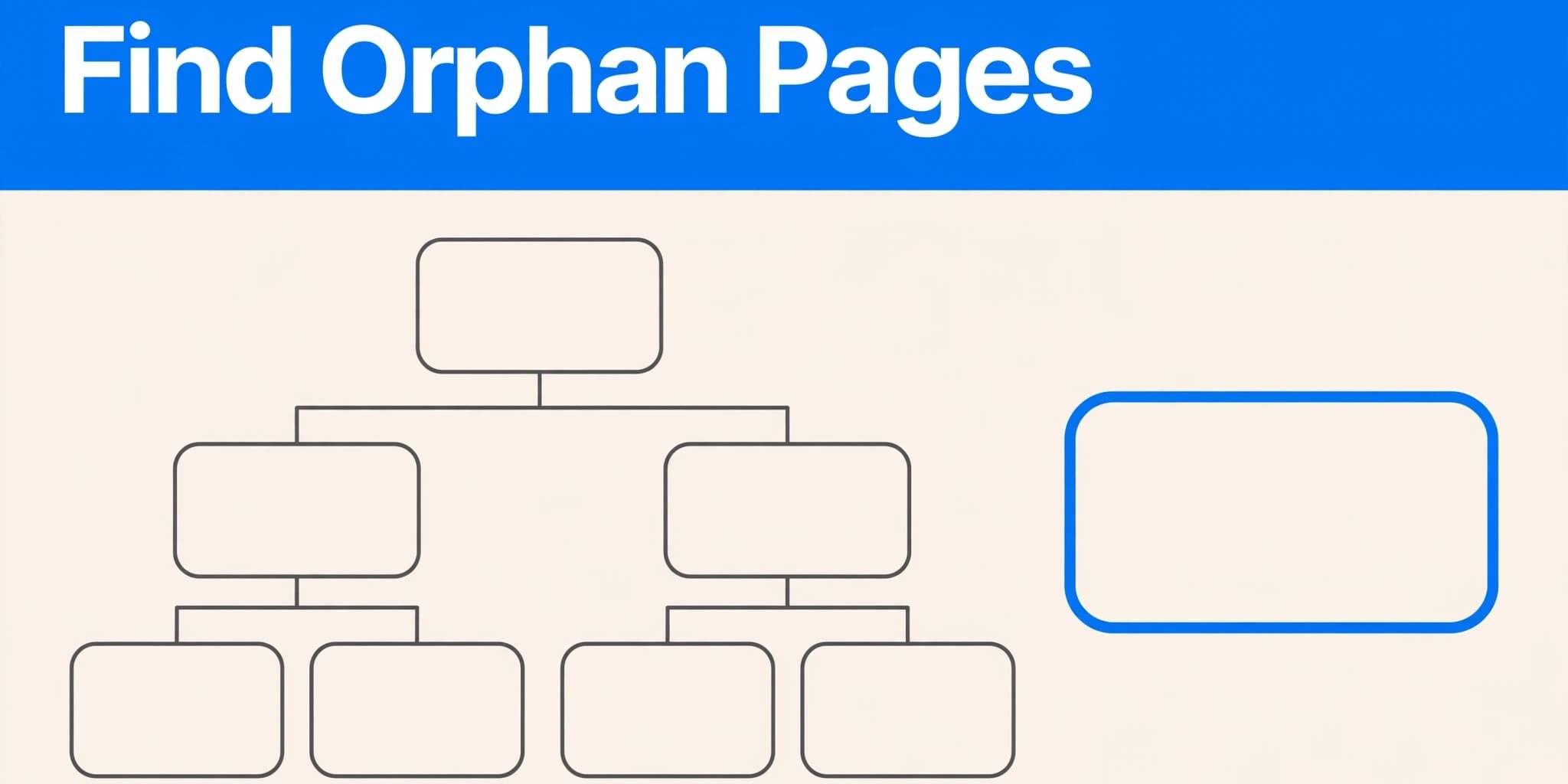
A page can be live, helpful, and invisible to the rest of your website at the same time. That gap often appears after a redesign, a service update, or a rushed campaign launch.
An orphan pages audit finds URLs with no internal links pointing to them, then helps you decide what each page should do next. I treat this as a practical cleanup task, not an excuse to add links everywhere.
Key Takeaways
- Orphan pages have no internal links, even if they appear in XML sitemaps or Google has indexed them.
- Start with a complete list of URLs, then compare site crawl data with analytics and Google’s search performance reports.
- Review crawl findings alongside traffic and indexing signals, then make a clear technical decision for each page.
- Keep pages that serve customers, connect them with relevant links, and remove or redirect pages without a clear purpose.
- Regular publishing and migration checks prevent most new orphaned content.
What Counts as an Orphan Page
Orphan pages are URLs that no other page on your site links to. Visitors can’t naturally reach them through navigation, service pages, blog posts, the footer, or related content links.
Google may still find orphan pages through a sitemap, backlink, browser history, or another source. They can even be indexed and appear in search results without a navigable path. However, crawlable internal links give search engines useful paths through your content. Google’s link best practices explain that accessible links help Google find additional pages and understand anchor text.
Orphan pages and dead-end pages differ
A dead-end page has inbound links but gives visitors no useful next step. For example, a service page may receive links from the homepage but have no related services, contact option, or navigation onward.
An orphan has the opposite problem. It may contain a contact form and useful copy, but nothing on the site points visitors toward it. Both issues weaken user experience, yet an orphan is harder to discover in the first place.
Why isolated pages deserve attention
I pay attention to orphan pages because important services, locations, and resources need a clear place in the customer journey. A visitor looking for emergency repair should be able to reach that service from a relevant service hub, not only through a direct search.
A thoughtful website navigation structure gives priority pages a stable place in your website structure. It also helps you spot URLs that were published without a home.
A page in your sitemap is not automatically a page in your website structure.
Build a Complete URL Inventory First
A reliable site audit starts with a master URL list. Don’t rely on one report, because each data source sees the site differently.
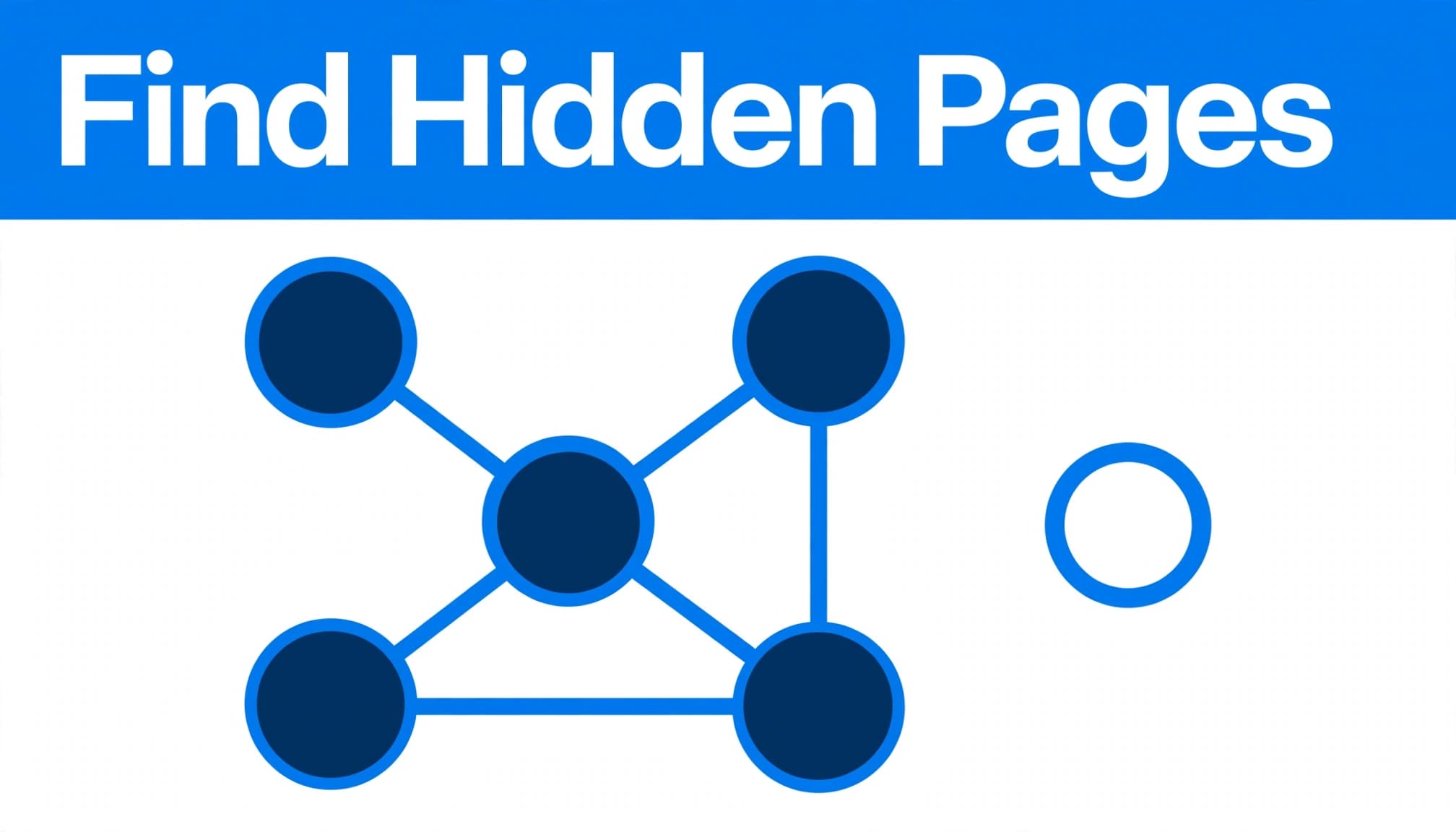
For accessibility, use the alt text “orphan pages URL inventory and spreadsheet comparison” for this spreadsheet comparison.
Collect URLs from several sources
Start with a spreadsheet and existing exports. Collect XML sitemaps, your CMS page list, blog archive, and any SEO spider or website crawl report you use.
Then add URLs from Google Search Console, Google Analytics, paid campaign destinations, and pages with backlinks. Include the core service pages, location pages, contact pages, appointment pages, downloadable files, older articles, and landing pages.
For a small business, this URL list should also include campaign destinations, even when they’re intentionally isolated. Record one internal links source when available, since it helps compare discoverability during crawl analysis.
Google states that XML sitemaps can help search engines discover your URLs, but a sitemap does not guarantee crawling or indexing. That’s why reconciliation and crawl analysis matter in a technical SEO workflow.
Normalize the list before comparing it
One page can appear as several rows if your exports mix HTTP and HTTPS, www and non-www versions, trailing slashes, URL parameters, or redirected addresses. Clean those variations in the URL list before labeling orphan pages.
I record the preferred URL, HTTP status, canonical target, sitemap status, indexability, and crawl depth for each page. A page that redirects, has a noindex tag, or canonicalizes to another URL may be intentional, not an orphan that needs a new link.
Run the Orphan Pages Audit
Once you have a clean inventory, start the orphan pages audit by crawling the live site. Run an SEO spider to see which URLs it reaches through navigable paths and which pages link to each destination. This initial crawl analysis shows how search engine crawlers move through the site.
Identify candidate orphan pages
Compare the website crawl with your complete URL list, including URLs from XML sitemaps and the CMS. An SEO spider can help reconcile these sources during the second crawl analysis. Any indexable URL found in the inventory but missing from the crawl is a candidate, not a confirmed orphan, until you validate its access and link sources.
Next, check inbound links to each destination. A page with zero internal links needs review because it may sit at excessive crawl depth. On larger sites, excessive crawl depth can also consume crawl budget, though this matters less for small businesses.
Google Analytics provides separate evidence by showing pages that received visits despite having no crawlable route. Those visits might come from email, ads, old bookmarks, or external referrals.
Validate before making changes
Open the live URL, inspect its response, and confirm that it loads successfully with the intended canonical tag. A third SEO spider run can support the final crawl analysis by checking whether search engines can reach the URL. Then use Google Search Console’s URL Inspection report for pages that matter to revenue or leads.
An index coverage audit can support a broader site audit and technical SEO review when pages should receive organic traffic. It can uncover conflicting canonicals, redirects, noindex directives, and weak internal paths. A missing crawl path is different from a technical status, so fix the actual problem rather than assuming every candidate has the same cause.
Prioritize Pages by Business Value
Don’t prioritize orphan pages by URL order. I start with pages that support calls, form submissions, bookings, sales, or an active service area.
An SEO spider, XML sitemaps, and crawl analysis show discovery patterns, but they don’t determine business priority. A page with little recent organic traffic may still matter if it appears in search results, earns backlinks, or supports a strong user experience.
A page can retain link equity or a useful page rank signal even with few recent visits. It may also answer a narrow local query with meaningful search volume. Meanwhile, an outdated promotion with no traffic, links, or continuing offer usually doesn’t deserve a permanent place in the site structure.
Use this quick decision guide before changing anything:
| Page condition | Best next step |
|---|---|
| Active service or useful resource | Connect it from relevant pages |
| Replaced page with a close equivalent | Use a 301 redirect |
| Duplicate or overlapping content | Merge into the stronger page |
| Temporary campaign page | Consider noindex after the campaign |
| Noindex candidate with limited ongoing value | Keep it accessible only when users need it |
| Removed service with no replacement | Delete it and return an accurate removal status |
Keep decisions tied to user intent. Redirecting every old URL to the homepage creates confusion and rarely gives visitors the answer they expected.
Fix Orphan Pages With a Clear Decision
The goal isn’t to preserve every URL. It’s to give useful orphan pages meaningful paths and retire the rest cleanly.
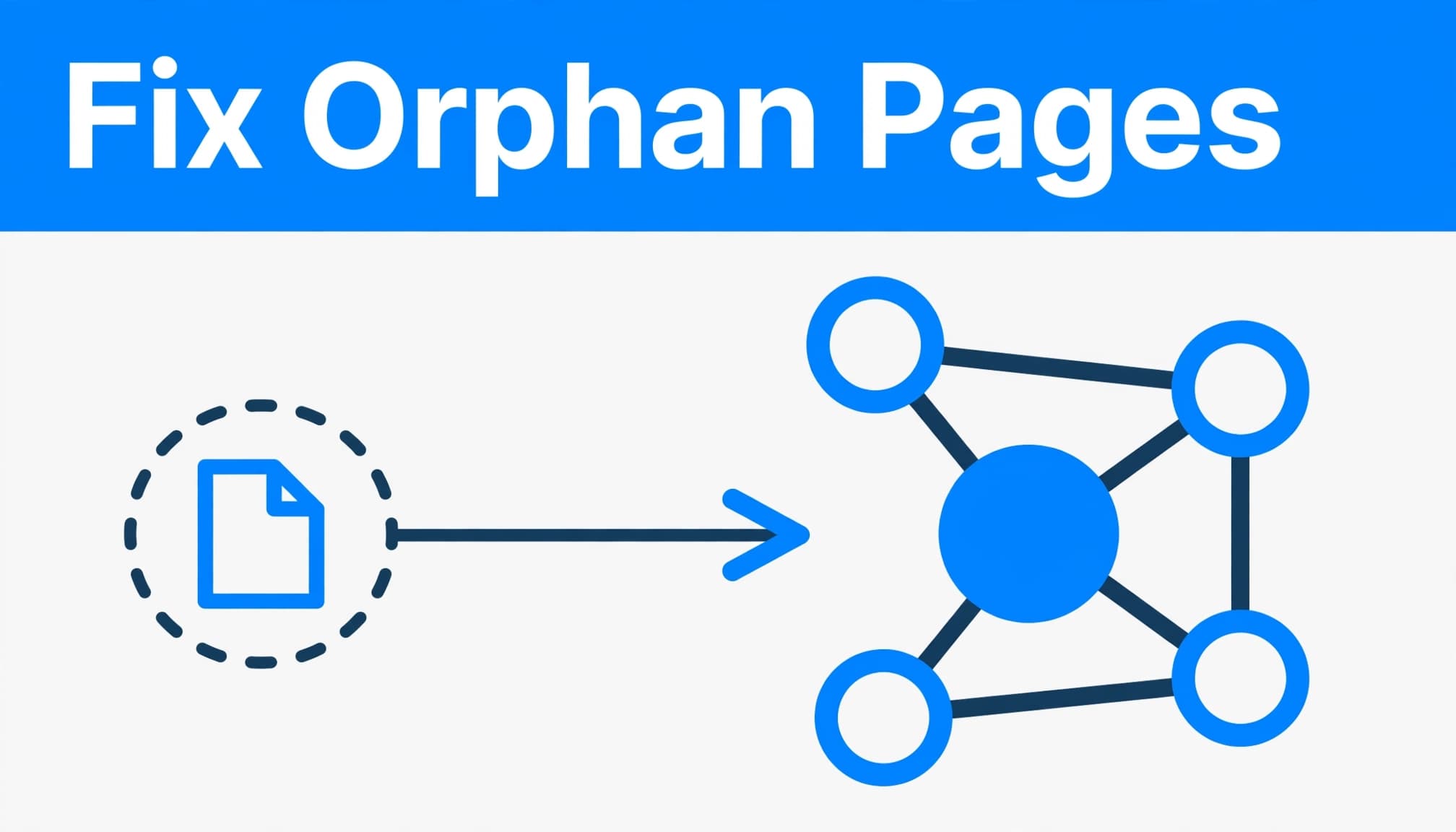
Add contextual internal links to valuable pages
Link to an active page from the most relevant existing page. A plumbing service hub might link to water-heater repair. A blog article about storm damage could point to roof inspection services.
Choose links that support the user experience and use descriptive anchor text. A few well-placed pathways work better than repetitive blocks of blue text. For more examples, see these local service internal-link practices.
After adding links, run a crawl analysis to confirm the page is reachable. Represent repaired pages consistently in your XML sitemaps, then verify the result with an SEO spider.
Merge or redirect outdated content
If two pages answer the same customer need, combine the stronger material into one preferred URL. Update site references to point directly to that surviving page.
Use a 301 redirect when the old page has a close, permanent replacement. Before deleting anything, check traffic, backlinks, conversions, and search visibility. Low recent organic traffic or limited appearances in search results don’t prove a page has no value.
Review inbound links before removal. An older page may still preserve useful link equity or page rank, even if its recent performance is weak.
After merging, redirecting, or removing a page, run another crawl analysis. Confirm that updated URLs work, redirects resolve correctly, and no important paths remain broken.
Use noindex and deletion with care
Some campaign pages, confirmation pages, and utility pages can remain public without appearing in search results. A noindex tag may fit when a page has a purpose but shouldn’t compete for organic visibility.
Deletion fits content with no business value, no reasonable replacement, and no useful visitor role. Don’t use noindex to postpone a decision about thin or duplicate content, or to hide index bloat. Choose deliberately between adding links, updating content, merging URLs, redirecting them, applying a noindex tag, and deleting them.
Prevent New Orphan Pages During Updates
Most orphan pages come from ordinary work: someone publishes a new service, removes an old navigation item, changes a URL, or launches a promotion without documenting ownership.
Give every new page a permanent home
Before publishing, I ask where the new page fits within the website structure. It should have at least one relevant internal links connection, a preferred canonical URL, and a decision about XML sitemaps. This helps search engines discover the page.
A service page may belong on the main services hub and a related location page. A blog post may link from a service page only when it helps the visitor take a logical next step. Keep its crawl depth reasonable by avoiding several unnecessary levels below a relevant hub.
Check links after migrations and redesigns
During a redesign or site migrations, export the old URL list and complete a crawl analysis to establish a baseline. Map replaced pages to the closest new destination, then test menus, breadcrumbs, footer links, image links, PDFs, and calls to action.
After launch, run a website crawl with an SEO spider and compare the results with your original crawl analysis. Run a focused review after a major plugin update, new service launch, navigation change, or content updates.
Ongoing professional website maintenance makes these checks far less likely to become a large repair project.
After you correct a high-value page, Google lets you request a recrawl of updated URLs. Do that only after the page, links, and technical signals are correct.
FAQ
How often should a small business check for disconnected pages?
I recommend a light monthly check for active websites. Run a deeper quarterly comparison of XML sitemaps, Google Analytics, and Google Search Console data. Use an SEO spider for crawl analysis, especially after a migration, redesign, major navigation update, or new service launch. This process helps identify orphan pages before they remain disconnected for long.
Can a page be intentionally orphaned?
Yes, but it needs an owner and a clear purpose. An intentionally unlinked campaign page isn’t automatically an error. Landing pages for paid ads or limited campaigns may remain isolated, but you should decide whether they belong in search, how long they’ll stay live, and what happens when the campaign ends.
A page with a noindex tag is a different technical state. A removed page may be deleted, while a replaced page may use a 301 redirect. None of these states alone proves that a page is orphaned.
Will fixing disconnected pages guarantee higher rankings?
No. These fixes can improve discoverability, navigation, and user experience, but they don’t guarantee stronger visibility in search results. Search engines also consider relevance, content quality, competition, and many other factors. Focus first on pages that genuinely help customers and support your business goals.
Keep Every Important Page Connected
A strong orphan pages audit is a repeatable process. Compare your URL list with XML sitemaps and other sources. Use an SEO spider and crawl analysis to identify isolated URLs, then make a clear decision. Run a second crawl analysis to verify the final state.
Evaluate each page before deleting it. Some pages may support user experience, search engines, or link equity.
Read Acts 20:24 in the Amplified Bible and reflect on Paul’s faithful completion of his assignment. Maintaining a useful, honest website can reflect that same care. Pray for wisdom to keep helpful pages connected and retire outdated ones.
If your navigation and indexing signals need a careful review, Contact Us for a free consultation about your website and SEO needs.