

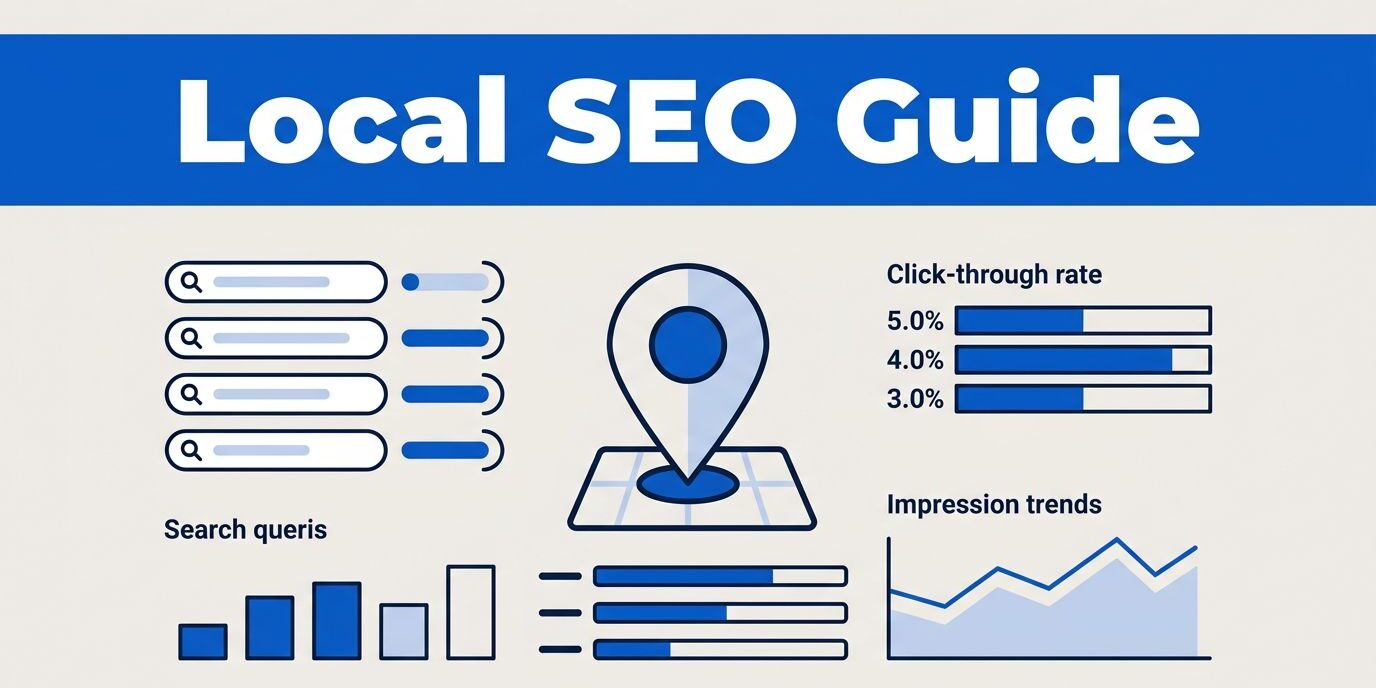
A page can appear in search results without bringing in a single local customer. Google Search Console local SEO reporting helps me find out why by showing which searches create visibility, which pages receive clicks, and where the site needs work.
I use Google Search Console alongside the Google Business Profile, Google Analytics, and lead records. Google Search Console does not replace local rank tracking, but it gives reliable clues about real searches that already reach a business website. Here is how I turn those clues into practical improvements for local SEO.

Key Takeaways
- Google Search Console shows search queries, pages, impressions, clicks, click through rate, and average position.
- Query, page, country, device, search appearance, and date filters reveal useful local patterns for your local SEO efforts.
- High impressions with low clicks often point to title, description, intent, or page-quality problems.
- Google Search Console cannot show every map ranking or neighborhood position, so I compare it with Google Business Profile data and local rankings.
- Consistent business information and a working mobile contact path matter as much as visibility.
Set Up Search Console Around the Right Website Property
Before reviewing local SEO data, I make sure the correct property is verified in Google Search Console. A domain property covers the entire domain, including HTTP, HTTPS, subdomains, and URL variations. A URL-prefix property covers only the specified version, such as https://www.example.com/.
For most businesses, I prefer a verified domain property when DNS access is available. It gives a broader view of the site and reduces the chance of analyzing only one version of the domain. Google’s SEO Starter Guide also explains how Google Search Console supports website monitoring and search engine optimization.
After verification, I check whether the sitemap submission has been completed under Indexing > Sitemaps. A sitemap does not guarantee rankings or indexing, but it gives Google a clear list of important URLs. I submit the canonical sitemap URL, then check for errors rather than repeatedly resubmitting it.
Next, I inspect the Pages report. I look for:
- Important service pages marked as indexed
- Local landing pages excluded from indexing
- Duplicate or alternate URLs
- Pages blocked by
noindex, robots.txt, or indexing issues - Redirects pointing to outdated or irrelevant destinations
A local service page cannot attract search traffic if Google cannot index it. I also review the live page manually because a URL may be indexed while the visitor sees a broken form, outdated phone number, or weak service information. Finally, I confirm that Google Search Console is fully configured to track these core assets effectively.
How Google Search Console Local SEO Data Guides Decisions
The main workspace is the performance report found in Performance > Search results. I usually begin with a three-month date range, then compare it with the previous period. A short period can be noisy, while a year may hide recent changes such as a redesign, new service page, or seasonal demand.
The search results report includes four main metrics:
- Clicks: Visits generated by Google organic results
- Impressions: How often a page appeared in results
- CTR: The percentage of impressions that produced clicks
- Average position: The average ranking position across recorded impressions
I treat average position as a directional metric, not a promise of one fixed ranking. A business may rank well for one suburb and poorly for another. Device type, search wording, location, and personalization can also change what a searcher sees.
The filter controls make the data useful for local analysis. I commonly combine:
- Query: Find searches containing a city, neighborhood, state, ZIP code, or phrases such as “near me.”
- Page: Isolate a service page, location page, or contact page.
- Country: Confirm that traffic comes from the intended market.
- Device: Compare mobile and desktop performance.
- Date: Compare current results with an earlier period.
For example, I might filter search queries containing local keywords for Fort Myers, then add a page filter for a Fort Myers service page. That combination shows whether the page earns impressions for local search intent or attracts unrelated traffic.
Google Search Console also supports custom regular expressions filters. A query filter such as (Fort Myers|Lehigh Acres|Cape Coral) can group several location terms into one view. I use this carefully because exact spaces and wording still matter. When the performance report becomes too narrow, I remove one filter and review the broader pattern.
A country filter cannot tell me whether a searcher came from one neighborhood or a nearby city. Local conclusions require page, query, and business-profile context, which Google Search Console helps to clarify.
Find Local SEO Opportunities in Queries and Pages
I start by sorting search queries by impressions. High impressions with few clicks often reveal a page that Google considers relevant, but the search result does not persuade enough people to visit, resulting in a low click through rate.
The cause may be a weak title, an unclear service description, a poor match with the local search intent, or a competitor showing stronger local proof. I do not change the page based on impressions alone. First, I open the query list and ask whether the page answers the searcher’s actual need.
Suppose a paving company receives impressions for local keywords like driveway pavers in Lehigh Acres, but most clicks go elsewhere. I would review whether the page clearly describes driveway paving, names the service area naturally, shows relevant project images, and provides an obvious way to request an estimate. I would also check whether the title accurately describes the page instead of using a broad phrase such as Professional Services.
Search queries ranking between positions four and fifteen often deserve attention. The page already has visibility based on its ranking data, so a focused improvement may produce more useful gains than creating another thin location page. I might improve the opening copy, add service details, strengthen internal links, update the title, or make the contact path easier to use.
Page level analysis is just as important for local SEO success. After filtering local landing pages, I review their clicks, impressions, CTR, and query list together. Then I check whether the page generates leads. A ranking improvement has limited business value if the page confuses visitors or sends them to a broken form.
I also look for pages that rank for the wrong intent. A blog post may receive impressions for a service query, while the actual service page remains invisible. In that case, I improve internal links and clarify which page should answer the commercial search.
A useful local page should contain genuine information about the service area. I avoid copying one city page into ten URLs and changing only the place name. Each location page needs accurate service details, relevant proof, and a clear reason for a local customer to contact the business.
For website structure and local content, I often refer clients to a local SEO website audit before expanding a keyword research campaign. Fixing weak pages first protects the budget and builds a stronger foundation for local SEO.
Check Indexing, Mobile Experience, and Search Appearance
The Pages report helps explain whether important URLs are indexed, but I still inspect each problem URL with URL Inspection to diagnose any indexing issues. This tool shows whether Google can access the page, whether the URL is indexed, and whether the page has a known canonical URL.
When a service page is excluded, I look at the reason before requesting indexing. Common causes include duplicate content, a redirect, a noindex directive, a server error, or a canonical tag pointing somewhere else. Requesting indexing repeatedly does not solve the underlying problem.
I also review core web vitals and mobile usability signals when available. Local customers often search on phones, then call or complete a short form. A page that loads poorly, requires horizontal scrolling, or places the phone number below a large banner can lose the lead after winning the impression.
Google Search Console search appearance filters can reveal how pages appear in Google. Depending on the site, I may review results connected with videos, product information, review features, or other enhanced formats. Schema markup can help Google understand a page, but valid markup does not guarantee a rich result or higher ranking.
I keep business details accurate across the site. The business name, address, phone number, hours, service areas, and website should agree with the Google Business Profile and major local citations. Conflicting information can weaken trust and create problems when Google reviews profile changes.
Connect Search Console With Google Business Profile Data
Google Search Console measures website search performance. Google Business Profile provides different information, such as calls, direction requests, website actions, and profile interactions. Neither tool gives the complete local picture by itself.
Google says local results are mainly influenced by relevance, distance, and popularity. Google Search Console helps me assess relevance and website visibility, while Google Business Profile adds context about the local listing and customer actions by combining local rankings and ranking data.
I compare the tools in practical ways:
- If Google Search Console shows local impressions but few clicks, I review titles and page intent.
- If the website receives clicks but Google Business Profile gets few actions, I inspect the listing, categories, photos, hours, and contact details.
- If both show visibility but leads remain low, I test the phone link, form, confirmation message, and response process.
- If organic traffic drops after a redesign, I compare affected URLs, indexing status, redirects, and mobile performance.
Reviews also affect customer trust, even though Search Console does not measure their quality. I ask for honest feedback rather than requesting five-star ratings or offering rewards, and I sometimes perform competitor analysis to see how other local brands handle customer sentiment. I respond to negative reviews professionally because future customers often judge the response as much as the original complaint.
The destination page must support the search result. I check whether the phone number works on a mobile device, whether the form asks only for necessary details, and whether the page explains what happens after submission. A visitor should not have to hunt for the next step.
Businesses that need a stronger site foundation can review responsive website design services, especially when mobile usability limits local conversions.
Build a Simple Monthly Search Console Routine
I recommend reviewing Google Search Console once a month, with a deeper comparison each quarter. A consistent routine makes changes easier to connect with results.
I begin with the last three months and compare the previous period. Then I review:
- Total clicks and impressions in the performance report
- Queries containing important location terms and local keywords
- Pages receiving local impressions that drive local visibility
- High-impression, low-CTR opportunities to boost local visibility
- Pages ranking between positions four and fifteen
- Mobile performance compared with desktop
- Indexing problems affecting service or location pages
- Lead records alongside organic traffic using Google Search Console data
I record major changes, such as a new page, title update, website migration, profile edit, or technical repair. Search data can take time to reflect a change, so I avoid making several unrelated edits and then guessing which one worked.
Google Search Console exports are useful for sharing trends with a web team or business partner. I focus the discussion on business outcomes, not vanity numbers. More impressions matter when they come from relevant searches and lead to calls, forms, appointments, or sales.
Frequently Asked Questions
How does Google Search Console help with local SEO?
Google Search Console shows which search queries and pages bring visitors to your website, helping you understand your local visibility. By filtering data by location terms and devices, you can see how well your service pages reach nearby customers.
Can Google Search Console replace local rank tracking?
No, Google Search Console does not show every individual map ranking or neighborhood position. It works best when combined with Google Business Profile insights and direct local rank tracking tools to give a complete view of your local performance.
What should I do if my local pages have high impressions but low clicks?
High impressions with low clicks often indicate that your title or meta description does not match local search intent. Review the queries driving those impressions and update your page content or titles to better answer what local searchers need.
Conclusion
Google Search Console local SEO work becomes useful when I connect search data with real website behavior. Query and page filters show where local visibility exists, while indexing and mobile checks reveal why that visibility may not produce action.
I use Google Search Console to find the next practical improvement, then confirm the result through Google Business Profile activity and lead records. If you want help reviewing your website, local search data, or conversion path, Contact Us for a free consultation. Visibility built on strong local SEO starts the process, but accurate information and a dependable contact experience tuned to local search intent turn it into business.