

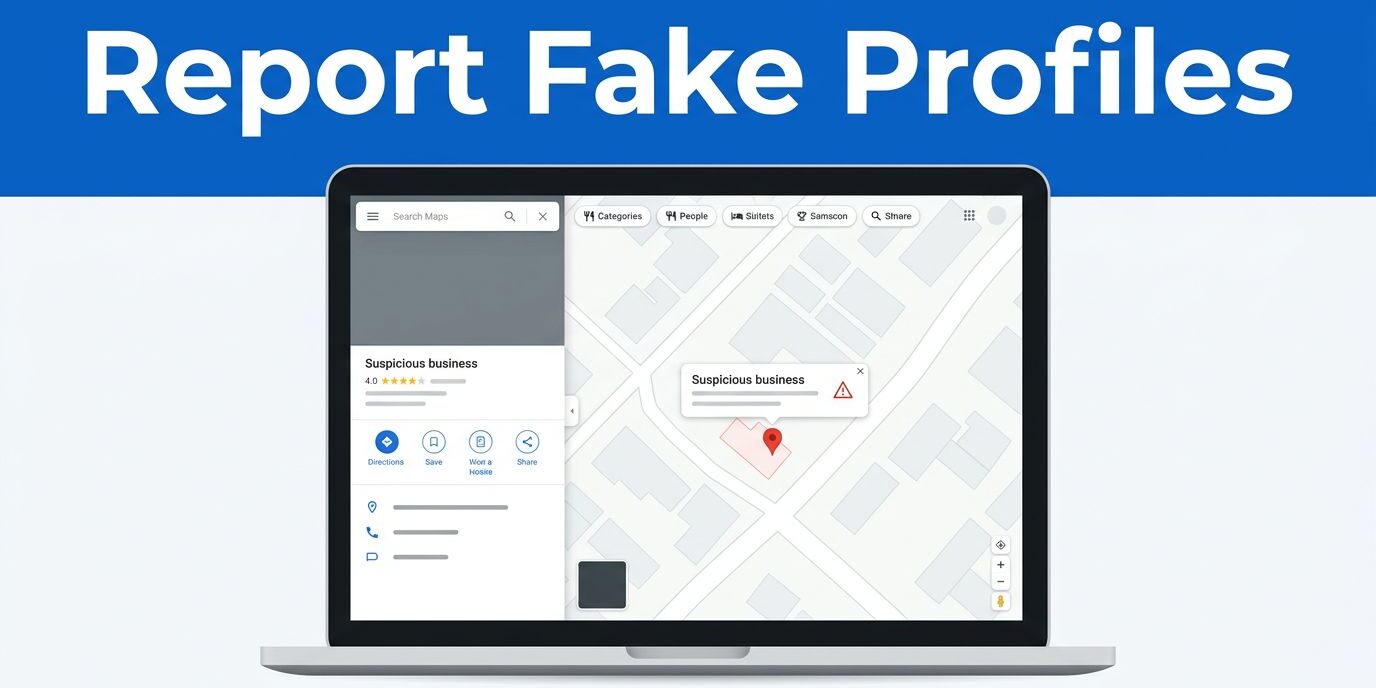
A fraudulent Google Business Profile can send customers to the wrong address, expose them to scams, or divert calls from your local business. If you need to report fake Google Business Profiles, start with the Google Maps listing and submit a clear, evidence-based edit to protect your online presence.
I use a different approach for a duplicate Google Business Profile, a completely false enterprise, and an impersonation case. The right report type matters because Google needs enough information to understand what is wrong.
Key Takeaways
- Use Google Maps’ Suggest an edit option to report a false, closed, duplicate, or misleading information listing.
- Save the listing’s full Google Maps URL before submitting your report.
- Use factual evidence, such as screenshots, official records, and your verified Google Business Profile link.
- Escalate impersonation or unresolved cases through Google’s Business Redressal Complaint form.
- Monitor your real Google Business Profile, website, and Google Maps listing after the report so incorrect information doesn’t return.
What Makes a Google Business Profile Fake?
A fake Google Business Profile is a listing that misrepresents a local business, location, service, or identity. It may use a real company’s name, a vacant address, a virtual office, a misleading phone number, or a location where the business has never operated.
Some false listings are obvious. The profile may show a business that doesn’t exist, use stock images, or list an address shared by many unrelated companies. Other cases are harder to identify. A competitor may create a keyword-stuffed listing, or someone may create a second profile that copies your business details.
I first compare the questionable Google Business Profile with the company’s official website, social profiles, signage, and known contact information. A local business can have a legitimate service-area profile without displaying a storefront, so the absence of a public address doesn’t prove that a listing is fake.
Look for several warning signs together:
- The business name contains extra city names or services that don’t appear in its real-world branding.
- The phone number connects to a different company or goes nowhere.
- The listed address is a residence, empty lot, mailbox facility, or unrelated business.
- Photos, customer reviews, and services describe a company that doesn’t match the location.
- Multiple profiles appear for one business, resulting in fake business profiles with conflicting addresses or phone numbers.
- The Google Business Profile copies your business name, branding, website content, or contact details, often featuring misleading information.
A duplicate Google Business Profile isn’t always malicious. It may have been created after a move, rebrand, ownership change, or data error. However, duplicate Google Business Profiles can split reviews, confuse customers, and weaken local visibility. Report the duplicate instead of trying to remove duplicate listings that contain your strongest history, or manage the redundant profiles carefully.
How to Report Fake Google Business Profiles in Maps
Google’s menu labels can change slightly between desktop and mobile, but the basic process remains similar. I recommend using Google Maps in a signed-in Google account when possible.
1. Open the suspicious listing
Search for the business name, address, phone number, or profile URL in Google Maps. Open the target Google Maps listing and check the information before reporting it.
Copy the full Google Maps listing URL and save it in your notes. Google may need that exact link if you later escalate the complaint regarding the Google Maps listing.
2. Select “Suggest an edit”
On the Google Maps listing, choose Suggest an edit. When you use suggest an edit, you can flag incorrect details. On some devices, you may see a three-dot menu or Report a problem instead. Those options lead to a similar reporting process.
3. Choose the closest reason
For a business that doesn’t exist at the listed location, choose a removal-related option such as Place is closed or not here. Google may then show Offensive, harmful, or misleading as the reason.
When dealing with duplicate Google Business Profiles, choose an option such as Duplicate of another place. If you need to report fake Google Business Profiles that have no real location, select Doesn’t exist here when that option appears. You can also submit a suggest an edit request for these issues.
Don’t select “permanently closed” when the business is still operating somewhere else. That report can create confusion if the profile is legitimate but has the wrong address. Choose the option that describes the actual problem.
4. Add a short factual explanation
Keep your explanation direct. Avoid accusations, insults, or assumptions about the owner’s motives. State what you can verify about the Google Business Profile in question.
For example:
“This listing does not operate at the stated address. The location is occupied by another business, and the listed phone number does not connect to this company. The official business website is [website address].”
If the listing copies your Google Business Profile identity, say that clearly. Include the name of your legitimate profile and explain which details were copied, noting any policy violations you spot.
5. Submit the report and save the details
Submit the edit, then take a screenshot of the confirmation page if one appears. Record the date, listing URL, selected reason, and any case number Google support provides after you file a spam report.
Google’s guidance on fake and spam listings supports using the reporting process for problematic profiles. Still, submitting a report doesn’t guarantee immediate removal. Google reviews reports against its policies and may ask for more information.
When to Use Google’s Business Redressal Complaint form
The Maps edit process is a good first step for a basic location error, duplicate, or nonexistent business. Stronger cases need a formal escalation.
I use the Business Redressal Complaint form when a Google Business Profile listing:
- Impersonates my business or another real company.
- Uses my phone number, address, website, or brand without permission.
- Promotes a fraudulent service under a legitimate business name or involves fraudulent activity.
- Engages in a Google Business scam call tactic or an extortion scam targeting consumers.
- Remains live after a clear and properly documented Google Maps listing report.
- Creates a serious risk of customer harm or financial loss.
You can access the Business Redressal Complaint form through official Google support channels. Include the complete Maps URL, a short description, and evidence that supports each claim.
If the fake Google Maps listing imitates your company, include a link to your official website and verified Google Business Profile. Explain the specific connection between your business and the false profile. For example, identify the copied phone number, brand name, service description, or address.
I don’t submit several vague complaints in quick succession. A single organized report gives Google a cleaner record and makes it easier to understand the problem. If you receive a case ID, keep it with your screenshots and notes.
A third-party explanation of the process is available in this guide to removing fake Google Business Profile listings, but I rely on Google’s own reporting channels for the actual submission.
Gather Evidence Before Reporting
Evidence helps separate a real policy violation from a disagreement between competitors. Before I report a listing, I collect information that another person can verify without taking my word for it.
Useful evidence may include:
- A screenshot of the false business name, address, phone number, category, or website.
- The full Google Maps URL for the questionable listing.
- A link to your official website and verified Business Profile.
- Photos showing that the listed location is vacant or occupied by another company.
- A business license, registration, lease record, or government listing.
- Screenshots showing that the profile copied your branding or contact details.
- A record of calls or messages showing that customers were sent to the wrong company.
Keep the explanation factual. “This competitor is dishonest” is less useful than “The listed address belongs to another company, which is shown on its official website and storefront sign.”
If the problem involves fake customer reviews rather than a fake Google Business Profile, use the separate review process. Google provides instructions for reporting inappropriate reviews. Managing inappropriate reviews and handling policy violations on a Google Maps listing require different approaches, so you should also utilize the Reviews Management Tool when necessary.
Your own online information should also be consistent. Check your website, major directories, social profiles, and map listings for the correct business name, address, and phone number to help Google verify your business. I call this NAP consistency, and mismatched details can make it harder for local search engines to confirm your local business.
If your website still shows an old phone number or address, update it before escalating. A current website gives Google another reliable source that supports your report. Businesses that need help aligning their website, local SEO efforts, and local business visibility can review organic SEO and web maintenance services. You can track incoming feedback through the Reviews Management Tool alongside your ongoing optimization tasks.
What Happens After You Submit a Report?
Google may approve the edit for your Google Business Profile, reject it, request more information, or leave the listing visible while it reviews the report. The timing varies, so check the Google Business Profile periodically instead of submitting the same report every few hours.
If Google rejects your edit, review the reason and submit a stronger report only when you have additional facts. For impersonation, fraud, or repeated rejection, use the Business Redressal Complaint form and include the original case ID. You can also contact Google support or merge duplicate profiles if the situation calls for a one-time appeal.
I also monitor the legitimate Google Business Profile and any Google Maps listing after reporting a fake one. Check the business name, category, address, phone number, hours, website link, and customer reviews to protect your local business and online presence. Public edits and third-party data sources can sometimes introduce incorrect changes later, so keeping an eye on new customer reviews is vital.
Search Console can help measure the effect on your website after the problem is addressed. I compare clicks, impressions, click-through rate, and average position over a reasonable period. I also filter queries by city, neighborhood, ZIP code, service page, and device type. A short period can be noisy, while a full year may hide changes caused by a recent redesign or seasonal demand.
Average position is directional rather than a promise of one fixed ranking. A local business may appear well in one suburb and poorly in another because location, search wording, device, and personalization affect the results.
If the fake profile caused customer confusion and your website or local listings need cleanup, you can Contact Us for a practical review of the problem.
Frequently Asked Questions
How long does it take for Google to remove a fake Google Business Profile?
Google’s review time can vary significantly, ranging from a few days to several weeks depending on the complexity of the case. You should periodically check the status of your report in Google Maps rather than submitting multiple duplicate requests in a short time.
Can I report a fake profile if I don’t own a business?
Yes, anyone can report a fraudulent or misleading listing on Google Maps to help protect consumers from scams and incorrect information. Simply use the ‘Suggest an edit’ feature on the listing to flag the policy violation with factual details.
What is the difference between reporting via Google Maps and using the Redressal Form?
Reporting directly through Google Maps is best for simple errors, duplicates, or nonexistent businesses at a specific location. The Business Redressal Complaint form should be reserved for severe cases involving active impersonation, fraud, or listings that remain live after standard map edits fail.
Conclusion
When you report fake Google Business Profiles, accuracy matters more than volume. Find the listing, save its URL, choose the closest Maps reason, and describe only the facts you can support regarding any policy violations.
Use the Business Redressal Complaint form for impersonation, fraud, or reports that remain unresolved. Then keep your legitimate Google Business Profile, website, and local citations consistent so customers and Google can easily identify your local business and trust your online presence.