

Local pages fail all the time in the world of local seo because businesses build the wrong kind. I have seen companies publish city pages for offices they do not have, then wonder why calls stay flat.
If you have been weighing service area pages vs location pages, the choice comes down to one plain fact: do customers come to you, or do you go to them? Once I sort that out, the rest of the site gets much easier to plan.
Key Takeaways
- Determine your business model: The core difference between page types is who does the traveling; if customers visit you, build a location page, but if you visit them, use a service area page.
- Prioritize accuracy over page count: Avoid creating fake office pages in cities where you have no physical presence, as this misleads customers and damages trust with search engines.
- Focus on unique, high-quality content: Prevent duplicate content penalties by writing specific, value-driven content for each city page rather than simply swapping city names in a template.
- Utilize a hybrid strategy when needed: Many businesses benefit from both a primary location page for their headquarters and individual service area pages for regions where they perform off-site work.
The difference comes down to who travels
I use a simple rule when I review local sites. Location pages are for a real place people can visit, while service area pages are for a location you serve without having a public office there.
That sounds basic, yet this is where many local SEO problems start. A dentist in Orlando needs a location page for the Orlando office. A plumber based in Orlando, who drives to Winter Park, Kissimmee, and Sanford, usually needs service area pages for those cities rather than fake office pages.
Search engines compare your site with your Google Business Profile, your map listing, and other local mentions. If your page claims you have an office in a specific city but no physical location exists there, that mismatch weakens trust. Search Engine Land explains this well in its guide to service area pages.
If customers visit you, build a location page. If you visit them, build a service area page.
This quick comparison helps:
| Page type | Best fit | What I include | Common mistake |
|---|---|---|---|
| Location page | Stores, clinics, offices, branches | Address, hours, map, phone, photos, staff details | Creating pages for places with no real office |
| Service area page | Home service and mobile businesses | Cities served, service details, response info, trust proof, contact path | Swapping city names into duplicate pages |
I also look at search intent. Someone searching near me for a walk-in business often wants directions, hours, and parking information. Meanwhile, someone searching for a roofer in a nearby city wants to know if that company works in their area and how fast they can book.
That difference shapes the page. It also shapes conversions. A page built for the wrong intent may rank poorly, but even worse, it can confuse people who were ready to call. By prioritizing unique content on these pages, you help your business show up more effectively in local search results and provide a better experience for potential customers.
When a location page earns its place
A location page belongs on your site when you operate brick-and-mortar businesses where customers can visit a real branch, store, office, or clinic. I do not mean a P.O. box, a shared mailbox, or a vague service office. I mean a place with a true business presence.
On those pages, I keep the basics obvious. That includes the full physical address, local phone number, hours, an embedded google map, and directions. I also add details people use before they show up, such as parking notes, nearby landmarks, entrance info, and photos of the actual space.
A good location page should feel local, not copied. If a company has three offices, each page should mention the team at that branch, the services handled there, and anything unique about that location. Otherwise, the pages blur together and lose value.
I also match the page to the business profile for that office. The NAP information must align perfectly across your site and your profiles. When they do not, local visibility gets messy fast. If a business has trouble appearing on the map, this guide on google business profile map issues is a useful starting point.
For multi-location companies, location pages often work best when they sit under a clean structure. A parent Locations page can help users browse, but each branch page still needs its own substance. I want to see local customer reviews, office photos, branch-level FAQs, and proper schema markup to help search engines understand the data. I want a clear reason for that page to exist.
What I do not want is a template with the city name swapped into the same paragraph ten times. Search engines have seen that pattern for years. So have customers.
When service area pages work better
Service area pages are the ideal solution for service area businesses that travel to the customer. This approach is standard for home service businesses like plumbers, HVAC companies, electricians, cleaners, mobile groomers, pest control teams, and many other contractors.
These pages should never pretend you have an office in every city you serve. Instead, they should clearly state that you operate in that city and explain what a customer there can expect. This honesty is vital because it accurately reflects your real business model.
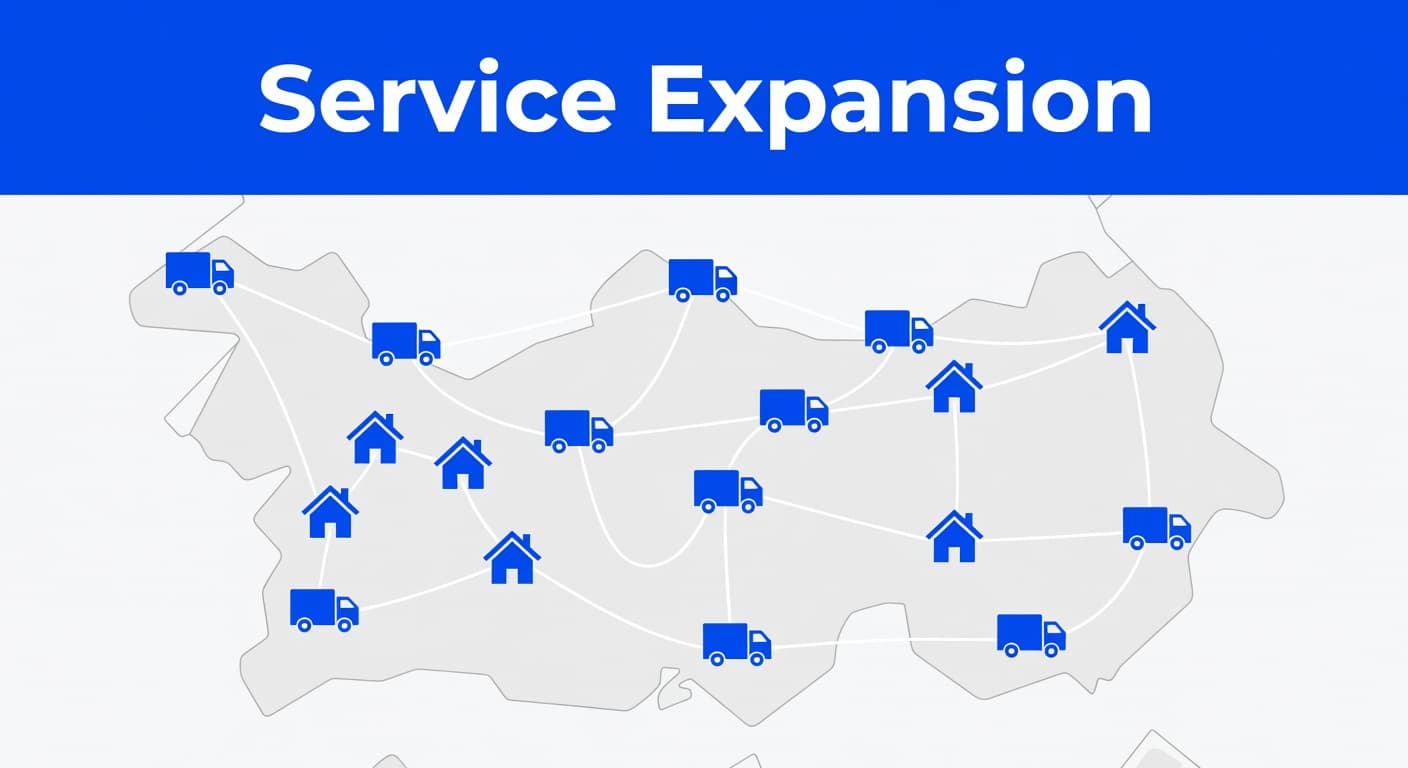
When I build or review city pages for service area businesses, I look for real local value. A strong page highlights the services offered in that specific area, common job types, travel coverage, response times, and proof that the business has worked there before. A weak strategy involves using the same template on twenty pages while only swapping the city name in the headline.
That approach often leads to the creation of duplicate content, which can be detrimental to your rankings. If you simply copy and paste information across your site, you risk creating doorway pages. These pages clutter your site, frustrate users, and rarely provide long-term value. I always recommend focusing on fewer pages that offer real substance instead of mass-producing low-quality content.
I also tie each of these high-quality local landing pages back to the main service pages. For example, a roofing company might have one primary roof repair page and separate city landing pages for Tampa, Brandon, and Riverview. That setup keeps the site organized without unnecessary repetition. DMNet’s advice on creating unique content for local landing pages lines up with that approach.
A service area page should answer practical questions while incorporating relevant local keywords. Do you work in this city every week? Are there trip fees? Do you handle emergency calls there? How fast can someone book? Including those details does more for your lead generation than filling the site with generic city fluff.
How I choose between them, and when I use both
I start by evaluating the real-world business setup rather than focusing on page count. If customers visit a public storefront, I build location pages. If the business travels to serve nearby cities, I build service area pages for the locations that provide the most value.
Many businesses thrive using a hybrid strategy. For example, a kitchen showroom has a public office, but the installation team travels across several counties. In that case, I create one optimized page for the physical showroom while deploying separate service area pages for the specific towns where the crew performs installations.
I remain selective, however. Creating a page for every single town on the map is rarely a smart move. I prioritize areas with verified search demand, consistent project history, or high sales value. This keeps the site focused and ensures the content remains honest.
I also pay close attention to potential conflicts. If a company operates as a service-area business and chooses to hide its physical address from the public, the website structure must reflect that transition. A recent r/localseo discussion highlights how often business owners confuse these two strategies. Choosing the right path is vital, as a clean site structure directly influences your visibility in the local pack and the consistency of your organic search rankings.
Then I set expectations. Achieving success in local search usually takes time, especially if the initial site architecture is disorganized. If rankings feel slow, this local SEO timeline and strategy guide provides a realistic view of the factors that might be holding your progress back.
The most effective approach is rarely the one with the most pages. Instead, it is the setup that accurately reflects your business model, your local market, and how your customers actually prefer to shop. Ultimately, your goal should be to provide helpful content that serves the needs of the buyer at every stage of their decision-making process.
Frequently Asked Questions
Can I use service area pages for cities where I do not have an office?
Yes, service area pages are specifically designed for cities where you provide services without having a brick-and-mortar storefront. You should clarify that you serve these areas rather than implying you have a local office there.
Will creating dozens of city pages help me rank faster?
Generally no, and it can often hurt your SEO efforts. You should prioritize pages for cities with verified search demand and legitimate project history instead of mass-producing thin, low-quality doorway pages.
How should I structure my pages if I have both a storefront and a mobile team?
A hybrid approach is best in this scenario. You should build a detailed location page for your physical headquarters and separate, unique service area pages for the specific towns where your team performs installations or mobile work.
What specific information should I include on a service area page?
A high-performing service area page should include the services offered in that city, common job types, typical response times, and proof of work in the area. These details help build trust with prospective customers and improve your conversion rates.
Conclusion
The cleanest wins in the industry usually come from accuracy. When your page structure matches your real business model, the site becomes easier for search engines to trust, easier for customers to understand, and much easier to scale. Ultimately, this approach builds the local authority you need to dominate your specific market.
I keep the rule simple. If people visit your business, use location pages. If you visit them at their homes or offices, use service area pages. If both happen, use both and keep each page honest.
If you want a second set of eyes on your structure, Contact Us for a free consultation on your website and local seo needs.