

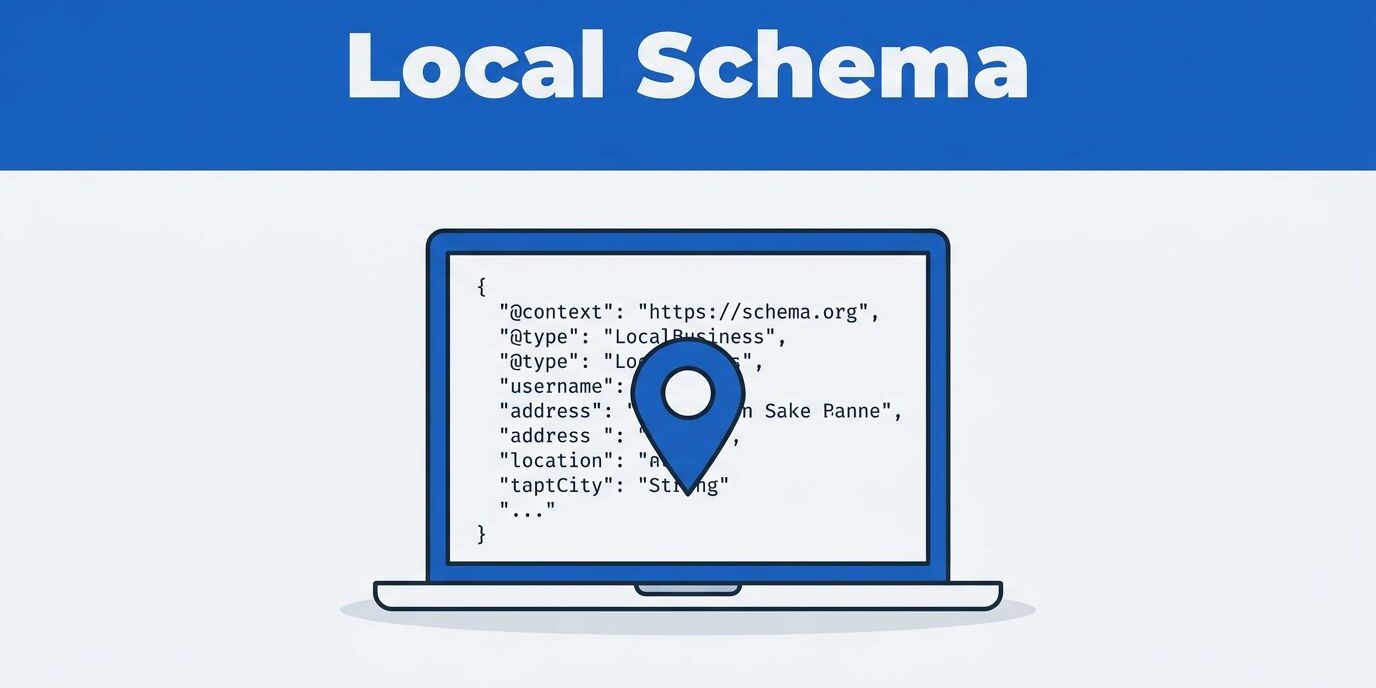
When I audit a service business website, I often find a simple problem. The page says one thing, but search engines see another. Local schema markup helps me close that gap by labeling business details in a way machines can read quickly. By implementing this structured data, I provide search engines with a standardized way to interpret the site content, which is a critical step in any effective local SEO strategy.
I use these tools to clarify the business name, service area, phone number, hours, and the specific services the company provides. While this process does not replace solid copy or a well-built site, it provides search engines with cleaner signals to improve visibility. I start with the core functionality of these tags, and then I narrow down the specific pieces that matter most for a service business.
Key Takeaways
- Clarify Business Identity: Local schema acts as a translation layer, providing search engines with a clear, machine-readable map of your business name, services, and location without cluttering your visible page copy.
- Prioritize Consistency: Structured data is only effective if it matches your actual business operations and information across other platforms like your Google Business Profile and local directory listings.
- Focus on Quality First: Schema is not a magic fix for poor site architecture or thin content; it works best as a final layer on a site that already features strong navigation and accurate, helpful information.
- Selectivity Matters: Avoid overloading pages with unnecessary markup; focus on foundational types like LocalBusiness, Service, and PostalAddress to ensure search engines can accurately verify your credibility.
What local schema markup adds to a service site
I think of schema as a translation layer. Visitors read the page naturally, while search engine crawlers need a clearer map of who the business is, what it offers, and where it operates. Schema is a form of structured data that gives me a way to spell that out without stuffing awkward phrases into the visible copy.
For service businesses, that matters because the site is usually selling a specific action, not a product on a shelf. A plumber sells emergency repairs, a roofer sells inspections and replacements, and a cleaning company sells scheduled service. Local schema markup helps connect those services to the business identity behind them. When implemented correctly, this can lead to rich snippets in the search results, which often improve visibility and drive higher click-through rates.

I do not treat schema as a shortcut. It does not fix thin content, poor navigation, or a slow page. It also does not guarantee rich results. What it does is reduce guesswork, and that helps when a site needs stronger local clarity.
I treat schema like a label on a filing cabinet. It does not organize the files for me, but it helps the right person find the right drawer faster.
The schema pieces I reach for first
I do not start with every possible option. Instead, I rely on the Schema.org vocabulary to select the pieces that match how a service company actually functions.
- LocalBusiness type: This serves as the foundational layer for a local company. I often use a more specific subtype of the LocalBusiness type when it fits the industry, such as a plumber, electrician, or other service-focused business.
- Service: This lets me describe the specific work the company sells, such as repairs, installations, maintenance, inspections, or consultations.
- Organization type: I use this when I want to reinforce the brand identity behind the business.
- PostalAddress: I always include this to map local company data accurately, ensuring the physical location is clearly linked to the business entity.
- FAQPage: I only use this when the page already has real, visible questions and answers that help the visitor.
- BreadcrumbList: I use this to show the path through the site, which helps both users and search engines understand the site structure.
I stay selective because clutter creates confusion. If I add markup that does not match the page, I make the site harder to trust, not easier. I also avoid adding AggregateRating or other review markup unless the page shows those reviews clearly and the content follows the strict guidelines provided by search engines.
For a business that sells several services, I usually map each important service page on its own. That means the page for roof repair gets its own Service details, while the page for maintenance gets a different set of details. One accurate set of facts is better than five overlapping ones.
Keeping schema aligned with the real business
Schema works best when the rest of the business data matches. I pay close attention to NAP consistency across the website, your Google Business Profile, and various directory listings. If those details conflict, the markup only repeats the confusion.
That is why I like to clean up the site first, then layer in structured data. When the foundation needs work, I fix the structure with web design and organic SEO services, because schema performs better on a site that already has clear service pages, a sensible menu, and obvious contact details.
I also keep the business model in mind. If the company is a service area business, I define the coverage radius to match the reality of their operations. If the business has a public office, I make sure the address, opening hours, GeoCoordinates, and hasMap property all align with the information shown on third-party platforms. If the business works by appointment, I keep the public-facing details honest and easy to verify.
Tracking numbers need care too. I can use them, but I keep the main business number consistent in the core listings and on the site. If a scheduling tool, CRM, or directory feed keeps pushing old information back into place, I fix that source before I add more markup.
I stay away from fake precision. If the business does not offer a service in a certain area, I do not mark it up as if it does. Search engines are very good at spotting a mismatch, and customers notice it too.
If my site, Google Business Profile, and directory listings disagree, schema will not clean up the mess. Consistency comes first.
Where I place schema on a service website
I usually think page by page, not sitewide by default. The homepage often carries the core business identity, while service pages carry the details of what the company actually does. Contact pages, location pages, and FAQ pages can also use schema when the content supports them.
For a single-location business, I often place the main LocalBusiness type schema on the homepage or about page. Then I add Service schema to the pages that sell the work. If you are managing a multi-location business, I give each shop its own dedicated location pages with unique details instead of cloning one city page and swapping the town name. On these location pages, I typically use the Organization type to maintain a clear hierarchy.
I use JSON-LD most often because it is cleaner to maintain and easier to separate from the visible layout. I also like it because I can update the markup without rebuilding the page structure. When the site needs broader cleanup, I think about the whole setup, not just the markup, because organic SEO services for small businesses work best when the page content, site structure, and local signals all point in the same direction.

I also keep mobile users in mind. Many local visitors land on a business site from a phone, and they want answers fast. If the page is hard to read, slow to load, or buried under clutter, the markup will not help you capture valuable SERP features. The page still has to earn trust, and your location pages must be optimized to ensure that both search engines and users can find exactly what they need.
What I test after publishing
After I add local schema markup, I test it thoroughly before moving on. I start with Google’s Rich Results Test to confirm the page is structured correctly for search engines, which is the best way to ensure the site becomes eligible for rich snippets. I also use the Schema Markup Validator to catch structural syntax errors that a browser would never reveal. Over time, I monitor Google Search Console to see how the implementation influences the business knowledge panel and visibility within the Local Pack.
I do not judge success by one tool alone. If the schema is valid but the page quality is low, the result is still weak. I view proper LocalBusiness type implementation as a foundational element of E-E-A-T signals, as it helps search engines verify the credibility and accuracy of the business. If the page is strong but the business details drift across the site or third-party listings, the result remains shaky. I want the entire local footprint to present a consistent, trustworthy profile.
I also verify the page user experience. The headline should be clear, the contact path should be intuitive, and the content must align with the specific services the business wants to rank for. This is vital because these pages are designed to convert a quick search into a call or form fill. When I see successful rich results, I know the underlying data is working to support those conversions.
To ensure long-term performance, I pair markup with regular maintenance. Broken links, stale opening hours, outdated service descriptions, and old phone numbers can undo the technical benefits of your schema quickly. A clean page today can drift out of date by the next quarter if nobody is monitoring the details. Regular audits ensure that your structured data remains accurate and continues to reinforce your search presence.
Frequently Asked Questions
Does adding schema markup guarantee rich snippets in search results?
No, schema markup does not guarantee rich snippets or improved rankings on its own. While it helps search engines understand and display your information, factors like content quality, page speed, and overall site authority still play a critical role in search performance.
Can I use the same schema markup on every page of my website?
It is generally better to tailor your schema to the specific purpose of each page rather than applying the same code sitewide. For example, your homepage should focus on the LocalBusiness entity, while specific service pages should include detailed Service markup relevant to the content on that page.
How do I check if my schema markup is correctly implemented?
I recommend using Google’s Rich Results Test and the Schema Markup Validator to verify your code. These tools help identify syntax errors and confirm whether your structured data is correctly formatted for search engines to process.
Conclusion
I implement local schema markup to make a service business easier to understand, not to trick a search engine. My approach relies on structured data to ensure your digital presence is consistent with your physical operations. By leveraging the Schema.org vocabulary, I align your business details with what search engines expect, which is a foundational element of a strong local SEO strategy.
To ensure your implementation is successful, I always verify that the JSON-LD properly defines the LocalBusiness type, Organization type, PostalAddress, and GeoCoordinates. By providing accurate details like opening hours, you increase the likelihood of capturing rich results and rich snippets that stand out in search. Finally, I always validate the configuration using the Schema Markup Validator and the Rich Results Test to confirm everything is set up for success.
The best results come when the markup matches the real company, the site content, and the local listings all at once. If your service site needs a cleaner local setup, Contact Us for a free consultation.