

If customers never walk through my door, I usually hide my street address on Google Business Profile. Using this Google Business Profile setting protects my personal privacy and keeps the listing better aligned with Google guidelines.
The choice gets murky when you manage a home-based business, operate as a mobile service, or run an appointment-only shop. I look at how the business works in real life because the profile should match that reality, and this decision is vital for your long-term privacy and security.
The answer starts with one simple rule.
Key Takeaways
- The Golden Rule: Only display your physical address if you have a location where customers can visit you; if you operate as a mobile service or from home, keep it hidden to align with Google’s guidelines.
- Privacy and Accuracy: Hiding a residential address protects your personal privacy and prevents unwanted visitors, while simultaneously keeping your profile accurate to your actual business model.
- Service-Area Focus: When you hide your address, you must define a realistic service area to let customers know where you operate, rather than using a fake address or PO box.
- Impact on Visibility: Removing your address from public view does not remove your profile from search results or maps, but it does change how customers interact with your listing by removing the directions feature.
The rule Google cares about
When I help a business owner decide whether to hide their listing details, I start with customer access. If people visit your place of operations during stated hours, the address usually belongs on the profile. If they do not, the physical address should stay off the public listing and your service area should do the work.
That is not guesswork. Google guidelines for representing your business say the information should be precise and accurate, and remote mailboxes or P.O. boxes are not acceptable. Google also supports the service-area business model, which means a visible address is not required when customers do not come to your facility. While many people still refer to these settings as Google My Business, the platform is now officially known as a Google Business Profile.
I use one simple rule: if customers come to me, I show the address. If I go to them, I hide it.
A hidden address does not remove the profile from search results. The listing can still appear across Google Maps. What changes is the public display of your street address, and in many cases, the map pin and directions button.
Deciding whether you should show business address to customers can feel difficult, but this quick comparison makes the choice easier.
| Business setup | Show the address? | Why |
|---|---|---|
| Home-based plumber | No | Customers do not visit the home |
| Retail store | Yes | Walk-ins need directions and a map pin |
| Appointment-only tax office | Usually yes | Clients still come to the location |
| Mobile locksmith with a private warehouse | No | The warehouse is not for public visits |
That table is not a legal test, but it works as a strong gut check. If a public address would confuse customers or expose a private business location, hiding it is usually the better move.
When I should hide a Google Business address
Owners running a home-based business usually have the clearest case for hiding their location. Electricians, cleaners, mobile groomers, photographers, consultants, and repair pros often work from home or from the road. Their address may be real, but it is not a place where customers should show up.

Why post a residential address to the whole web if no customer needs it? A public listing can invite random drop-ins, blur the line between work and family, and create awkward first impressions. I would not want someone knocking at my house at dusk because Google showed them a route.
The same logic applies to private warehouses, storage units, a virtual office, or any workspace that is not staffed for visitors. If the location is not meant for customers, showing it can make the listing less accurate. I would rather appear as a service-area business than send people to a locked door.
Hiding the address also helps when the public location looks more established than it actually is. Some owners try to use a vague office setup to look bigger, but that often backfires. If the place is not truly customer-facing, I do not put it on the Google Business Profile.
Still, I do not treat a hidden address like a shortcut. The rest of the listing has to carry its weight. Clear categories, current hours, useful photos, reviews, and a solid website all matter. That is one reason local SEO and your overall online presence tend to improve when the profile connects to professional web design and SEO services.
When the address should stay public
Some owners hide their information because they want more privacy, even though customers visit them regularly. I do not recommend this approach. If you run a salon, clinic, showroom, studio, or office where people meet you in person, a physical address is part of the value you offer.
A visible business location helps nearby customers trust your Google Business Profile. It provides them with directions, a clear map pin, and a faster path from search to visit. For any business that relies on appointments or walk-ins, that visibility is essential.
Appointment-only locations can still keep the address public. Google looks at whether customers can visit the business location, not whether the door stays open for every passerby all day. A therapist, accountant, designer, or attorney with scheduled meetings may gain more from a visible address than from hiding it.
A lot of confusion shows up in local search communities. In this Google Business Profile discussion, owners keep asking whether a hidden address still requires a legitimate place of operation. It does. Hiding the street address is a privacy setting, not permission to use a fake suite, a borrowed office, or a mailbox store instead of your actual registered office address.
That point is easy to miss. A profile with an inaccurate location can trigger edits, suspensions, or lost trust, which negatively impacts your search engine results and local search rankings. I would rather run an honest service-area listing than force a storefront image that the business cannot support, as maintaining a clear address is vital for long-term credibility.
How I hide the address without causing problems
If I decide to hide my address, I make the change carefully. Google may require a new verification process, so I want the rest of the profile to match before I save anything.
- Sign in to the Google account that manages your Google Business Profile.
- Open the listing in Google Search or Google Maps, then choose edit profile.
- Find the location section to manage business address settings.
- Turn on the service area option, or choose the setting that confirms I deliver goods and services to customers.
- Within the edit profile menu, remove business address details, save the changes, and follow any prompts if a new verification process begins.
The interface labels move around from time to time, but the logic stays the same in 2026. I tell Google whether customers visit my location, and then I make sure the profile reflects that answer. When people search on Google Maps, they will see my service area rather than a specific physical storefront.
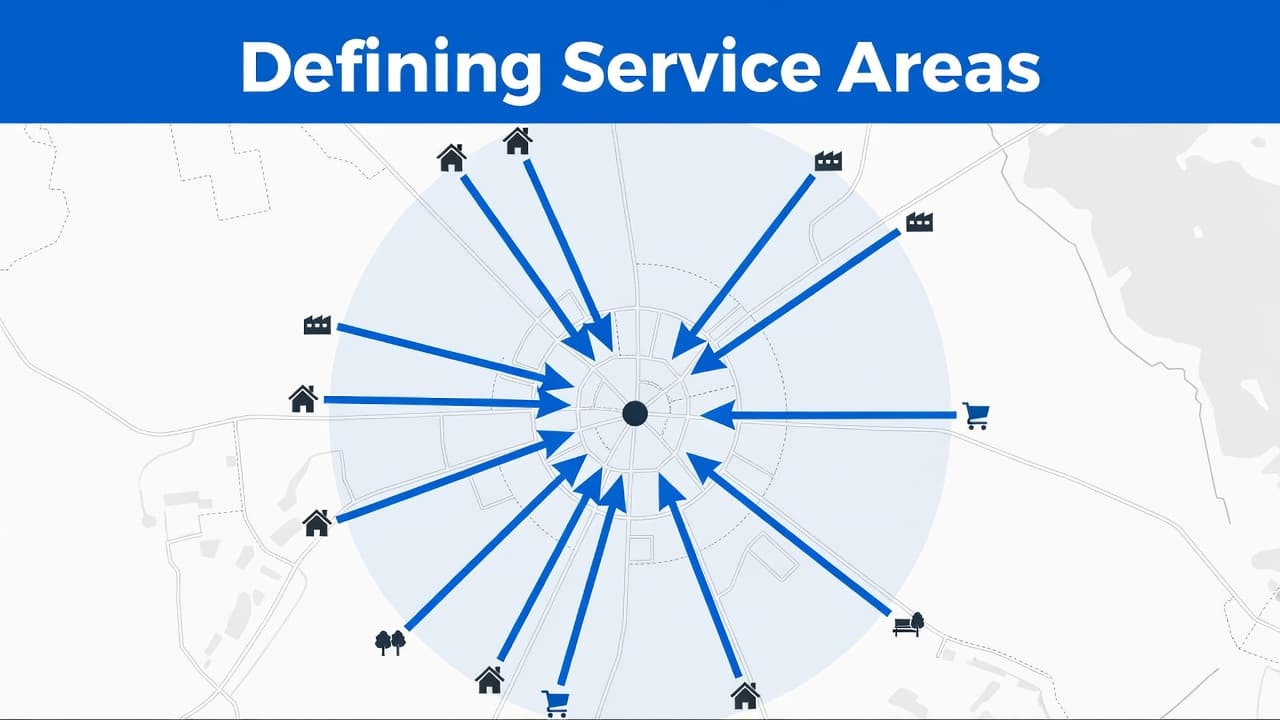
After that, I set the service area with some restraint. I do not claim every city within two hours unless I truly work there. A tight, honest service area is easier for customers to understand, and it gives Google a clearer picture of where the business operates.
If I cover Fort Myers, Cape Coral, and Naples, I list those places. I do not add Miami just because I took one job there. Your service area should reflect routine work, not wishful thinking.
Before I leave the page, I also check the basics for my Google Business Profile. The phone number, website, hours, and category should still line up with the edit I made. When those details clash, the profile starts to look messy to potential customers.
What changes after the address is hidden
Once the address is hidden, the profile behaves a little differently. The street address no longer appears, and Google often removes the directions button and the map pin from Google Maps. For a service-area business, this is usually ideal because you do not want unannounced visitors.
What does not change is the necessity of maintaining trust. Customer reviews still matter, as do high-quality photos, accurate business hours, and fast replies. Furthermore, your website must clearly support the same cities and services highlighted on your Google Business Profile to ensure consistency.
I also keep expectations realistic regarding your local search rankings. Hiding the address will not remove your business from search results. It only removes the public street address from view. While this is a useful privacy measure, it does not replace the need for a solid GMB SEO strategy. Improving your overall online presence is still the most effective way to drive visibility.
When a listing becomes disorganized, I stop guessing and focus on optimizing the entire local footprint. This process often involves cleaning up the website, business details, and Google My Business profile as a cohesive unit. If you want a second opinion on that setup, Contact Us.
Frequently Asked Questions
Does hiding my address hurt my local search ranking?
No, hiding your address does not penalize your ranking, provided your profile is otherwise optimized with accurate information. Google still displays your profile in search results, but it focuses on your service area rather than a specific map pin.
Can I use a PO box or a virtual office if I hide my address?
No, Google explicitly forbids the use of P.O. boxes or remote mailboxes. Even if your address is hidden, you are still required to provide a legitimate, verifiable place of business that aligns with your registration.
If I have an appointment-only business, should I hide my address?
Usually, you should keep the address public. If customers visit your office or studio for scheduled meetings, Google considers this a valid customer-facing location, and displaying it helps build trust and provides necessary directions for your clients.
Will my business disappear from Google Maps if I hide the address?
Your business will remain on Google Maps, but the specific street address and the ‘Directions’ button will be removed. This shift is designed to prevent unannounced visitors from showing up at private residences or non-public workspaces.
Final thoughts
I do not hide an address because it feels safer. I hide it when the public listing would be inaccurate.
For most home-based and mobile businesses, prioritizing privacy and security leads to the most accurate setup. For storefronts and real customer-facing offices, a visible address remains the better choice for your online presence.
The best approach is to be honest. If your Google Business Profile accurately reflects how the business actually works, customers trust it more, and Google has less reason to question your legitimacy. While the platform has evolved since it was known as Google My Business, the core principle remains the same: honesty is the most effective policy for maintaining a healthy and high-ranking profile.