

Most mistakes regarding your Google Business Profile start with one bad assumption: more cities must mean more reach. In my experience, the opposite is often true.
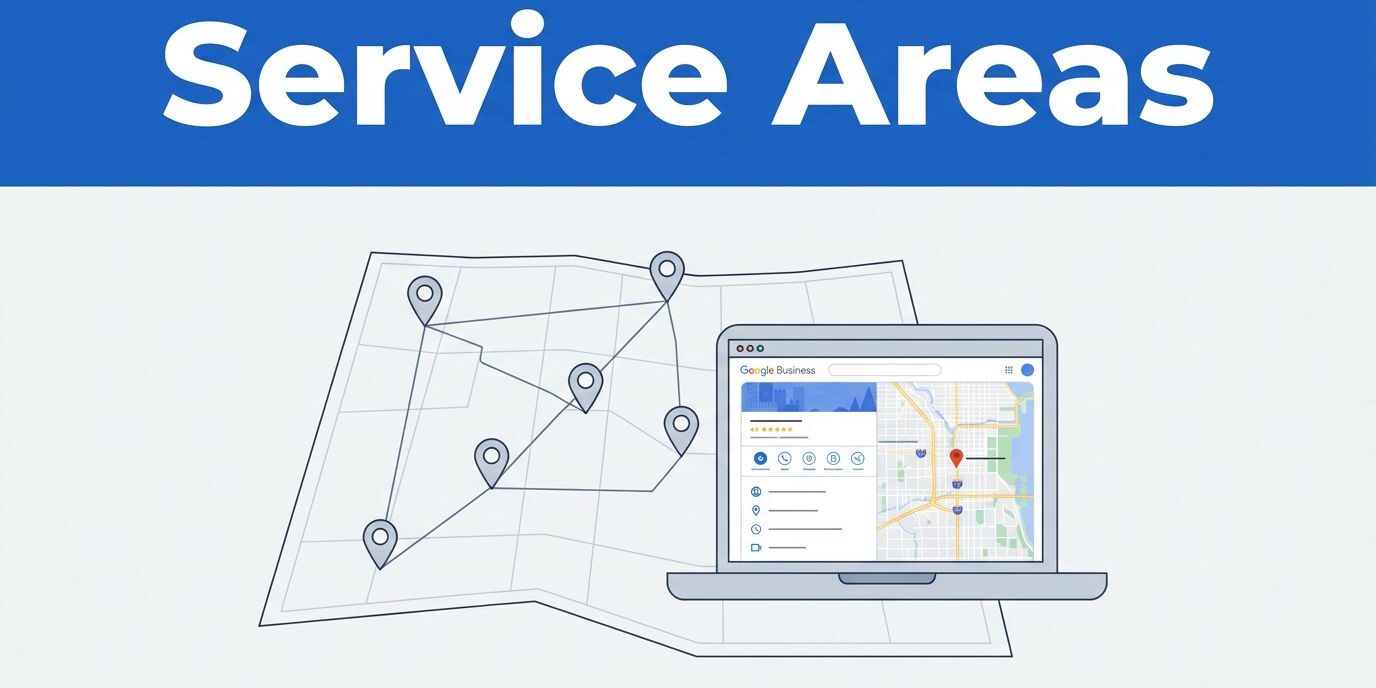
If you travel to customers, your google business service areas tell Google where you actually work. When that list matches your real routes, your profile feels consistent. When it does not, the profile starts to look stretched. I use a simple filter to keep my service area honest, and it works far better than a wish list of every town nearby.
Key Takeaways
- Prioritize accuracy over reach: Your service area should reflect where you consistently perform work rather than a list of every town you hope to reach.
- Avoid the ‘ranking trick’ mentality: Defining a wide geographic territory does not force Google to rank your business higher; search visibility is driven by relevance, proximity, and overall profile strength.
- Use data-backed selection: Audit your last 6–12 months of service calls, routes, and profit margins to identify clear geographic clusters for your service list.
- Maintain consistency: Your Google Business Profile, website content, and customer reviews should all tell the same story about your primary service regions to build trust with both Google and potential clients.
What service areas really do, and what they don’t
Google allows a service-area business, along with a hybrid business that maintains a storefront while also visiting customers, to define the specific locations they serve. Official Google instructions explain how to add or edit these locations inside your profile. A helpful Business Profile overview also clarifies that these designations help customers understand exactly where you operate.
If you have a physical address where customers visit you and you also travel to client sites, you are considered a hybrid business. In this case, you can keep your business address visible on the map while setting your service areas. If your clients never visit your location, I prefer treating the listing as a true service-area business. That setup matters because the profile should accurately reflect how your work happens in real life.
That said, I never treat a service area like a ranking trick. Defining these boundaries does not give a company permission to rank everywhere on Google Maps. Google still prioritizes key ranking factors, such as relevance, proximity, and the overall strength of your profile. If your reviews, category, website, and business details are weak, a longer list of locations will not fix it.
Current guidance still points to 20 service areas as the limit on one profile. I use that limit as a ceiling rather than a target. Most small businesses do not need all 20. A tighter list is easier to defend because it closely matches where your team actually goes.
I also keep the territory realistic. A common rule of thumb is to stay within about 2 hours driving time from your base, but I care more about real work patterns than rigid rules. If a place is reachable but rarely profitable, I leave it off.
For business owners, the plain-English takeaway is simple. Your service area should describe your day-to-day market, not your best-case market.
How I choose the right Google business service areas
When I review the Google Business Profile for a local company, I start with proof. I pull recent jobs, estimates, booked calls, and repeat routes to establish a verified location for my analysis. Then, I look for clusters.
The pattern usually tells the story. A plumber might work all over a county on paper, yet most calls come from six nearby cities. A mobile dog groomer may cross county lines, but only into neighborhoods where the customer location fits the route and price point. I build the list around that reality.
My process is short:
- I review the last 6 to 12 months of real work.
- I mark the cities or ZIP codes that show repeat demand.
- I check drive times, crew time, and profit on those areas.
- I fill the remaining slots with broader places only when they reflect normal service patterns.
This quick comparison helps me decide what kind of service area to add.
| Area type | When I use it | When I avoid it |
|---|---|---|
| City names | When customers search by city and I serve most of that city | When I only take rare jobs there |
| ZIP codes | When urban coverage is tight and neighborhood-driven | When the ZIP map is messy or scattered |
| Counties | When one county fits my normal route | When I only cover a small corner of it |
| A mix | When it mirrors how customers search | When the list starts to overlap and look random |
Most of the time, city names are the cleanest choice. In a dense metropolitan area, ZIP codes can make more sense. Counties work well when a business truly covers the full county, not one edge of it.
Google gives you 20 slots, but you do not need to fill 20 slots.
I also trim weak edges. If a town is one hour away and has produced one job in a year, I cut it. That slot is better used on a core city you serve every week as part of your service area.
Common service area mistakes I see all the time
The biggest mistake is choosing places based on hope. Business owners often add towns they want to reach next month, or areas a competitor mentions on a website. I get the logic, but Google is better at spotting a mismatch than many people think.
Another common problem is over-spread geography. A profile that lists cities north, south, and two counties west can look messy, especially when reviews, photos, and website pages do not back it up. I want the whole profile to tell one story. Your service area list should match the business name, category, physical business address, on-site work, and customer feedback.
I also avoid creating multiple listings to cover more ground. One business location should have one profile, unless there is a real second location with its own staff and customer-facing details. Creating redundant profiles usually leads to confusion, duplicate content issues, or an unnecessary risk of profile suspension.
Then there is the website gap. If you say you serve Tampa, Clearwater, and St. Petersburg, your site should support that claim. Whether you are a brick-and-mortar business or a home-based business, you do not need a bloated page for every tiny town. Still, strong location signals on the site matter. A business with solid professional web design solutions and a clear local landing page for their primary markets will usually convert profile visits better than a business with a thin site and a giant area list.
I also like Google Search to work as one system alongside map visibility. That means your profile, website, and ongoing updates should line up. If you are working on lead quality, not just visibility, it helps to pair the profile with web design and organic SEO services that support your local SEO strategy and specific markets.
How I edit service areas without creating more problems
Inside the dashboard, I navigate to edit profile, then select Location to reach the service area fields. I check my privacy settings to ensure the visibility of these locations aligns with my strategy before adding or removing cities, ZIP codes, or counties. I avoid making broad changes on impulse, as a clean update is far more effective than constant tinkering.
After I save the changes, I monitor performance over the next few weeks instead of reacting the next day. I track calls, direction requests, and form leads, while paying attention to the specific towns people mention when they contact the business. If leads drop from a fringe area I removed, that provides valuable feedback. If lead quality improves, that indicates my strategy is working on Google Search.
I also cross-reference my coverage list with Google reviews, service pages, and Local Services ads. If reviews often mention specific towns but those areas are missing from the list, I add them. Conversely, if the profile claims a location but the website and reviews never mention it, I remove that area to keep the profile focused. I also ensure that the areas selected make sense in relation to the business address and physical address, as these anchor points determine where the business can realistically operate.
I keep detailed notes on why each location made the list. This matters because teams grow, routes expand, and service policies change. I review the list every quarter and again whenever a new crew comes on.
If you are unsure about the right coverage, I would rather review the data first than guess. A short audit often shows where the profile is too wide, too thin, or out of sync with your website. If you want help lining up your profile, site, and local search strategy, Contact Us for a free consultation regarding your service area.
Frequently Asked Questions
Does adding more service areas help my business rank higher on Google Maps?
No, adding more locations does not function as a ranking trick to boost your position in search results. Google prioritizes factors like your profile’s relevance and proximity to the user, so a list that is too broad may actually hurt your credibility by creating a mismatch between your claims and your actual work history.
Should I fill all 20 available service area slots?
Most small businesses do not need all 20 slots, and treating this limit as a target is a common mistake. You should only include locations that represent your consistent, day-to-day work patterns to ensure your profile stays focused and relevant.
What is the best way to choose between city names, ZIP codes, and counties?
City names are generally the cleanest option for most businesses, while ZIP codes work best in dense metropolitan areas where coverage is very specific. Use counties only if you legitimately serve the entire area, rather than just a small fringe or a single border town.
How often should I update my Google Business service areas?
It is best to avoid constant tinkering and instead perform a quarterly review of your coverage. Check if your current list still matches your actual routes and lead quality, and update it only when your real-world service boundaries have genuinely changed.
Conclusion
The best service area list is usually smaller than most business owners expect. I trust real jobs, repeat routes, and practical drive time more than sheer ambition when defining your service area.
When your google business service areas align perfectly with where you truly perform work, your entire Google Business Profile becomes easier to maintain and rank. That strategy leads to a cleaner local presence, higher quality leads, and significantly fewer headaches for your business down the road.