

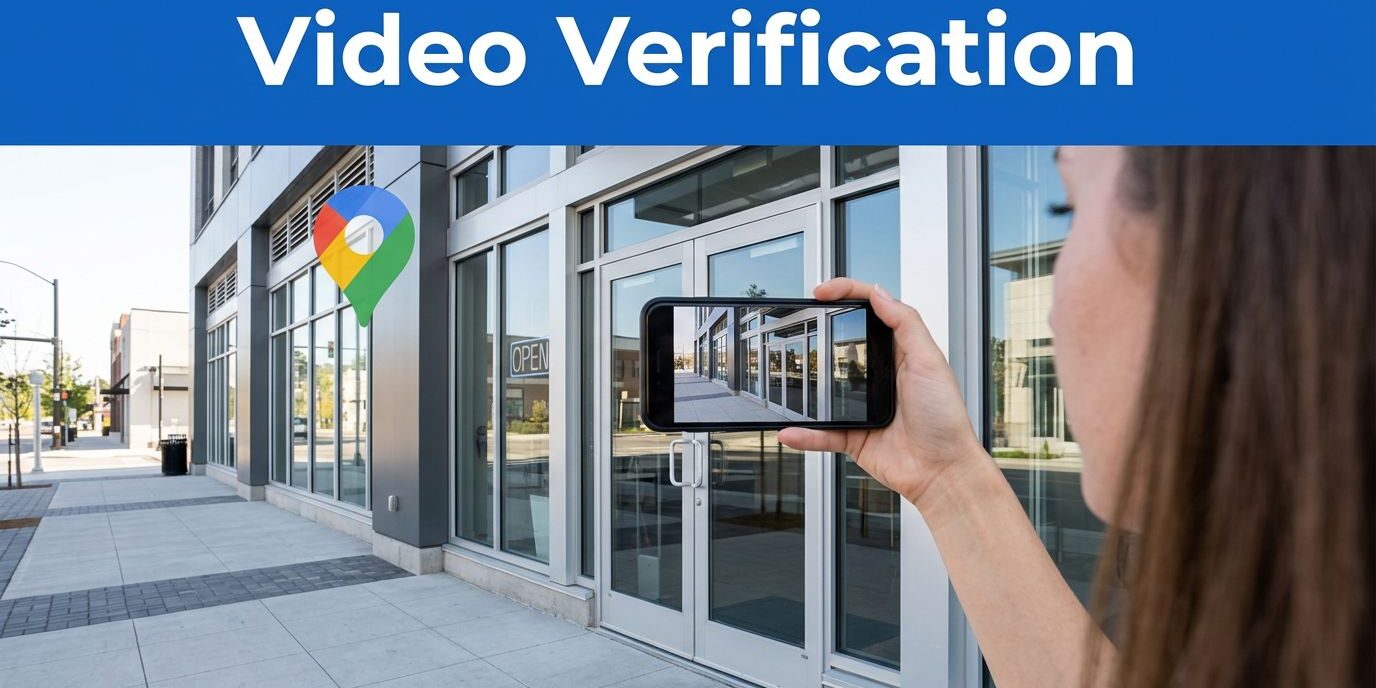
Google Business Profile video verification can hold up your visibility on Google if you don’t know what the process actually requires.
I’ve seen business owners get stuck because they film a mini commercial. Google doesn’t want a promo clip. It wants proof that your business is real, at the location you claim, and under your control. Before you start recording, make sure you are logged into the correct Google Account associated with your listing.
If you treat Google Business Profile video verification like evidence instead of marketing, the process gets much easier. Remember that your mobile device is the primary tool you need to verify your business location through the Google Business Profile video verification process.
Key Takeaways
- Prioritize Evidence over Aesthetics: Your verification video should function as factual proof of your location and business operations rather than a promotional marketing clip.
- Maintain Continuous Recording: Google requires a single, uninterrupted video without any cuts, edits, or spliced footage to ensure the validity of the recording.
- Demonstrate Management Control: You must clearly show proof of ownership or management by filming yourself unlocking doors, accessing equipment, or entering workspaces.
- Ensure Data Privacy: Keep your video professional by avoiding the inclusion of sensitive information such as personal identification, tax documents, or faces of individuals.
- Match Profile Details: Before filming, confirm that your Google Business Profile name, address, and signage are consistent with your physical location to avoid automatic rejection.
What Google is checking in your verification video
When I prepare for this specific verification method, I focus on three core elements: location, existence, and management control. If your video recording clearly proves all three, your odds of success increase significantly.
As of 2026, Google’s own video verification guide says the footage should be at least 30 seconds long, captured on a mobile device, and filmed as a continuous recording. That means no edits, no cuts, and no stitched clips from different moments in time.
Google also wants the video to show your real-world business presence. For a storefront, that usually means showing the street signs, the building number, nearby landmarks, and your main entrance. This provides clear evidence of your physical business location. For a service-area business, it can mean showcasing your operating base, professional work tools, a branded vehicle, or other business materials that connect directly to your profile.
The last part often trips people up. You must prove that you actually manage the business. In plain terms, you need to provide evidence of your access. Physically unlocking a door, entering an employee-only access area, opening a work van, or showing equipment you use every day helps confirm that you are the legitimate operator.
Record one continuous clip. If you stop, trim, or splice the video, Google can reject it even if the business is real.
I also keep privacy in mind. Do not show faces, bank details, tax numbers, ID numbers, or any papers with sensitive data. If you use a document as proof, keep it simple and safe.
How I plan a video that passes the first time
A good verification video is boring in the best way. It is clear, steady, and easy to follow. Whether you are running a storefront business or operating as a mobile service provider, thoughtful planning is essential.
Before I film, I walk the route once without recording. That saves time and keeps me from fumbling with keys, doors, or tools on camera. I also clean the lens, turn off loud music, and make sure the phone has a solid signal and battery. Before you begin, I recommend opening the Google Maps app to confirm your pin location is accurate.
The easiest filming order is this:
- Start outside near a street sign, building number, or landmark.
- Move toward the storefront, office entrance, or operating base.
- Show your permanent signage, or provide other physical proof tied to the business.
- Unlock a door, gate, van, or workspace to prove access.
- Finish by showing tools, equipment, inventory, or business documents that match the profile.
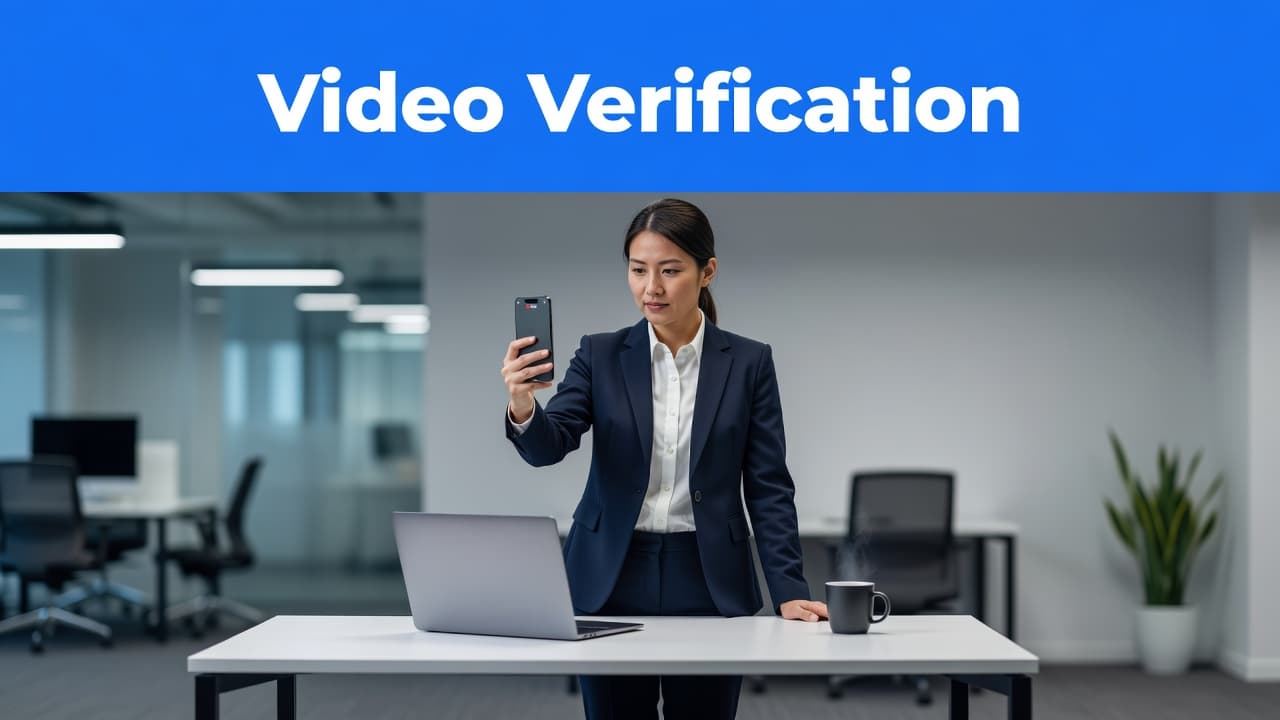
The goal is to record and upload a clip that proves your precise location beyond a doubt. Your video recording should be steady to ensure all details are legible. I try to keep the phone moving, but not fast. Slow pans work better than quick swings. If the image is shaky or dark, the details that matter can disappear. Sun glare on a suite number or a blurry sign can ruin an otherwise solid clip.
I also match the video to the profile details before I start. If your profile says Suite 204, show Suite 204. If your business name on Google is different from the sign on the door, fix that mismatch first. The same goes for old addresses, old branding, or outdated service names.
Most of the time, 30 to 60 seconds is enough. If your setup is complex, take longer. I care more about complete proof than speed.
What to show for your business type
Not every company has a prominent front sign or a staffed reception desk. That does not mean you are stuck. You simply need to provide verification proof that fits your specific business setup.
This quick table shows what I recommend filming for common business models:
| Business type | Outside proof | Control proof | Business proof |
|---|---|---|---|
| Storefront business | Street sign, building number, front entrance | Unlock main door or enter staff area | Signage, register area, products, professional tools |
| Service-area business | Home base exterior or storage site, branded vehicle | Unlock van, trailer, gate, or storage | Professional tools, uniforms, invoices, equipment |
| Office in shared building | Building name, directory, suite number | Unlock suite door or access office space | Desk area, materials, posted name, professional tools |
| Home-based business | Exterior address markers where appropriate | Open dedicated work area or storage | Packed inventory, professional tools, shipping station, records |
| Hybrid business | Street signage and branded vehicle | Access to both storefront and storage | Equipment, register, and professional tools |
The point is consistency. Google wants the pieces to fit together to verify your location.
For example, if I were helping a plumber, I would show the street, the work truck, the side branding, the unlock of the van, and the professional tools inside. Including a shot of a professional invoice that clearly displays the business address is also a strong signal for Google. If I were filming for an accountant in a shared office building, I would show the lobby directory, the suite number, the unlocked office door, and the professional workspace.
Home-based businesses need extra care. Show the business area, not your private life. Keep family photos, bedrooms, and personal papers out of the frame. Even if you do not have a public business address, your interior workspace acts as primary evidence. A workbench, shipping shelf, storage bins, or labeled equipment tells a stronger story and helps confirm you are running a legitimate operation.
Common reasons video verification gets rejected
Most failed videos are missing one proof point. The business may be real, but the clip does not make that clear to Google.
The biggest problem is weak location proof. If Google cannot determine your exact business address, the video loses value quickly. A plain wall and a door handle do not say much, but a street sign, a clearly visible building number, and the main entrance provide the context required for verification.
Another common issue is a lack of proof of management. I have seen owners film the outside, walk inside, and never demonstrate how they obtained access. That gap matters. If possible, capture the moment you unlock the door, open the work van, or enter your restricted workspace to show you are in control of the property.
Then there is the mismatch problem. Owners in a recent r/SEO discussion kept repeating the same lesson: one clean take works best when your profile details match the physical environment. Before recording, ensure your business hours on the profile match the times posted on your signage or door. If your profile name says one thing and your official invoices or storefront sign say another, clean those discrepancies up first. Consistency across these elements often leads to better local SEO results.
I also avoid these easy mistakes:
- filming in low light or with a shaky hand
- stopping and restarting the clip
- showing faces or private documents
- recording only inside the office without outside context
- using generic props that do not prove the business is yours
Sometimes the issue is not the video at all. Your broader web presence may still show old details. If your website has outdated branding, services, or location information, fix that before you verify. Clean, consistent details across your online presence help. If you need help with that side of the cleanup, DMNet offers responsive website design services that make those updates easier to manage.
What to do after you upload the video
After I record and upload a verification video, I do not assume the task is finished. I monitor my email, check the profile status, and keep in mind that the review process for this verification method typically takes up to 5 business days. Some approvals happen quickly, while others require a bit more patience from Google.
If the video does not pass, I do not re-upload the same clip and hope for a different result. Instead, I re-shoot it with stronger evidence. When preparing your second attempt, ensure you are signed into the same Google Account used previously. I always double-check that the business address listed on the profile is clearly visible and matches the location shown in the video context. Usually, success comes down to providing clearer outside surroundings, a better view of the business signage, or a more obvious access moment.
It also helps to keep expectations realistic. Verification is only the first step. Once the profile is live, your site, contact info, and local search signals still need to support it. That is where improving website search visibility starts to matter.
If your profile keeps getting stuck, or you want help connecting your Google presence to the rest of your marketing, Contact Us for a free consultation.
Frequently Asked Questions
How long should my verification video be?
Google recommends that your footage be at least 30 seconds long to allow enough time to capture all necessary proof. While there is no strict upper limit, most successful videos fall between 30 and 60 seconds of continuous recording.
Can I show my home office if I am a home-based business?
Yes, you can verify a home-based business, but you must focus on your dedicated work area. Avoid filming personal spaces like bedrooms or family photos, and instead, showcase your shipping station, inventory, or professional equipment to prove the space is used for business.
What should I do if my verification video is rejected?
Do not upload the same video again, as it will likely be rejected for the same reasons. Instead, re-examine your footage to ensure it clearly shows your location, signage, and proof of access, then film a new, clearer take that addresses those specific gaps.
Do I need to show my face on camera?
No, you do not need to show your face in the video. In fact, it is recommended to keep faces, personal identification, and private financial documents out of the frame entirely to maintain your privacy during the review process.
The proof matters more than the polish
The fastest way I know to pass Google Business Profile video verification is to keep the clip simple and factual. Your primary goal is to provide clear evidence that your business is legitimate and that you have authority over the location. An uninterrupted recording is the gold standard here, as it provides Google with a continuous look at your workspace without any suspicious cuts or edits.
A steady phone video with clear proof beats a polished marketing clip every time. Once you film with that mindset, the verification process starts to feel a lot less mysterious. If you find that your video gets rejected repeatedly, do not panic. Google may eventually offer a live video call as an alternative, which allows you to demonstrate your business operations to a support representative in real time.