

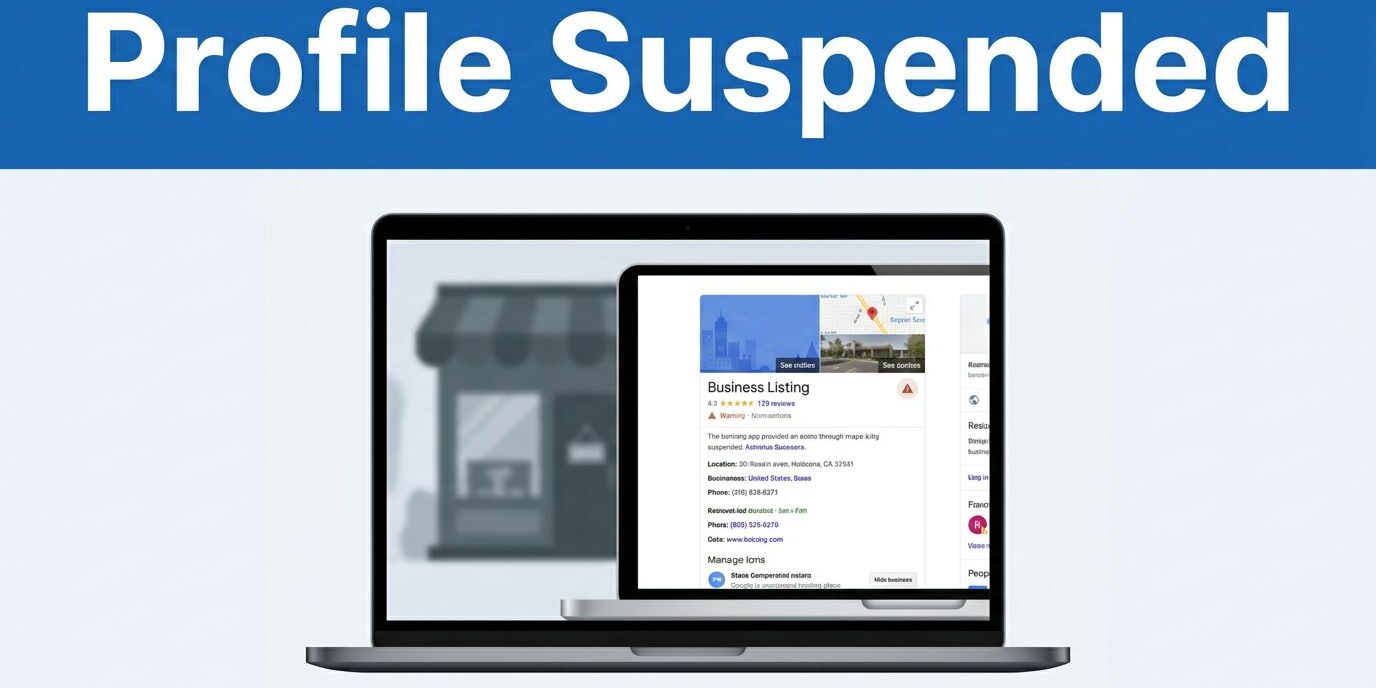
A Google Business Profile suspension can choke off calls in a single day. I have seen small businesses go from easy to find to a loss of local search visibility after one notice.
When that happens, I do not rush into an appeal. A suspension usually points to a trust problem in the business details, not a random glitch. I start with a short audit, because the fix is often sitting in plain sight.
Key Takeaways
- Don’t Panic or Edit During Review: Avoid making constant, random changes to your profile while it is suspended, as this often signals instability to Google and slows down the reinstatement process.
- Audit for Trust Signals: Most suspensions are caused by simple discrepancies in business details like keyword-stuffed names, mismatched phone numbers, or invalid address types (like PO boxes).
- Consistency is Essential: Ensure that your business name, address, and contact information align perfectly across your website and major online directories before submitting an appeal.
- Evidence-Based Appeals: When filing for reinstatement, focus on providing clear, factual proof of your business operations—such as utility bills or business licenses—rather than long, emotional explanations.
Before I appeal, I find the trigger
My first step is simple. I check the Google account tied to the profile, then I open the dashboard and read every warning word for word. Google can issue a soft suspension, where the profile may still show publicly but I lose control, or a hard suspension, where the listing disappears from Google Search and Google Maps.
I keep Google’s own profile suspension help page open while I review the case. It helps me confirm whether I should correct the profile first, gather proof, or move into the appeal form.
In 2026, the same triggers keep showing up. Whether it is an automated algorithmic sweep or a specific manual suspension, the root causes are often the same. The most common ones are bad addresses, a keyword-stuffed business name, duplicate profiles, and broken service-area settings. I also watch for big edits made all at once. If the name, address, and main category changed in a short burst, that often explains the sudden review.
I write down the exact timeline before I touch anything. Did the suspension happen after a move, a rebrand, a new manager, or a verification request? That short timeline matters, because it tells me what probably tripped Google’s trust checks.
If I appeal before I fix the cause, I usually waste time and add days to the process.
That one habit saves more trouble than most owners expect.
I start with the basics in the profile
Once I know when the problem started, I audit the core fields. These details sound boring, but they are where most suspensions begin.
This is the first screen-by-screen check I run:
| Profile detail | What I check | Why it matters |
|---|---|---|
| Business name | Matches real-world branding and legal use | Adding extra terms can trigger spam flags |
| Business address or service area | Reflects how the business truly operates | Invalid locations cause fast suspensions |
| Phone number | Reaches the business directly and matches other listings | Mismatches weaken trust |
| Website | Loads properly and shows the same business details | Conflicts make the profile look unreliable |
I start with the business name. If the legal or storefront name is Smith Plumbing, I do not add terms like Best Emergency Plumber Tampa. That kind of keyword stuffing may help for a week, then create a much bigger problem. Google wants the real business name, not a mini ad.
Next, I check the business address. Using a PO box, mailbox store, or virtual office is high-risk. If customers do not meet the business there during stated hours, I do not show it as a storefront. For a service area business, I review whether the address should be hidden and whether the service area matches how the business actually operates.
Then I compare the profile against the website. The phone number, address, hours, and service description pages should all tell the same story. If the profile says Orlando and the site says Kissimmee, Google has a reason to pause and question the listing. That is why I care so much about clean site signals and integrated web design and SEO maintenance plans, because profile trust often starts with website consistency.
I finish this pass by checking other major mentions of the business online. I do not need every directory on earth to match, but I do want the core details to line up across the places Google is likely to compare.
Then I check the red flags Google dislikes most
After the basics, I look for patterns that might trigger a Google Business Profile suspension by making the profile look spammy or unstable. Duplicate listings sit near the top of that list. If the same business has two profiles with the same phone number, same address, or slightly different names, one or both can get suspended.
Categories cause trouble too. I see this often with small businesses that want broader reach. A handyman sets the profile as a general contractor, or a cleaning company picks a category that does not fit the main service. This category abuse is a common policy violation, as Google views it as deceptive content designed to manipulate search rankings.
Service-area settings are another common snag. If the business travels to customers, I check whether the visible address is still turned on. Many owners forget that one switch after moving from storefront service to mobile service. The profile then shows a location on Google Maps that no longer fits the actual business model.
High-risk industries get extra scrutiny. Locksmiths, contractors, attorneys, towing companies, and similar services often face tighter review. When I work on profiles in those spaces, I assume Google will question anything vague, thin, or inconsistent.
Reviews and policy issues matter too. I do not mean a couple of bad ratings; I mean patterns that look fake, such as a burst of reviews from unrelated places, staff reviewing their own business, or review gating that breaks policy. Google may not suspend a profile for one weak signal, but several weak signals can pile up.
The same rule applies to edits. If I need to change the business name, move the address, update hours, switch categories, and change the website, I do not do all of it blindly. I fix what is wrong, document it, and avoid random extra changes.
How I build an appeal that has a real chance
Once the profile reflects the real business, I move to submit an appeal. I keep the explanation short and factual. Long emotional notes do not help much, but clear proof does. My goal is always a successful reinstatement request.
This is the process I follow:
- I confirm that the profile now matches the business in the real world. That includes the correct name, address or hidden address setting, phone, category, and website.
- I gather proof before I start the process. Keep in mind that when you open the appeals tool, you usually have a 60-minute window to finish the submission. Good evidence includes a business license, utility bills, official business registration, tax certificates, and other official documents. I also prepare storefront photos, vehicle photos for mobile businesses, a permanent sign, and a screenshot of the website contact page.
- I write a short timeline. I note what changed, when it changed, and what I corrected after the suspension.
- I submit an appeal through the evidence form in the official Google process. Once I hit submit, I wait instead of filing the same request over and over.
I do not bury the reviewer in ten paragraphs. I say what the business is, where it operates, and what I fixed. If the profile used the wrong address type, I say that plainly. If the name had extra keywords, I admit the correction and move on.
Google wants proof from the real business, not a longer story.
I keep copies of every file I upload. I also save screenshots of the profile settings after the fixes. If Google asks for more detail later, I do not want to rebuild the case from memory.
One more thing matters here. I never create a new profile while the suspended one is under review, unless Google directs me to do that. A second profile usually makes the mess worse, especially if the first one still exists in some form.
What I do while the profile is under review
The waiting period is where owners get restless, and I understand why. Calls drop, Google Maps visibility falls, and every day feels long. Still, I do not keep poking the profile with more edits while it is in limbo.
Instead, I clean up the rest of the business footprint. I update the website, check major directory listings, and ensure that the contact details match everywhere that matters. I also keep other channels active, such as the associated Google account, so customers can still reach the business through different avenues.
I have seen the same confusion show up in this discussion from business owners. The common thread is panic, repeated edits, and multiple appeals. That usually slows down the reinstatement process. While you wait for a response, it can also be helpful to browse the Google Business Profile help community to see how others navigate similar hurdles.
If the profile, website, and local listings all tell different stories, I would not guess my way through it. I would Contact Us and fix the whole setup before pushing more changes.
Frequently Asked Questions
Why did my profile get suspended without warning?
Google often uses automated algorithmic sweeps to identify profiles that violate their policies, such as using a keyword-stuffed business name or an invalid address. Even if your profile seemed fine for a long time, these automated systems may flag minor inconsistencies that trigger an immediate suspension.
Should I create a new profile while waiting for my appeal?
No, you should never create a duplicate profile while the original is under review. Doing so usually makes the situation worse and can lead to a permanent ban, as it appears that you are trying to circumvent Google’s policy enforcement.
How long does the reinstatement process usually take?
There is no set timeline for a response, as it depends on the complexity of your case and current review volume. Once you submit a clean, evidence-backed appeal, it is best to wait patiently rather than submitting multiple requests, which can reset or delay your place in the queue.
What if I don’t have a physical storefront?
If you operate as a service-area business, you must hide your address from the public. Using a residential address or a virtual office location that isn’t a true, staffed storefront is a leading cause of suspensions for mobile-based businesses.
Final thoughts
When I deal with a Google business profile suspension, I treat it like a trust problem rather than a mystery. Your listing must match the reality of your business down to the smallest public detail to avoid being flagged.
The strongest fix is usually consistency. If the business name is clean, the address is valid, the website information aligns, and your appeal includes clear proof of operations, your odds of success increase significantly. A restricted profile is frustrating, but small businesses do not need a perfect profile to regain access. Instead, they need an honest, verifiable presence that holds up under review.